


Categorías
- iridología (226)
- Lectura ocular (24)
- software QR (15)
- Blog (325)
- Ilustración de iridología (35)
- curso en línea de iridología (54)
- iridología (59)
- Exhibición (2)
- Noticias (432)
One of the most common challenges practitioners face is getting their Iridology Camera to properly connect to their computer system. These connection issues can prevent you from capturing the detailed iris images needed for accurate analysis.
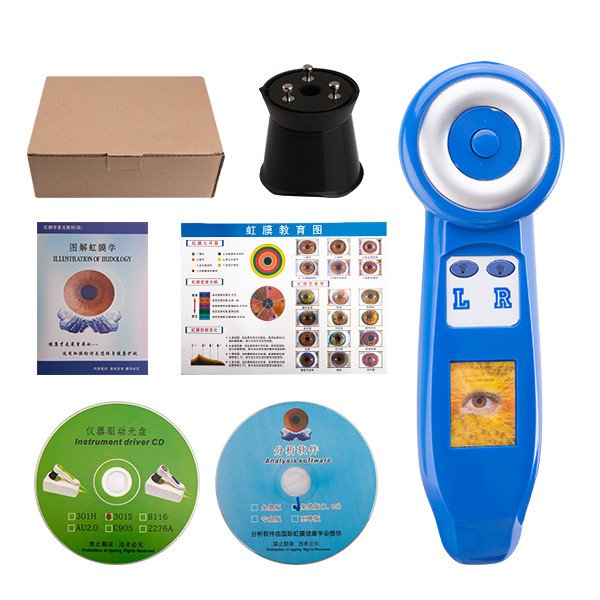


If your MAIKONG Iridology Camera isn’t powering on, check these potential solutions:
When your computer fails to detect your Iridology Camera, try these steps:
Our technical support team can help diagnose and resolve persistent connection problems with your MAIKONG Iridology Camera.
Clear, detailed images are essential for accurate iridology analysis. When your Iridology Camera produces blurry, dark, or otherwise suboptimal images, try these solutions.

When your Iridology Camera produces blurry images, check these common causes:
Lighting problems can significantly impact iris analysis. Try these solutions:

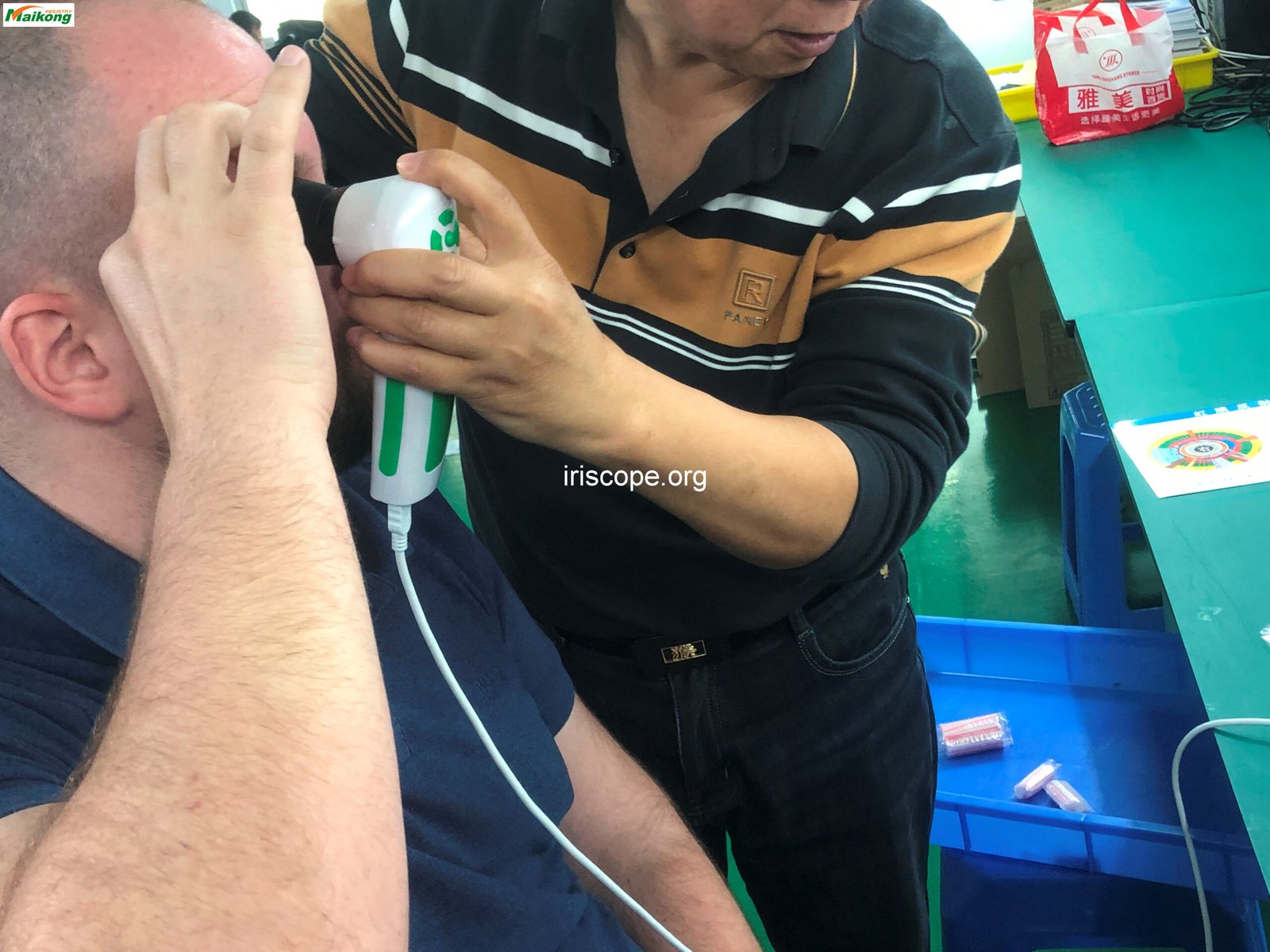
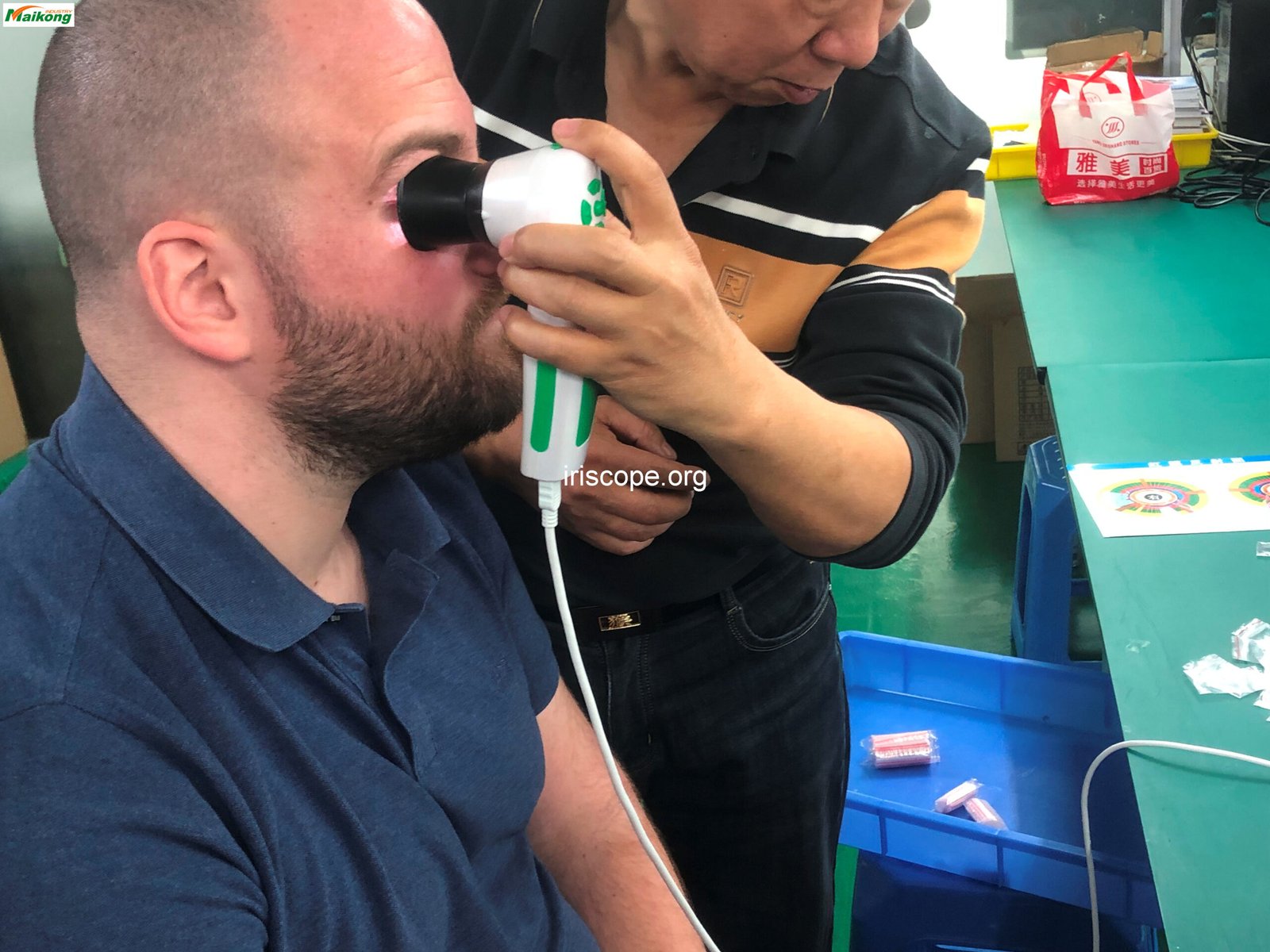
Proper positioning is critical for capturing clear iris images. Hold the camera steady and at the correct distance from the eye. For most MAIKONG models, this is approximately 3-5 inches, depending on the specific camera model.
Software issues can prevent your Iridology Camera from functioning properly. Here are solutions for common software-related problems.
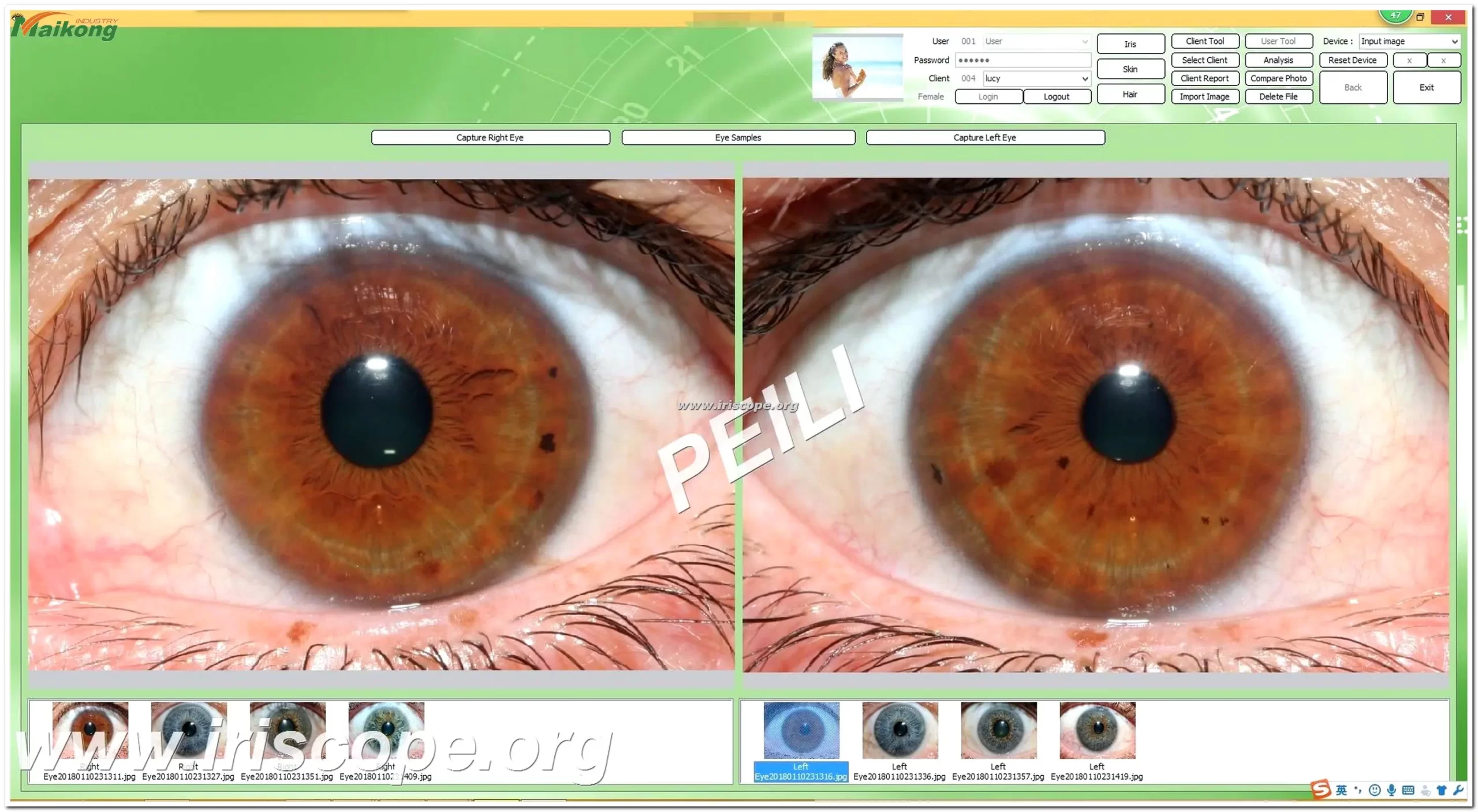


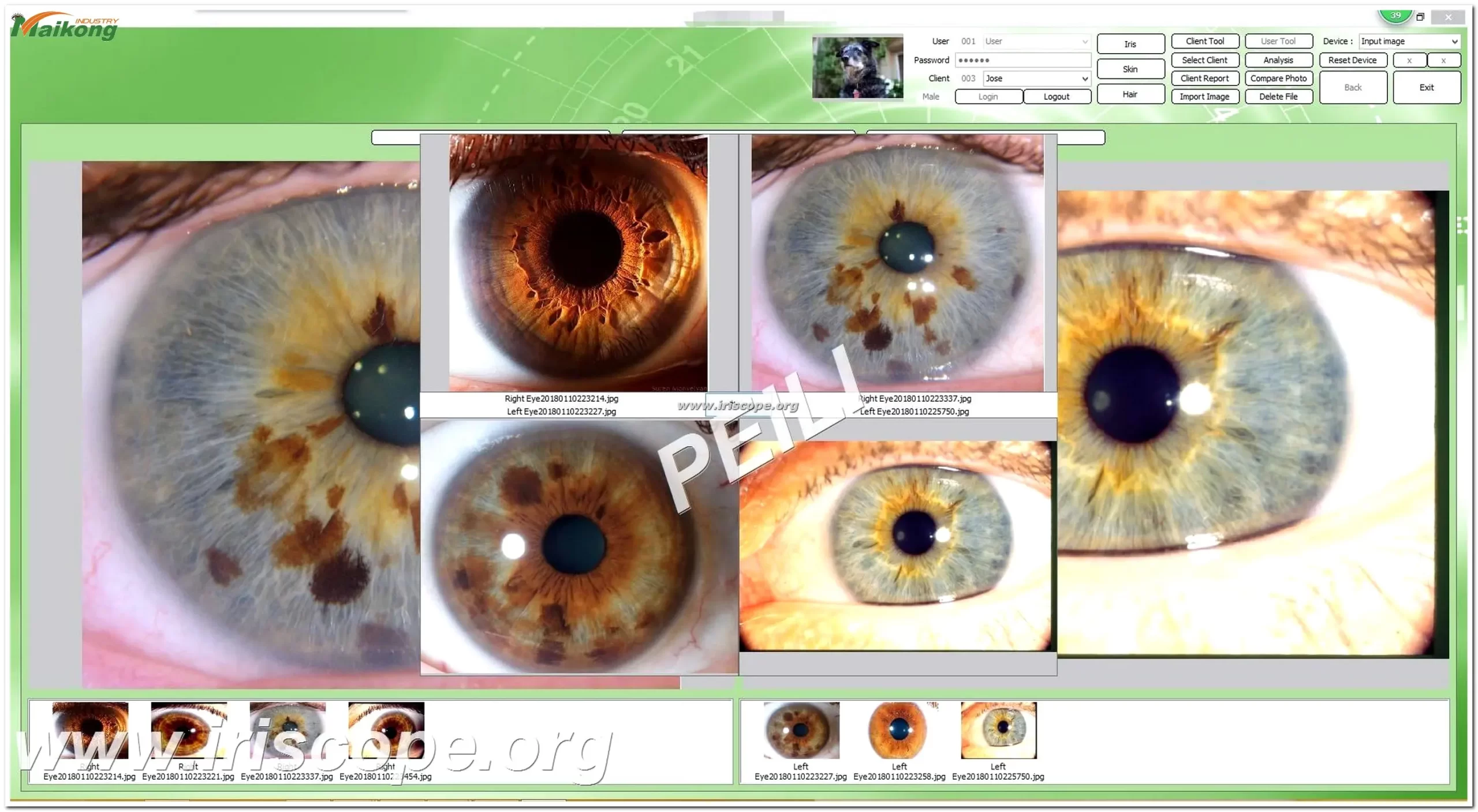
If you’re having trouble installing the MAIKONG iridology software, try these steps:
MAIKONG software supports various operating systems. Check this compatibility table:
| Tipo de sistema | Versiones compatibles |
| Sistema operativo Windows | Windows 2000, XP, Vista, 7, 8, 10, 11 (32 bits & 64 bits) |
| macos | macOS 10.14 (Mojave), 10.15 (Catalina), 11 (Big Sur), 12 (Monterey), 13 (Ventura), 14 (Sonoma), 15 (Sequoia) |
| linux | Not currently supported |
If the MAIKONG iridology software crashes or freezes during use:
Our technical team can help with software installation, updates, and troubleshooting for all MAIKONG Iridology Camera systems.
Proper maintenance of your Iridology Camera ensures longevity and consistent performance. Follow these guidelines to keep your equipment in optimal condition.

Regular cleaning prevents image quality issues and extends the life of your equipment:
The LED lights are crucial for capturing clear iris images:
| Maintenance Aspect | Frecuencia recomendada | Procedimiento |
| Lens Cleaning | Before each use | Gentle wipe with microfiber cloth |
| Deep Cleaning | Mensual | Lens solution and microfiber cloth |
| Cable Inspection | Quarterly | Check for fraying or damage |
| Software Update | When available | Download from official website |
Knowing your camera’s specifications helps in troubleshooting and optimal usage. Here are the key specifications for our flagship MAIKONG Iris 12MP model.
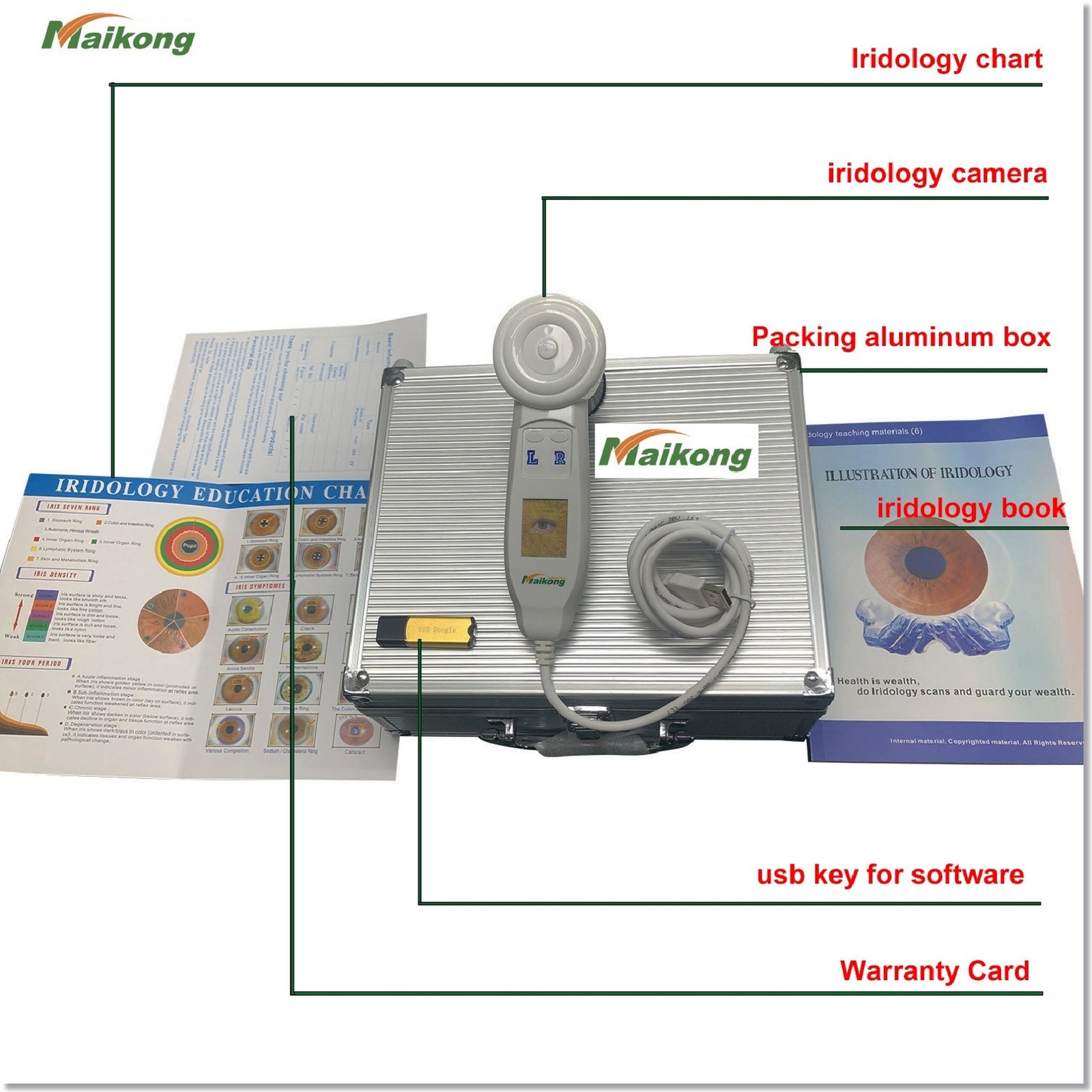
| Especificación | Detalles |
| Modelo | GY-9822U |
| Resolución | 12,0 megapíxeles |
| Conectividad | USB 2.0/3.0 |
| Iluminación | Iluminación LED ajustable |
| Enfocar | Manual adjustment |
| SO compatibles | Windows XP a 11, macOS |
| Vida útil del diseño | 5-10 años |
| Garantía | 1 año (daños no humanos) |
Our comprehensive software enhances the capabilities of your iridology practice:
| Característica | Descripción |
| Análisis Iridológico Automático | AI-based analysis providing detailed health reports |
| Gestión de Clientes | Comprehensive database for patient records |
| Soporte de varios idiomas | 17 languages including English, Spanish, French, and more |
| Imagen de iridología 3D | Enhanced visualization of health conditions |
| Recomendaciones de productos | Personalized suggestions based on analysis |
Our software has continuously evolved since 2004 to provide cutting-edge iridology analysis tools:
| Año | Versión | Hitos clave |
| 2004 | Versión inicial | Primera versión: software de análisis de iridología manual básico |
| 2010 | Versión 3.10 | Introduced AI-based automatic analysis and 3D image enhancement |
| 2018 | Versión 3.18 | First iridology software to support macOS |
| 2025 | Versión 3.23 | Enhanced automatic analysis, 3D textures, and expanded language support |



For optimal performance, follow these installation steps:
As a direct manufacturer with over 20 years of experience, MAIKONG offers unique advantages for practitioners and distributors alike.
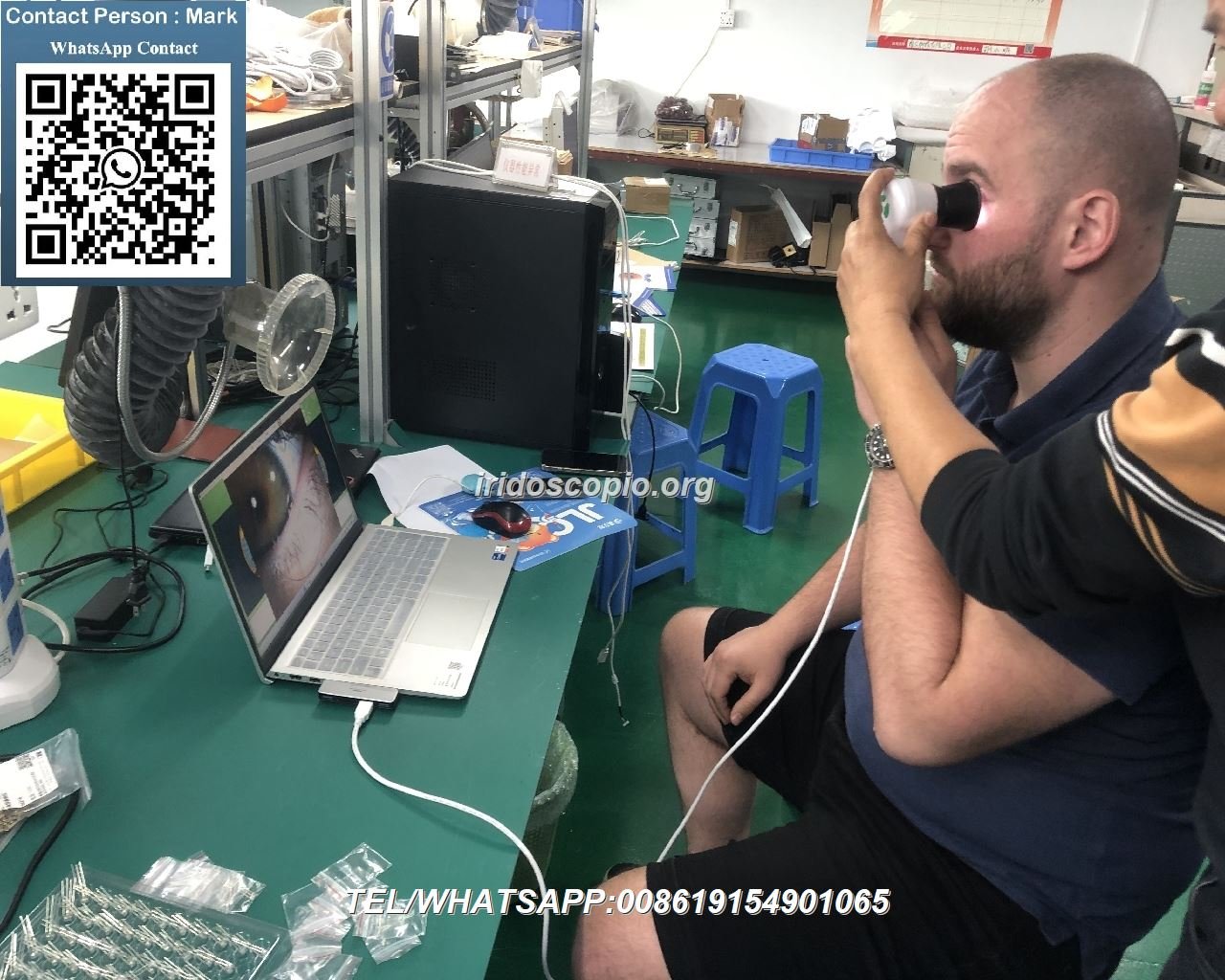
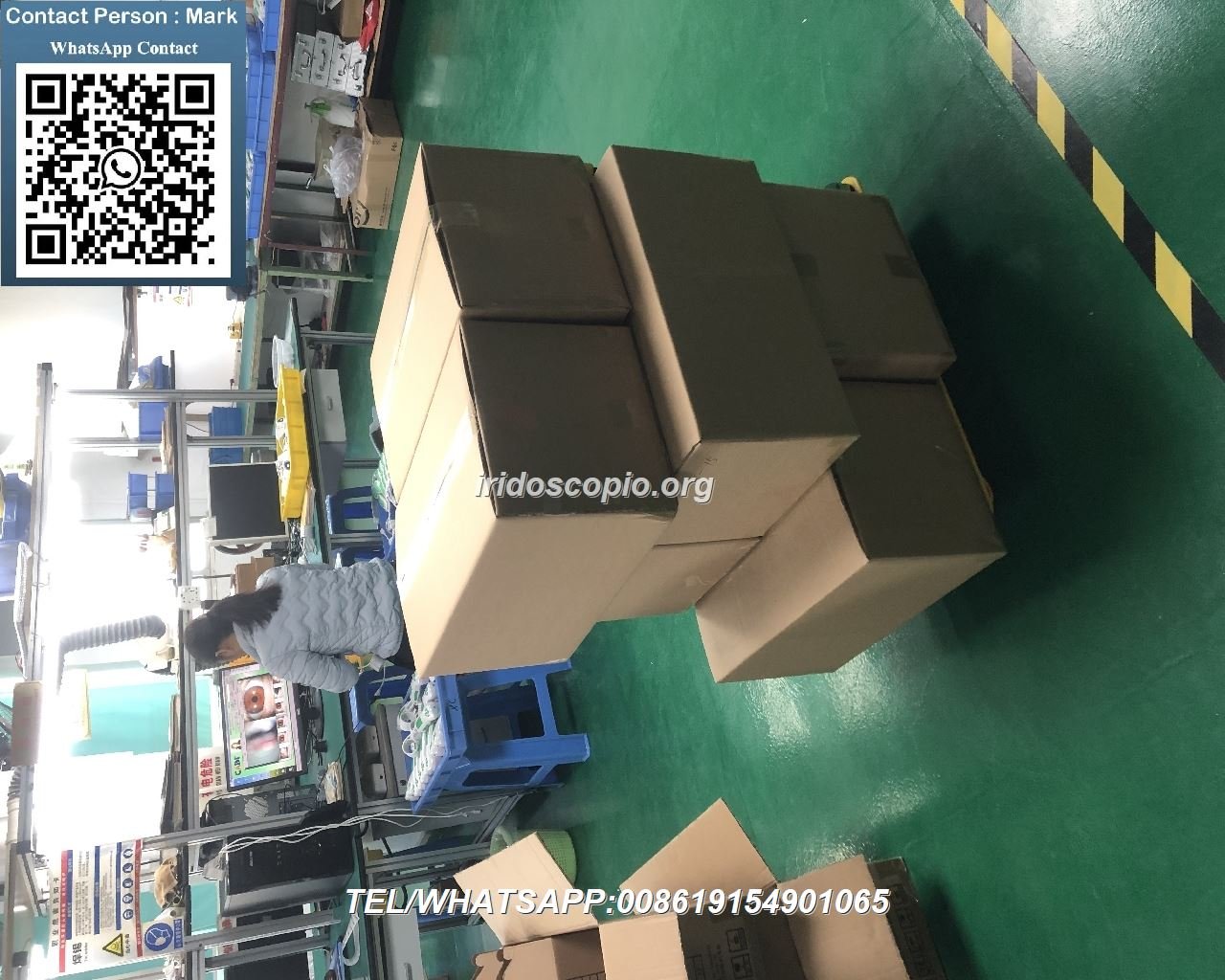
Our commitment to quality ensures reliable performance:
Join over 1000 successful partners worldwide. We offer competitive OEM/ODM services to help you quickly expand your market reach.
Obtenga más información sobre las oportunidades de distribución
While this troubleshooting guide addresses the most common issues, our support team is always available to help with more complex problems. With over 20 years of experience manufacturing Iridology Camera systems, MAIKONG is committed to ensuring your equipment performs optimally for years to come.
Our technical experts are ready to help with any iridology camera issues not covered in this guide.
Visita nuestro Sobre nosotros page to learn more about MAIKONG’s commitment to excellence in iridology equipment manufacturing and our comprehensive Cámara de iridología product line.
SOFTWARE DE IRIDOLOGÍA MAIKONG Instalación y funcionamiento


