When your Iridology Camera isn’t performing as expected, it can significantly impact your practice and patient assessments. As MAIKONG, with over 20 years of experience manufacturing professional iridology equipment, we’ve compiled this comprehensive troubleshooting guide to help you quickly resolve common issues and get back to providing excellent care. From connection problems to image quality concerns, this resource addresses the most frequent challenges practitioners face with their iridology imaging systems.
Connection and Power Issues with Your Camera de Iridologie
One of the most common challenges practitioners face is getting their Iridology Camera to properly connect to their computer system. These connection issues can prevent you from capturing the detailed iris images needed for accurate analysis.
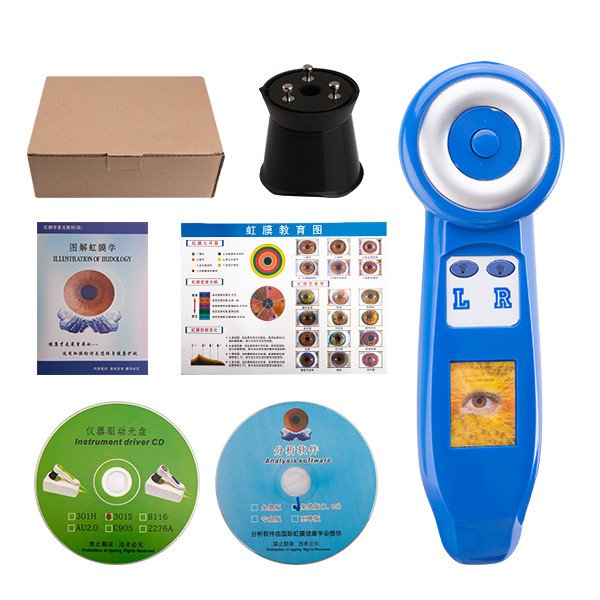


Camera Not Powering On
If your MAIKONG Iridology Camera isn’t powering on, check these potential solutions:
- Verify the USB connection is secure at both the camera and computer ends
- Try a different USB port on your computer (preferably USB 3.0 for newer models)
- Test with an alternative USB cable to rule out cable damage
- Ensure your computer recognizes the device in Device Manager (Windows) or System Information (Mac)
- Check if the camera’s internal battery needs charging (for portable models)
Computer Not Recognizing the Camera de Iridologie
When your computer fails to detect your Iridology Camera, try these steps:
For Windows Users:
- Open Device Manager and check for unknown devices
- Uninstall any devices with warning symbols
- Reinstall the MAIKONG camera drivers from the original installation media
- Disable your computer’s built-in webcam temporarily
- Try restarting your computer with the camera already connected
For Mac Users:
- Check System Information to verify USB device detection
- Reset the SMC (System Management Controller)
- Ensure macOS is updated to the latest version
- Verify the MAIKONG software is compatible with your macOS version
- Try connecting through a powered USB hub
Still Having Connection Issues?
Our technical support team can help diagnose and resolve persistent connection problems with your MAIKONG Iridology Camera.
Contact Support via WhatsApp
Image Quality Problems with Camera de Iridologie
Clear, detailed images are essential for accurate iridology analysis. When your Iridology Camera produces blurry, dark, or otherwise suboptimal images, try these solutions.
Blurry or Out-of-Focus Images
When your Iridology Camera produces blurry images, check these common causes:
- Adjust the manual focus ring on your camera until the iris details appear sharp
- Ensure the camera is held at the optimal distance (typically 3-5 inches from the eye)
- Clean the camera lens with a microfiber cloth to remove any smudges or debris
- Check that the patient’s eye is fully open and they’re holding still
- Verify the camera’s resolution settings in the MAIKONG software
Poor Lighting or Color Issues
Lighting problems can significantly impact iris analysis. Try these solutions:
For Dark Images:
- Increase the LED brightness settings on your MAIKONG camera
- For dark brown eyes, use the warm-white side-lights option
- Ensure the room has moderate ambient lighting (not too bright or dark)
- Check the exposure settings in your iridology software
For Washed-Out Images:
- Reduce the LED brightness for lighter colored eyes
- Adjust the white balance settings in the software
- Reduce ambient room lighting to prevent glare
- Position the camera to avoid reflections on the eye surface
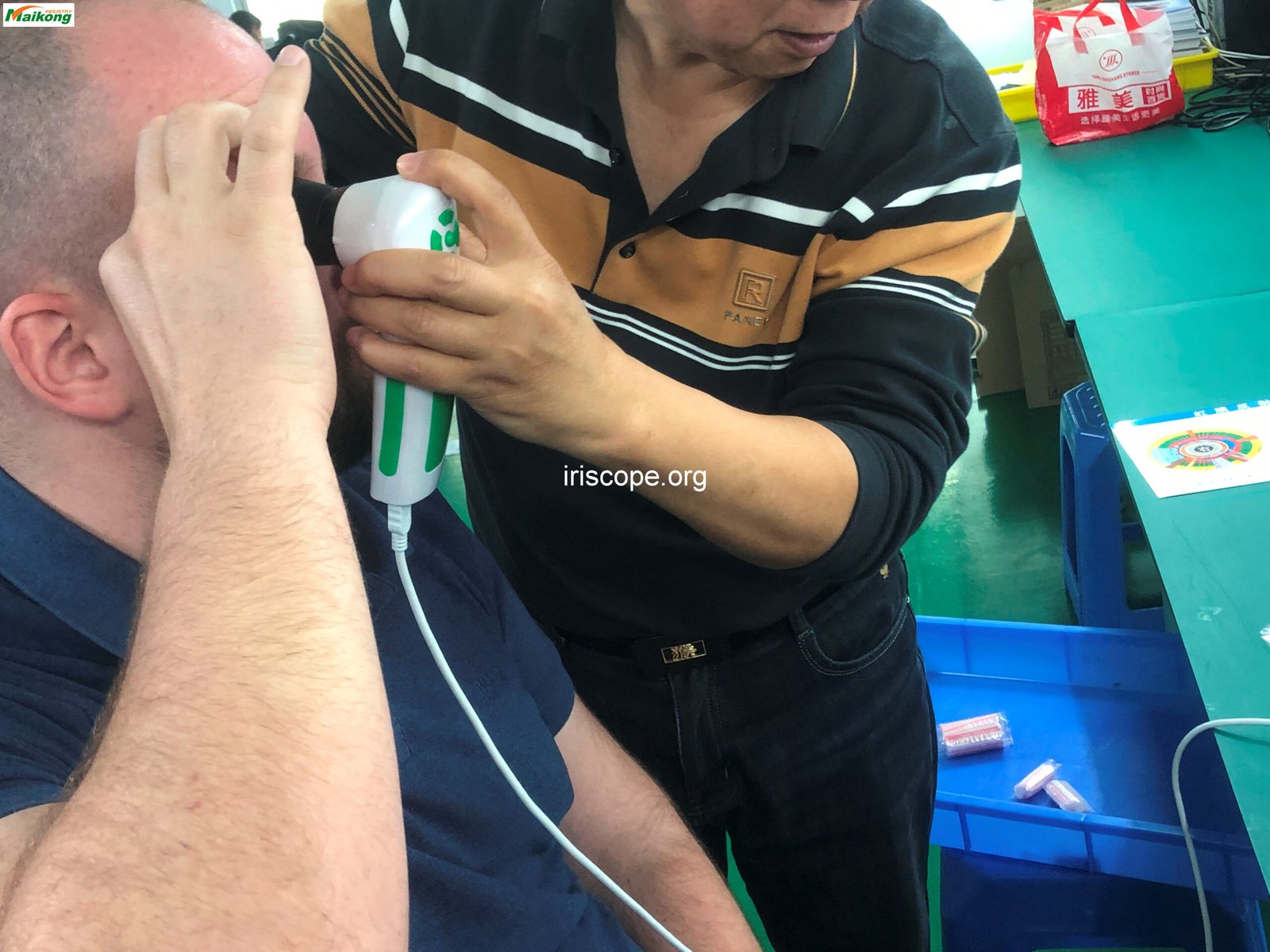
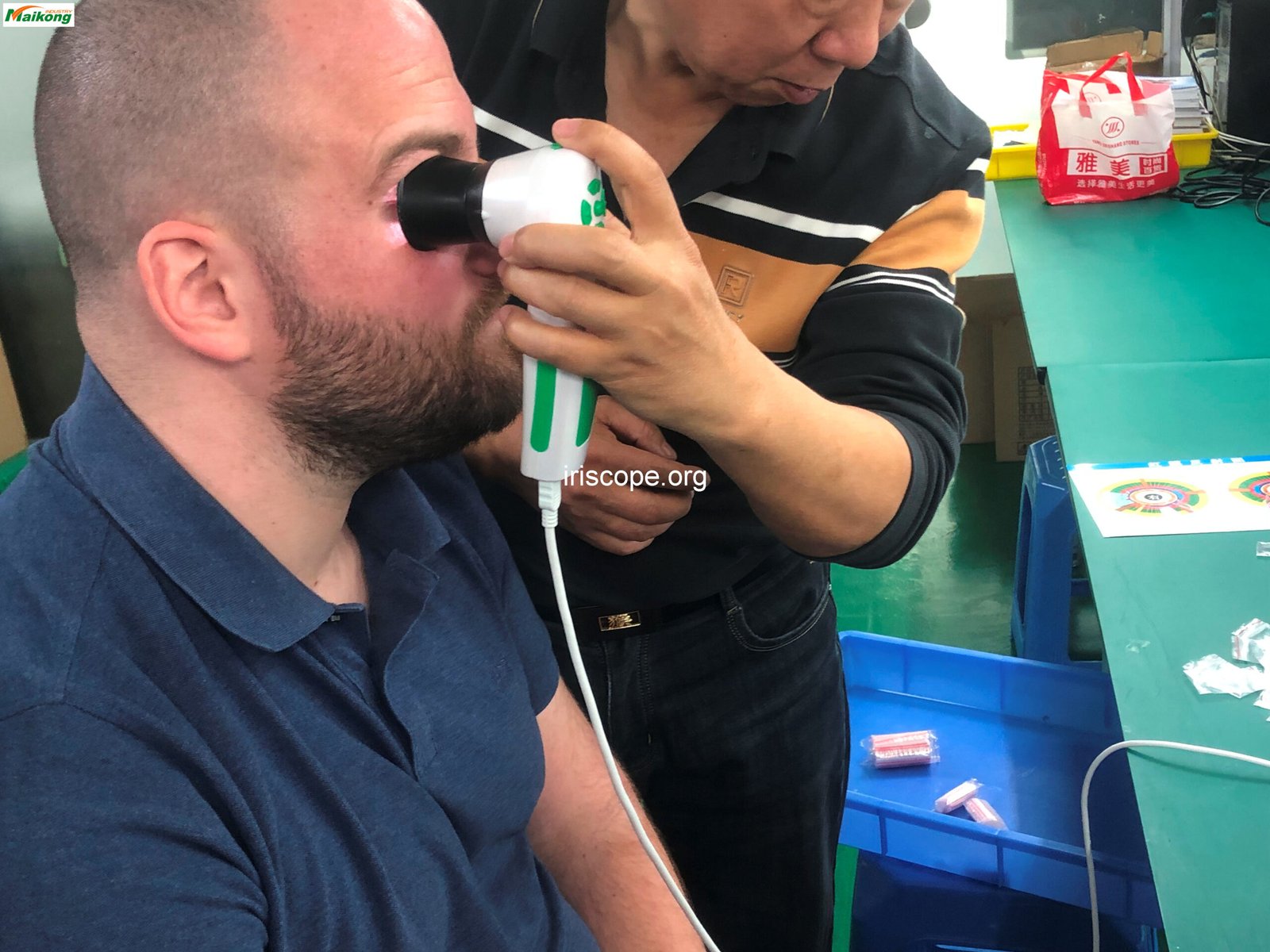
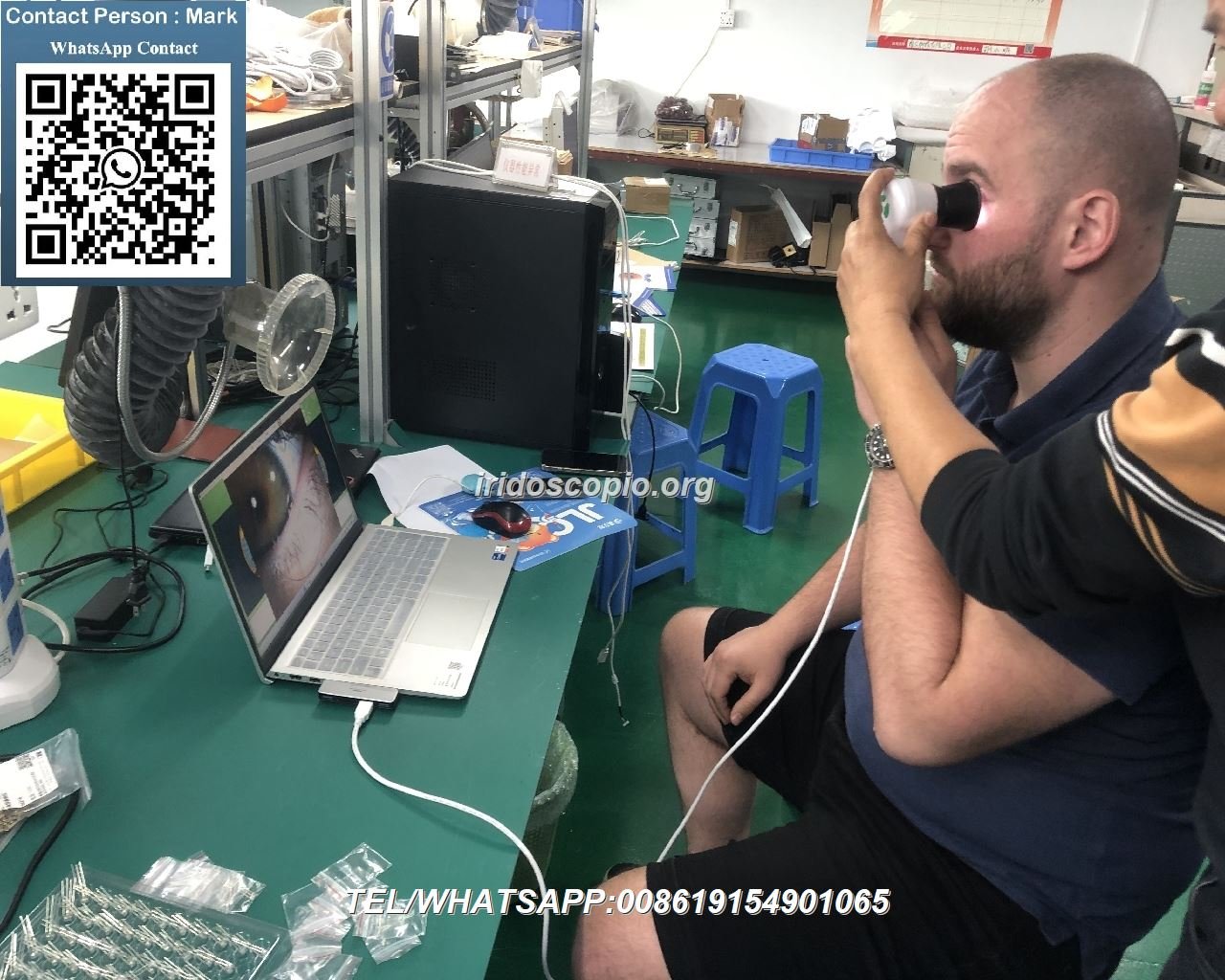
Proper positioning is critical for capturing clear iris images. Hold the camera steady and at the correct distance from the eye. For most MAIKONG models, this is approximately 3-5 inches, depending on the specific camera model.
MAIKO Camera de Iridologie Software Troubleshooting
Software issues can prevent your Iridology Camera from functioning properly. Here are solutions for common software-related problems.
Software Installation Problems
If you’re having trouble installing the MAIKONG iridology software, try these steps:
- Ensure your operating system meets the minimum requirements
- Run the installer as Administrator (Windows) or with proper permissions (Mac)
- Temporarily disable antivirus software during installation
- Clear temporary files before attempting reinstallation
- Download the latest version from the official MAIKONG website
Software Compatibility Issues
MAIKONG software supports various operating systems. Check this compatibility table:
| Tip de sistem |
Versiuni acceptate |
| Sistemul de operare Windows |
Windows 2000, XP, Vista, 7, 8, 10, 11 (32 de biți & pe 64 de biți) |
| macOS |
macOS 10.14 (Mojave), 10.15 (Catalina), 11 (Big Sur), 12 (Monterey), 13 (Ventura), 14 (Sonoma), 15 (Sequoia) |
| Linux |
Not currently supported |
Software Crashes or Freezes
If the MAIKONG iridology software crashes or freezes during use:
- Update to the latest software version from our website
- Verify the encryption dongle is properly connected
- Check that no other camera applications are running simultaneously
- Ensure your computer meets the recommended system requirements
- Try reducing the camera resolution if your computer has limited resources
Need Software Support?
Our technical team can help with software installation, updates, and troubleshooting for all MAIKONG Iridology Camera systems.
Email Our Support Team
Hardware Maintenance for Your Camera de Iridologie
Proper maintenance of your Iridology Camera ensures longevity and consistent performance. Follow these guidelines to keep your equipment in optimal condition.
Cleaning Your Camera de Iridologie
Regular cleaning prevents image quality issues and extends the life of your equipment:
- Use a microfiber cloth to gently clean the camera lens
- For stubborn smudges, use lens cleaning solution designed for optical equipment
- Clean the camera body with a slightly damp cloth (never wet)
- Keep the USB connection points clean and free of debris
- Store your camera in its protective case when not in use
LED Light Maintenance
The LED lights are crucial for capturing clear iris images:
- Check that all LEDs are functioning properly before each use
- If some LEDs are dimmer than others, contact MAIKONG support
- Keep the LED surfaces clean to maintain consistent lighting
- Avoid looking directly at the LEDs when powered on
| Maintenance Aspect |
Recommended Frequency |
Procedure |
| Lens Cleaning |
Before each use |
Gentle wipe with microfiber cloth |
| Deep Cleaning |
Lunar |
Lens solution and microfiber cloth |
| Cable Inspection |
Quarterly |
Check for fraying or damage |
| Software Update |
When available |
Download from official website |
Understanding Your MAIKONG Camera de Iridologie Specificații
Knowing your camera’s specifications helps in troubleshooting and optimal usage. Here are the key specifications for our flagship MAIKONG Iris 12MP model.
| Caietul de sarcini |
Detalii |
| Model |
GY-9822U |
| Rezoluţie |
12,0 megapixeli |
| Conectivitate |
USB 2.0/3.0 |
| Iluminat |
Iluminarea LED -ului reglabil |
| Concentrează-te |
Manual adjustment |
| Compatible OS |
Windows XP până la 11, macOS |
| Durata de viață a designului |
5-10 ani |
| garanție |
1 year (non-human damage) |
MAIKO Camera de Iridologie Software Features
Our comprehensive software enhances the capabilities of your iridology practice:
| Caracteristică |
Descriere |
| Analiza Iridologică automată |
AI-based analysis providing detailed health reports |
| Managementul Clientilor |
Comprehensive database for patient records |
| Suport în mai multe limbi |
17 languages including English, Spanish, French, and more |
| Imagine 3D de iridologie |
Enhanced visualization of health conditions |
| Recomandări de produse |
Personalized suggestions based on analysis |
MAIKO Camera de Iridologie Software Evolution
Our software has continuously evolved since 2004 to provide cutting-edge iridology analysis tools:
| An |
Versiune |
Repere cheie |
| 2004 |
Versiunea inițială |
Prima versiune: manual de bază software de analiză iridologie |
| 2010 |
Versiunea 3.10 |
Introduced AI-based automatic analysis and 3D image enhancement |
| 2018 |
Versiunea 3.18 |
First iridology software to support macOS |
| 2025 |
Versiunea 3.23 |
Enhanced automatic analysis, 3D textures, and expanded language support |
Pașii de instalare a software-ului
For optimal performance, follow these installation steps:
- Introduceți cheia USB de 4 GB furnizată în portul USB al computerului
- Rulați fișierul de instalare și urmați instrucțiunile de pe ecran
- Dacă este necesar, dezactivați camera încorporată a computerului dvs. prin Device Manager
- Connect your MAIKONG Iridology Camera to a USB port
- Introduceți dongle-ul metalic de criptare USB pentru activarea software-ului
- Lansați software-ul utilizând comanda rapidă de pe desktop
- Verify camera connection in the software settings
De ce să alegeți MAIKONG pentru dvs Camera de Iridologie Nevoi
As a direct manufacturer with over 20 years of experience, MAIKONG offers unique advantages for practitioners and distributors alike.
Personalizare hardware
- OEM model customization
- Aspect personalizat și design de matriță
- Opțiuni de personalizare a culorilor
- Device functionality tailoring
Personalizare software
- Custom logo and branding
- Language customization (17 languages)
- Personalizare caracteristică pentru nevoi specifice
- Integrarea produselor și recomandărilor dumneavoastră
MAIKONG Manufacturing Excellence
Our commitment to quality ensures reliable performance:
- 20+ years of iridology camera development experience
- ISO9000-certified manufacturing processes
- Certificare CE pentru toate produsele
- Large inventory available in both China and the USA
- Comprehensive technical support and warranty service
Expert Support for Your Camera de Iridologie
While this troubleshooting guide addresses the most common issues, our support team is always available to help with more complex problems. With over 20 years of experience manufacturing Iridology Camera systems, MAIKONG is committed to ensuring your equipment performs optimally for years to come.
Need Additional Support?
Our technical experts are ready to help with any iridology camera issues not covered in this guide.
Visit our Despre noi page to learn more about MAIKONG’s commitment to excellence in iridology equipment manufacturing and our comprehensive Camera de Iridologie product line.