


Categorías
- iridología (226)
- Lectura ocular (24)
- software QR (15)
- Blog (322)
- Ilustración de iridología (35)
- curso en línea de iridología (54)
- iridología (59)
- Exhibición (2)
- Noticias (432)

Proper training on cámaras de iridología directly impacts the quality of iris analysis and client satisfaction. Untrained staff may struggle with capturing clear images, properly positioning clients, or utilizing software features effectively. This can lead to inaccurate readings, frustrated clients, and reduced confidence in your practice.
MAIKONG offers state-of-the-art cámaras de iridología with comprehensive training materials included.
Before beginning hands-on training with your cámara de iridología, proper preparation ensures a smooth learning process. Creating the right environment and gathering necessary resources will set your team up for success.
Create a dedicated space that mimics your actual practice environment. Ensure proper lighting, comfortable seating, and adequate space for camera setup and operation. A quiet area with minimal distractions allows staff to focus on learning the nuances of cámara de iridología operation.
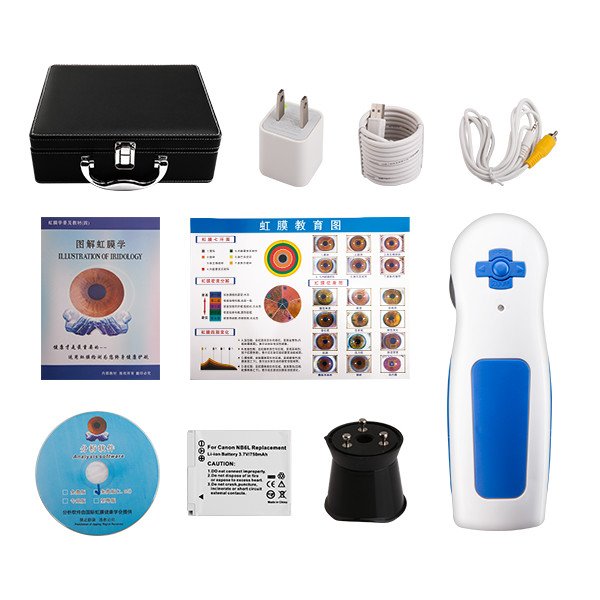

Start with fundamental operation skills to build a solid foundation. This phase focuses on equipment familiarity, proper handling, and basic image capture techniques.


Begin by familiarizing staff with all components of the cámara de iridología system. Explain the function of each part including the camera body, lens, illumination system, and connection interfaces.

Teach proper connection procedures between the cámara de iridología and computer systems. Cover USB connectivity, driver installation, and initial software setup for different operating systems.

Demonstrate proper positioning for both practitioner and client. Cover basic focus adjustment, lighting control, and simple image capture techniques for clear, usable iris photographs.
“Proper initial training on basic camera operation establishes confidence and prevents the development of bad habits that can be difficult to correct later.”
The software component is crucial for maximizing the capabilities of your cámara de iridología system. MAIKONG’s software offers comprehensive analysis tools that require specific training for effective use.
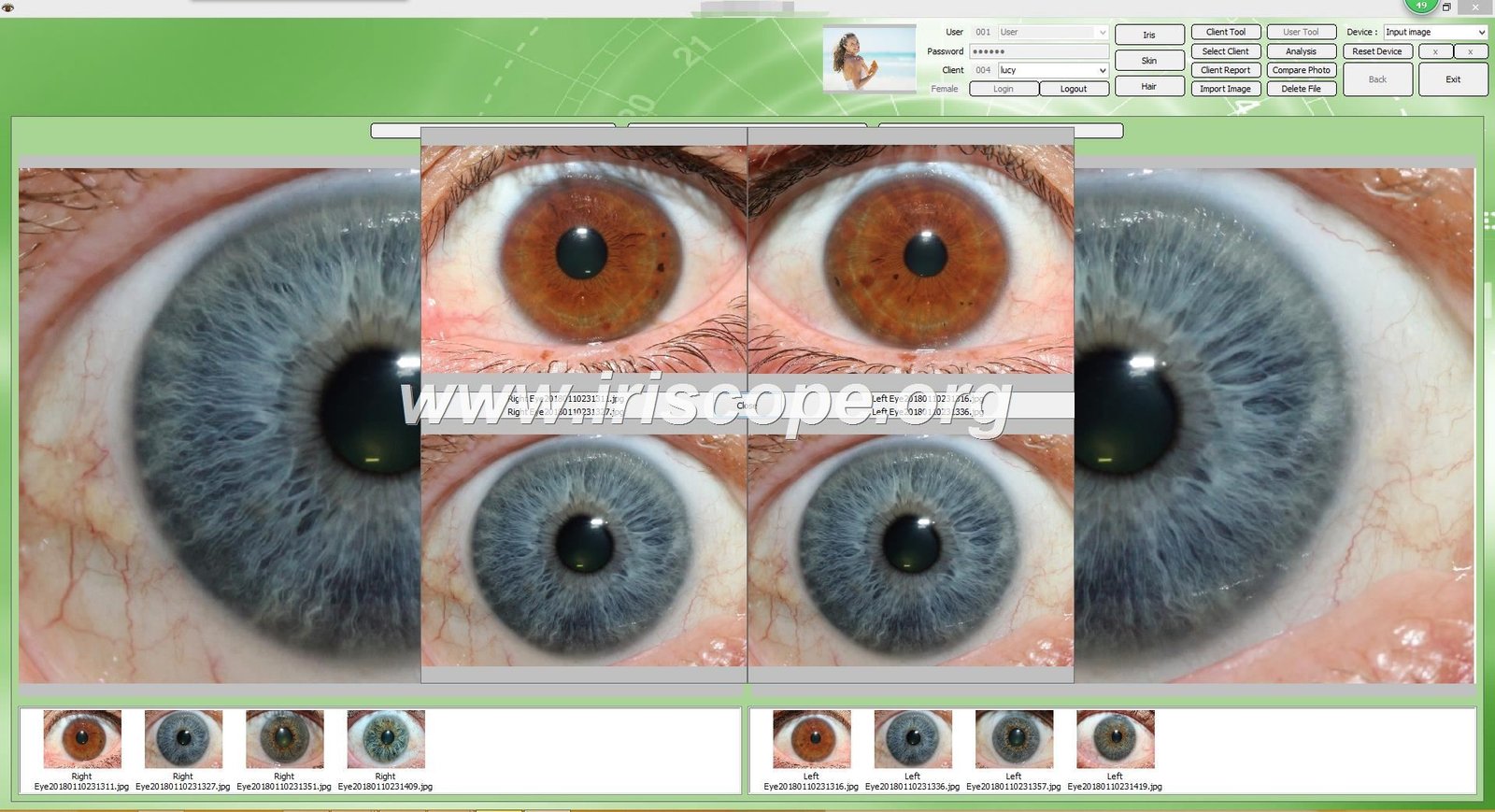
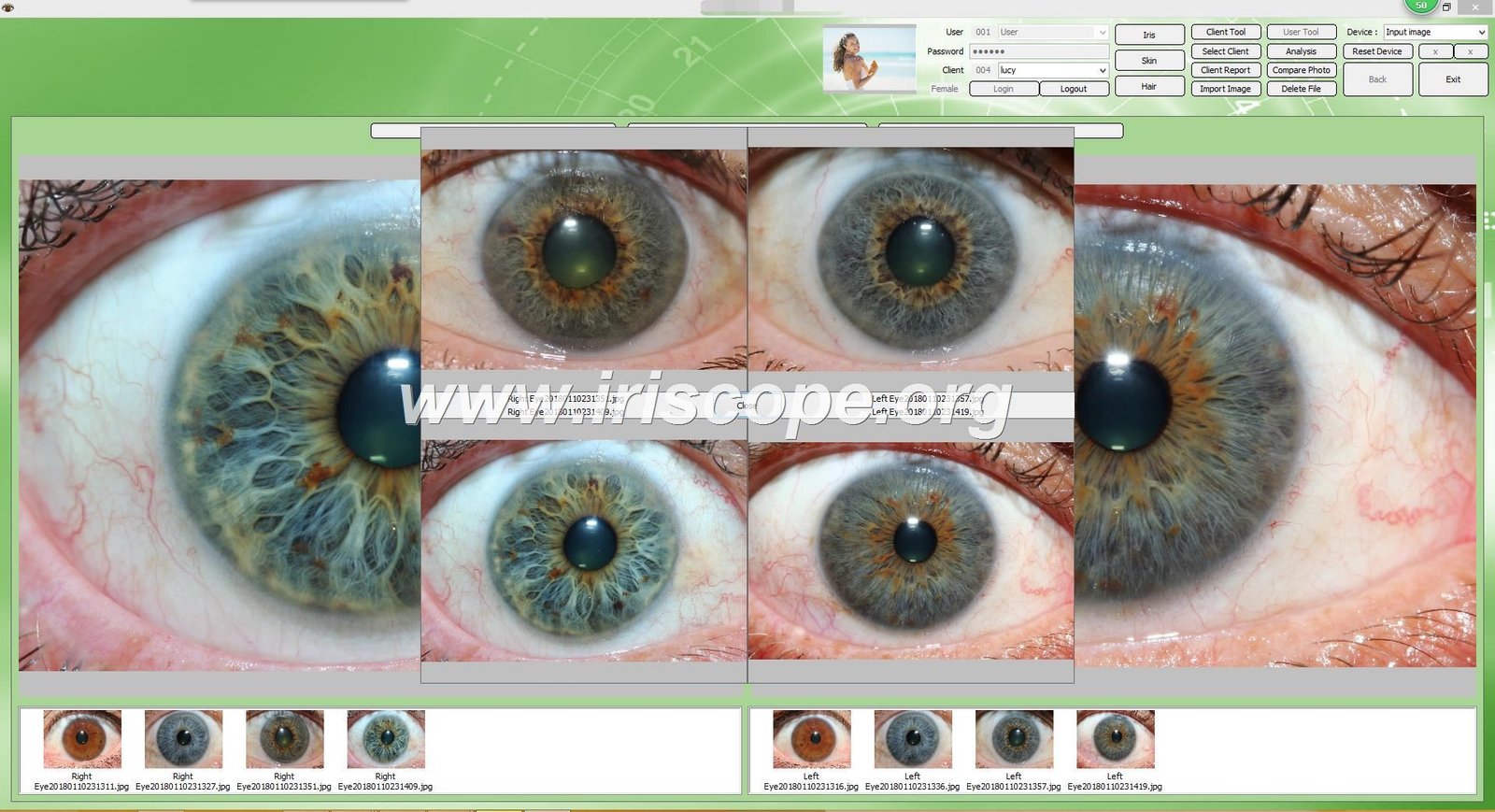
Train staff on proper software installation procedures for both Windows and Mac systems. Cover encryption dongle usage, initial configuration, and user account setup for multiple practitioners.
Demonstrate how to create and manage client profiles, organize iris images by client, and maintain secure client records within the MAIKONG software environment.
| Año | Versión | Hitos clave |
| 2004 | Versión inicial | Primera versión: Software de análisis de Iridología manual básico. |
| 2005 | Versión 3.0 | Actualización del primer idioma al chino simplificado y se agregaron más análisis de indicadores de salud. |
| 2008 | Versión 3.04 | Se agregó soporte en varios idiomas: inglés, español, etc. y análisis de claridad de imagen mejorado. |
| 2010 | Versión 3.10 | Se introdujo el análisis de iridología automático basado en IA y el análisis avanzado mejorado de imágenes en 3D. |
| 2014 | Versión 3.15 | Versión multiusuario lanzada y gestión de datos en la nube integrada, fácil acceso y copia de seguridad. |
| 2018 | Versión 3.18 | Primer software de iridología compatible con macOS, compatibilidad ampliada para usuarios de Apple. |
| 2020 | Versión 3.20 | Mejoras continuas de IA, recomendaciones automáticas de productos y sincronización multidispositivo para usuarios globales. |
| 2025 | Versión 3.23 | Análisis automático mejorado, integración de texturas 3D y nuevas funciones en varios idiomas; El software ahora es compatible con Windows y macOS. |
| Característica | Descripción |
| Análisis Iridológico Automático | Proporciona análisis automático de Iridología basado en IA, ofreciendo informes detallados sobre marcadores de salud y condiciones personales. |
| Gestión de Clientes | Agregue, edite y administre datos de clientes, incluida información personal (nombre, edad, sexo), y mantenga la base de datos de clientes. |
| Soporte de varios idiomas | Admite 17 idiomas, incluidos inglés, español, francés, italiano, chino (simplificado & Tradicional), y más. |
| Imagen de iridología 3D | Permite visualizaciones 3D de Iridología para una vista mejorada y detallada de las condiciones de salud. |
| Funcionalidad de copia de seguridad y restauración | Proteja los datos de sus clientes habilitando la copia de seguridad y la restauración automáticas en diferentes dispositivos. |
| Recomendaciones de productos | Basado en análisis de Iridología, el software proporciona recomendaciones personalizadas de productos para mejorar las condiciones de salud. |
| Informes personalizables | Genere informes personalizados con sugerencias de salud, análisis y recomendaciones de productos personalizados. |
MAIKONG offers comprehensive iridology software that works seamlessly with our camera systems.
Once your staff masters the basics, move on to advanced techniques that will elevate the quality of iris analysis and enhance client experience.


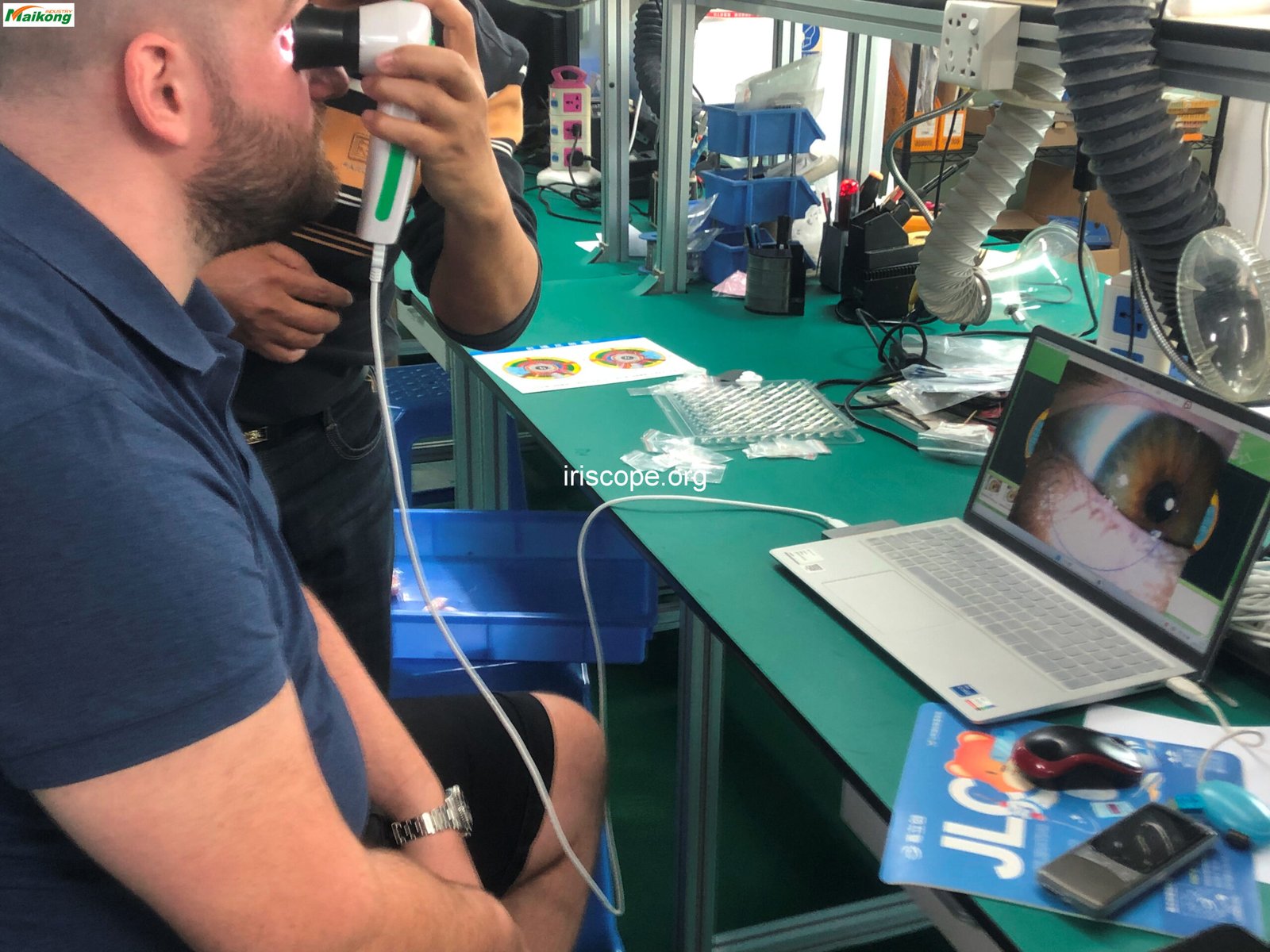
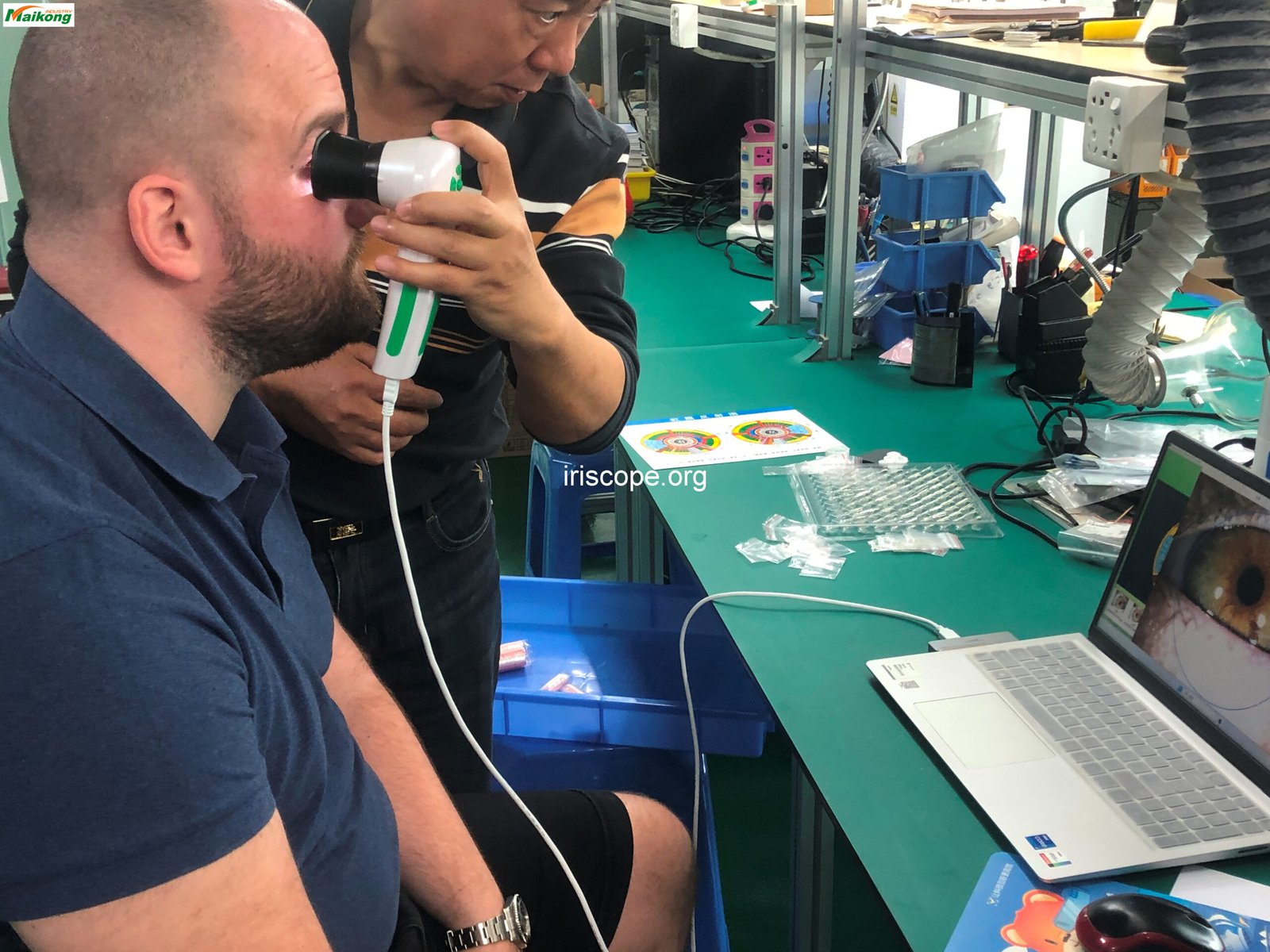
Train staff on proper adjustment of chin and forehead rests for clients of different heights and facial structures. Emphasize stable positioning to prevent movement during image capture.


Teach techniques for guiding clients to position their eyes correctly, including gaze direction, eyelid positioning, and managing involuntary eye movements during capture.
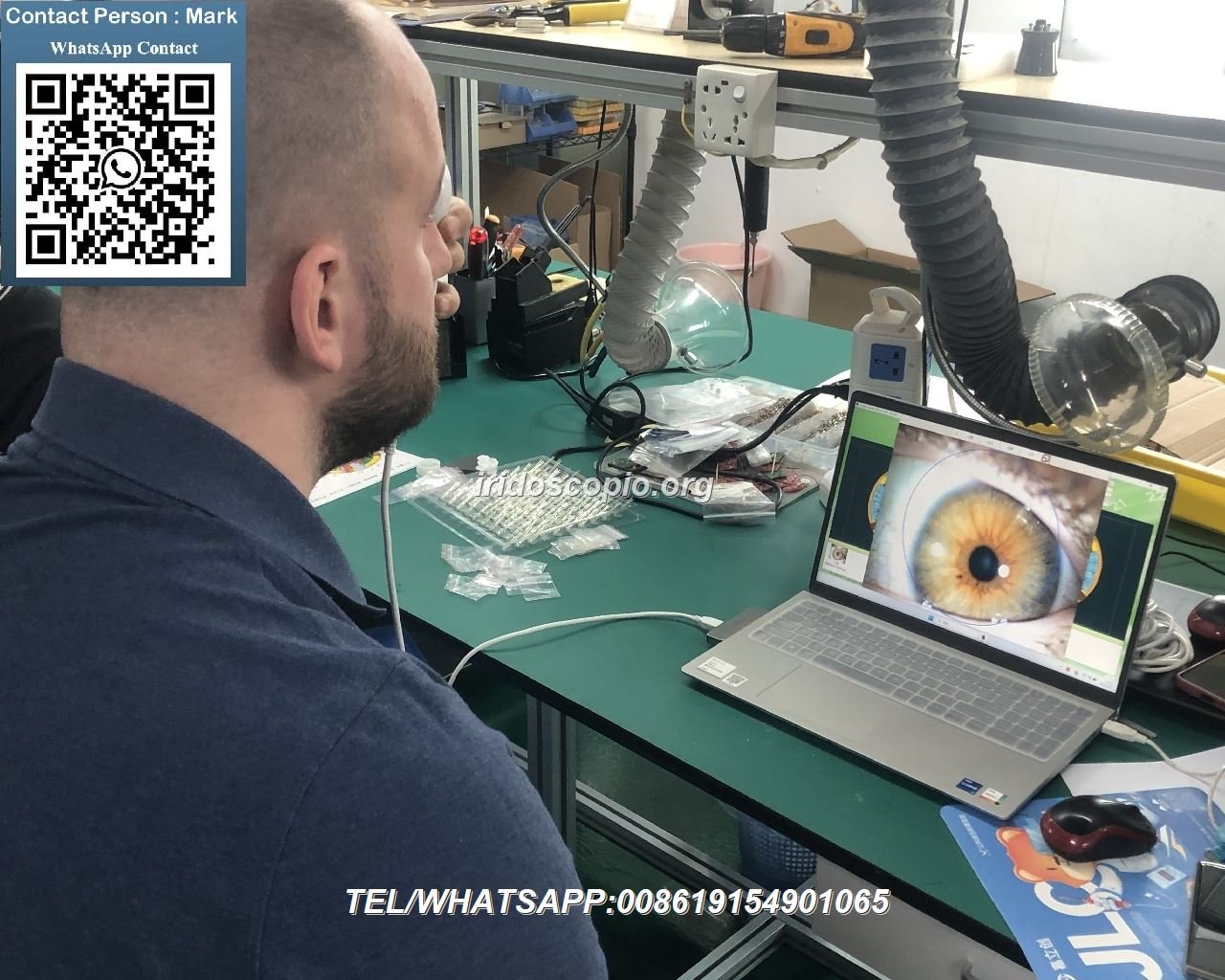
Demonstrate methods for ensuring client comfort during longer sessions, reducing eye strain, and managing clients with physical limitations or anxiety.
Equip your staff with the knowledge to quickly identify and resolve common issues that may arise when using cámaras de iridología. Proper troubleshooting skills minimize downtime and maintain professional service quality.
All MAIKONG cámaras de iridología come with comprehensive technical support. Our team is available to help resolve any issues that may arise during operation. For immediate assistance, contact our support team at +86 13 5109 07401 o correo electrónico Lucy@iriscope.org.
Proper maintenance extends the life of your cámara de iridología system and ensures consistent performance. Train your staff on these essential care procedures.

| Atributo | Detalle |
| Vida útil del diseño | 5-10 años con mantenimiento adecuado |
| Período de garantía | 1 año por daños no humanos |
| Dirección de garantía | Regreso a fábrica para reparación. |
| Key Certifications | CE, ISO9000 |
| After-Sales Support | Available within 24 hours |
| Recommended Service Interval | Annual professional inspection and calibration |
MAIKONG provides comprehensive resources to support ongoing training and skill development for cámara de iridología operators.
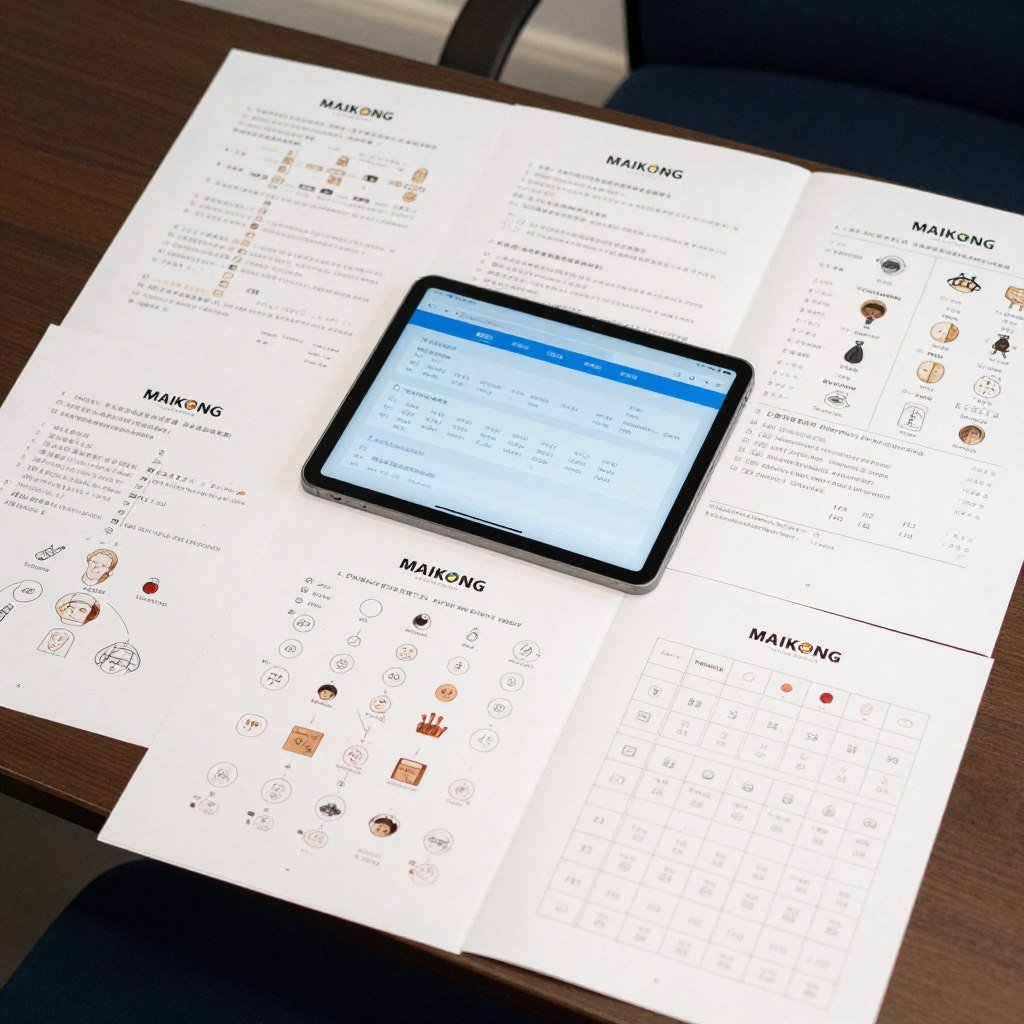
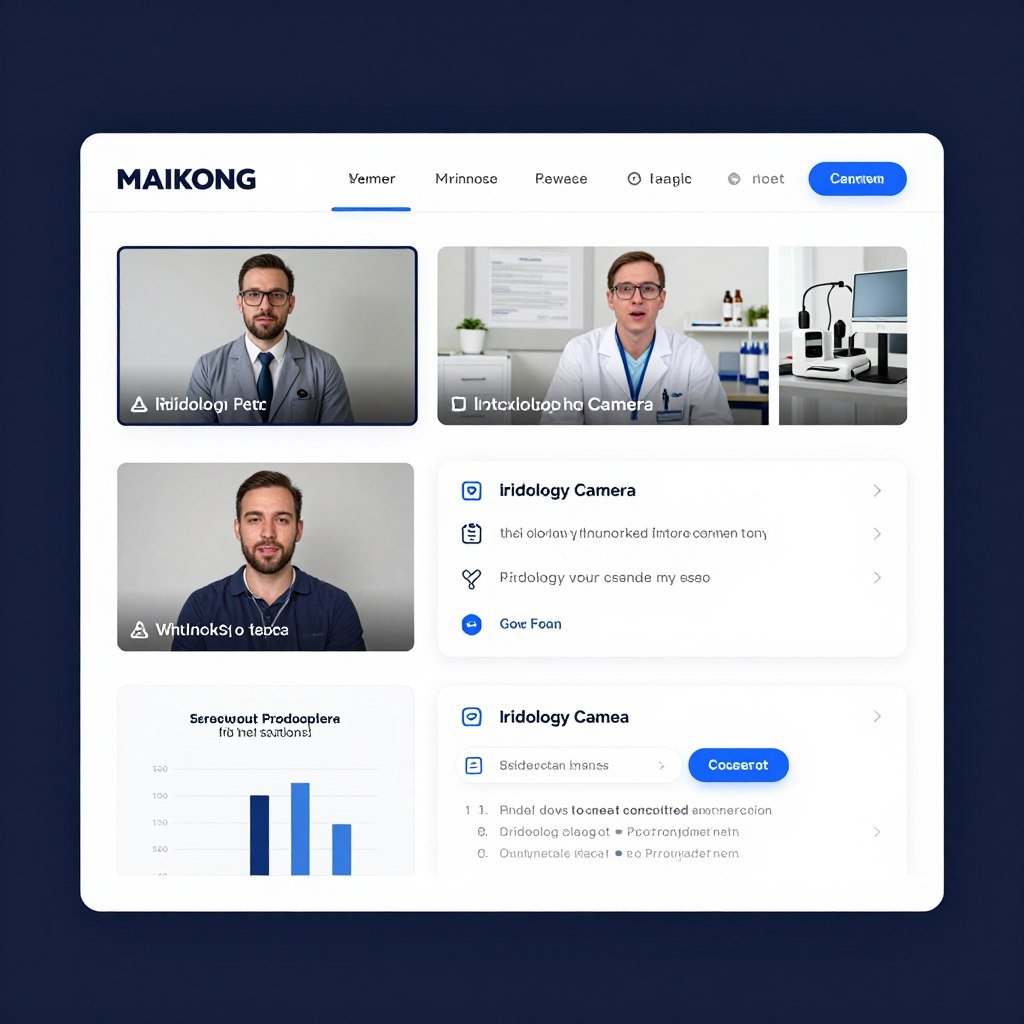
MAIKONG offers extensive training materials to ensure your team masters our cámara de iridología sistemas.
Understanding system requirements ensures smooth operation of your cámara de iridología and software. Train staff on compatible systems and optimal configurations.
| Tipo de sistema | Versiones compatibles |
| Sistema operativo Windows | Windows 2000, XP, Vista, 7, 8, 10, 11 (32 bits & 64 bits) |
| macos | macOS 10.14 (Mojave), 10.15 (Catalina), 11 (Big Sur), 12 (Monterey), 13 (Ventura), 14 (Sonoma), 15 (Sequoia) |
| linux | Actualmente, el software no es compatible con los sistemas operativos basados en Linux. |
| Paso | Descripción |
| 1. Inserte la llave USB | Inserte la llave USB de 4 GB proporcionada en el puerto USB de su computadora. |
| 2. Ejecute la instalación | Double-click exe installation file and follow on-screen prompts by clicking Next until installation is complete. |
| 3. Desactive la cámara (si es necesario) | Es posible que algunas computadoras requieran deshabilitar la cámara incorporada a través del Administrador de dispositivos. |
| 4. Conecte la cámara de iridología | Desconecte la llave USB y conecte la cámara de iridología al puerto USB de su computadora. |
| 5. Inserte el dongle de cifrado | Inserte una llave USB de cifrado metálica (llave USB) para activar el software. |
| 6. Inicie el software | Haga doble clic en el acceso directo del software Iridology en su escritorio para comenzar a usar el software. |
| 7. Software listo | El software ahora debería estar completamente instalado y listo para usar en su sistema. |
MAIKONG software supports 17 languages, making it accessible for diverse staff and international practices. Train your team on language selection and configuration to accommodate all users.
With over 20 years of experience in manufacturing professional cámaras de iridología, MAIKONG offers unparalleled expertise, quality, and support for practitioners worldwide.
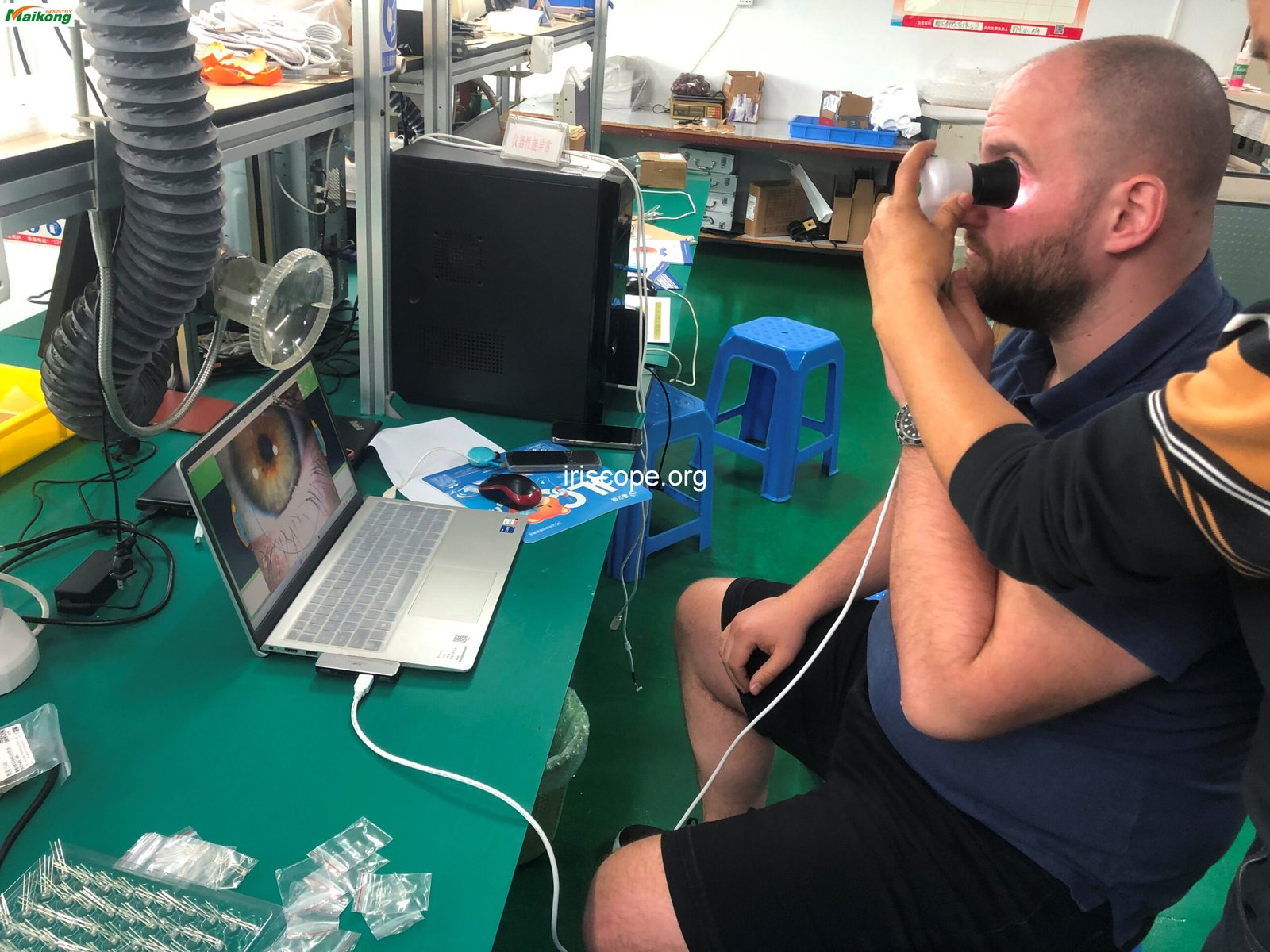
Join over 1000 successful partners worldwide. We provide comprehensive support to help you grow your business.
Effective training on cámaras de iridología is an ongoing process that requires structure, patience, and continuous reinforcement. By following the guidelines in this comprehensive guide, you can develop a training program that ensures your staff becomes proficient in using these specialized tools.
Remember that mastery comes with practice. Encourage your team to regularly use the camera system, share knowledge, and continuously improve their skills. With proper training and high-quality equipment from MAIKONG, your practice can provide exceptional iridology services that benefit both your clients and your business.
Contact MAIKONG today to discuss your specific needs and discover how our professional cámaras de iridología can transform your practice.
Correo electrónico: Lucy@iriscope.org
SOFTWARE DE IRIDOLOGÍA MAIKONG Instalación y funcionamiento


