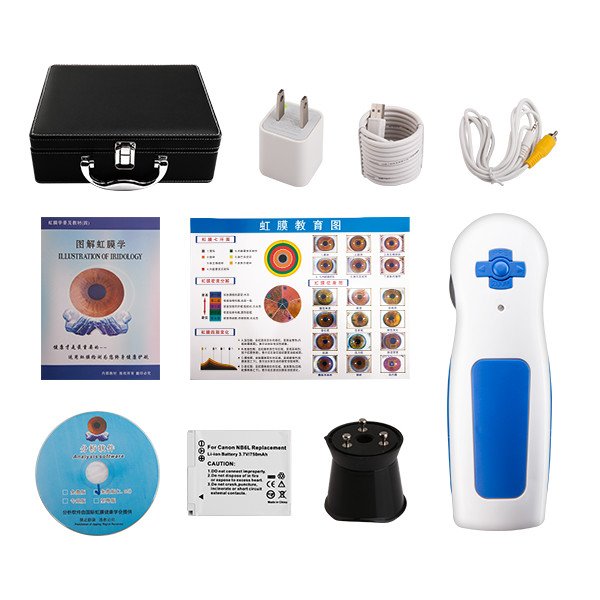
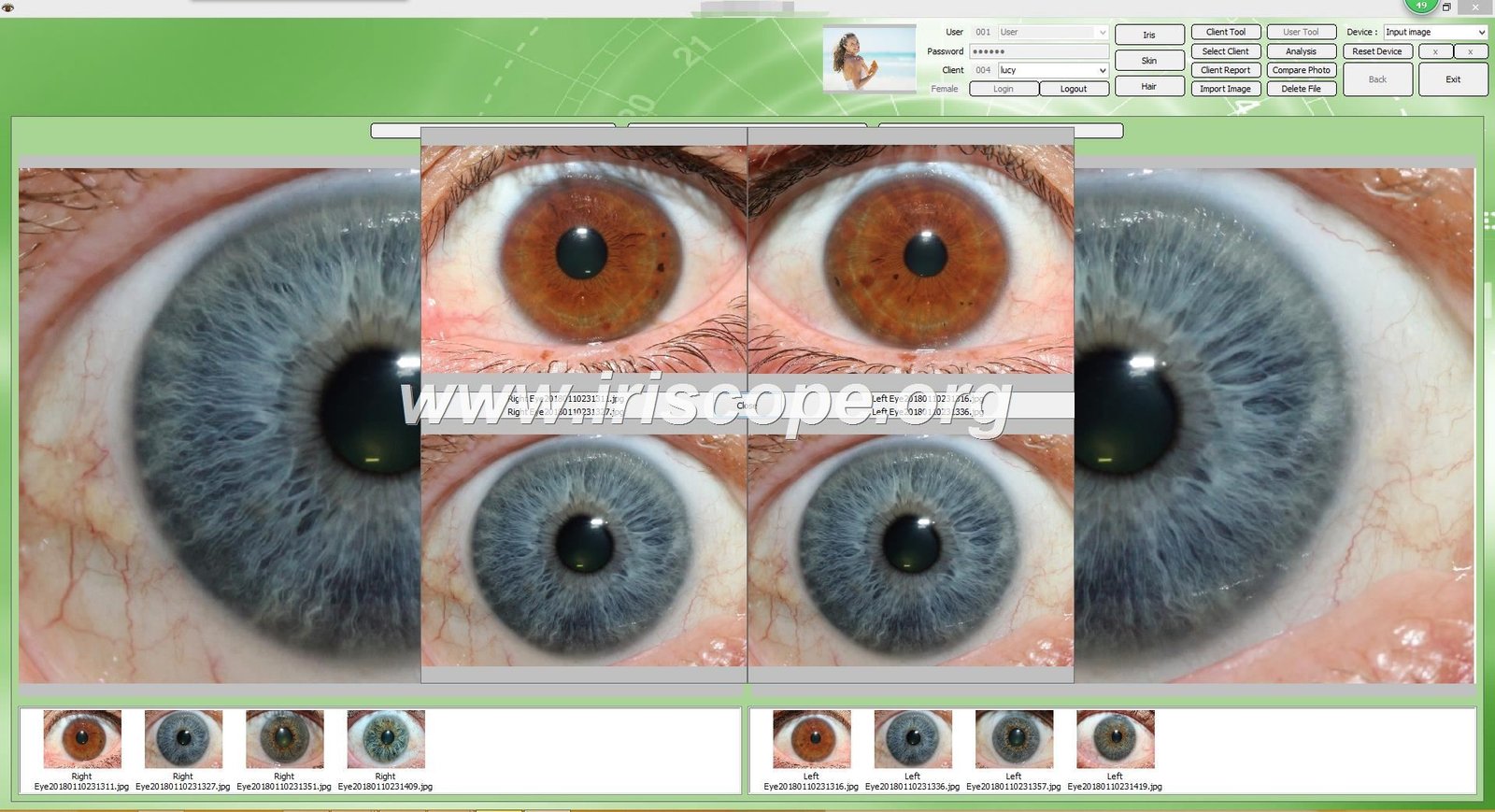
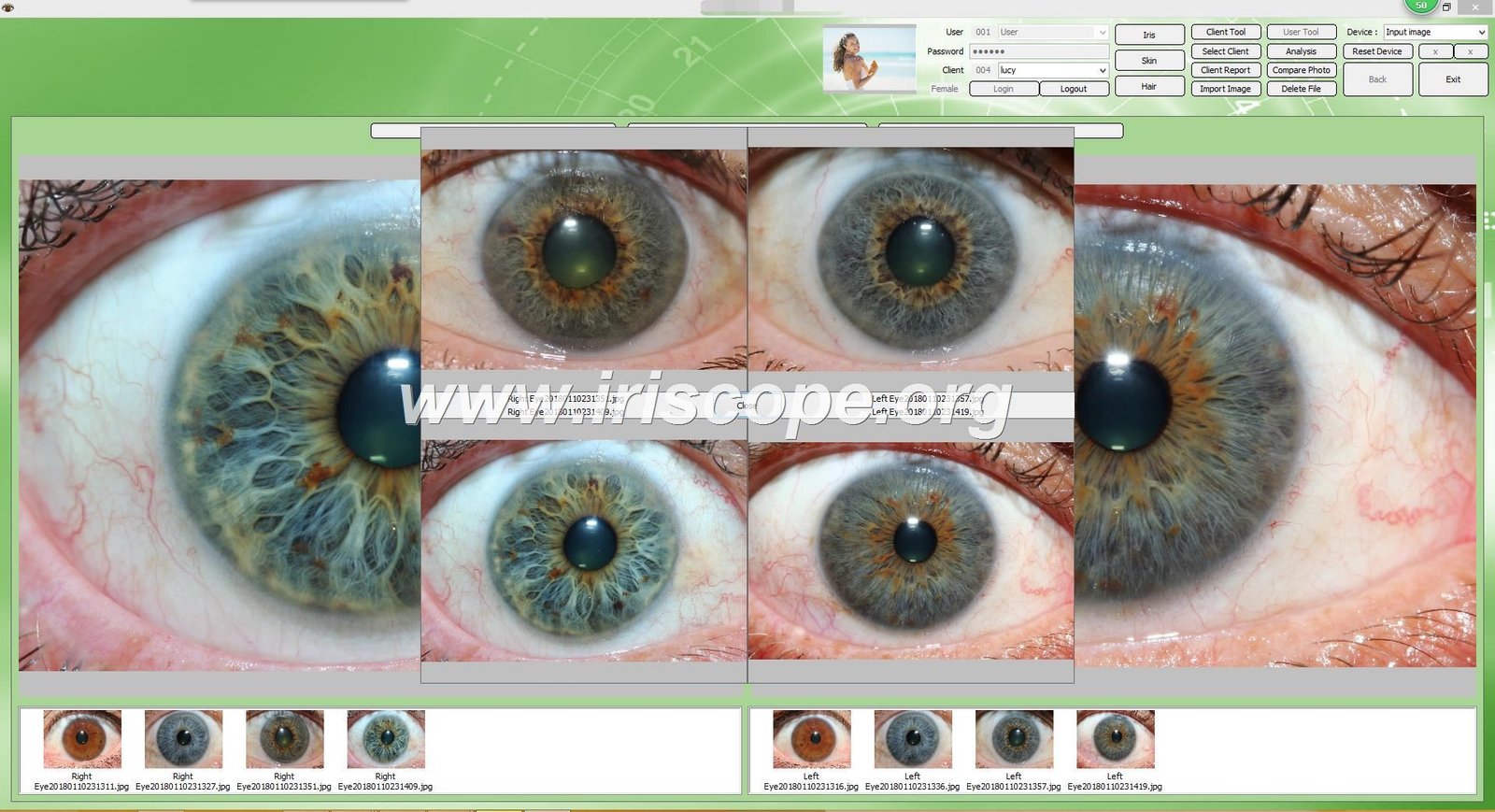
Effectively training your staff to use كاميرات علم القزحية is crucial for providing accurate iris analysis and maintaining professional standards in your practice. With over 20 years of experience in manufacturing professional كاميرات علم القزحية, MAIKONG has developed proven training methodologies that ensure your team can confidently operate these specialized devices. This guide provides a structured approach to help you implement effective training programs, from basic camera operation to advanced iris analysis techniques.
Why Proper Training on كاميرات علم القزحية Matters
Proper training on كاميرات علم القزحية directly impacts the quality of iris analysis and client satisfaction. Untrained staff may struggle with capturing clear images, properly positioning clients, or utilizing software features effectively. This can lead to inaccurate readings, frustrated clients, and reduced confidence in your practice.
Benefits of Comprehensive Training
- Consistent, high-quality iris images for accurate analysis
- Increased client confidence in your professional capabilities
- Reduced equipment damage from improper handling
- Maximized return on your technology investment
- Streamlined workflow and improved efficiency
Ready to upgrade your practice with professional equipment?
MAIKONG offers state-of-the-art كاميرات علم القزحية with comprehensive training materials included.
استكشف مجموعة الكاميرات لدينا
Preparing for كاميرا القزحية تمرين
Before beginning hands-on training with your كاميرا علم القزحية, proper preparation ensures a smooth learning process. Creating the right environment and gathering necessary resources will set your team up for success.
Setting Up the Training Environment
Create a dedicated space that mimics your actual practice environment. Ensure proper lighting, comfortable seating, and adequate space for camera setup and operation. A quiet area with minimal distractions allows staff to focus on learning the nuances of كاميرا علم القزحية operation.
Required Training Materials
- مايكو كاميرا علم القزحية user manual
- Software installation guides and reference materials
- Sample iris images for reference and practice
- Troubleshooting guides for common issues
- Cleaning and maintenance supplies
أساسي كاميرا القزحية Operation Training
Start with fundamental operation skills to build a solid foundation. This phase focuses on equipment familiarity, proper handling, and basic image capture techniques.
Equipment Introduction


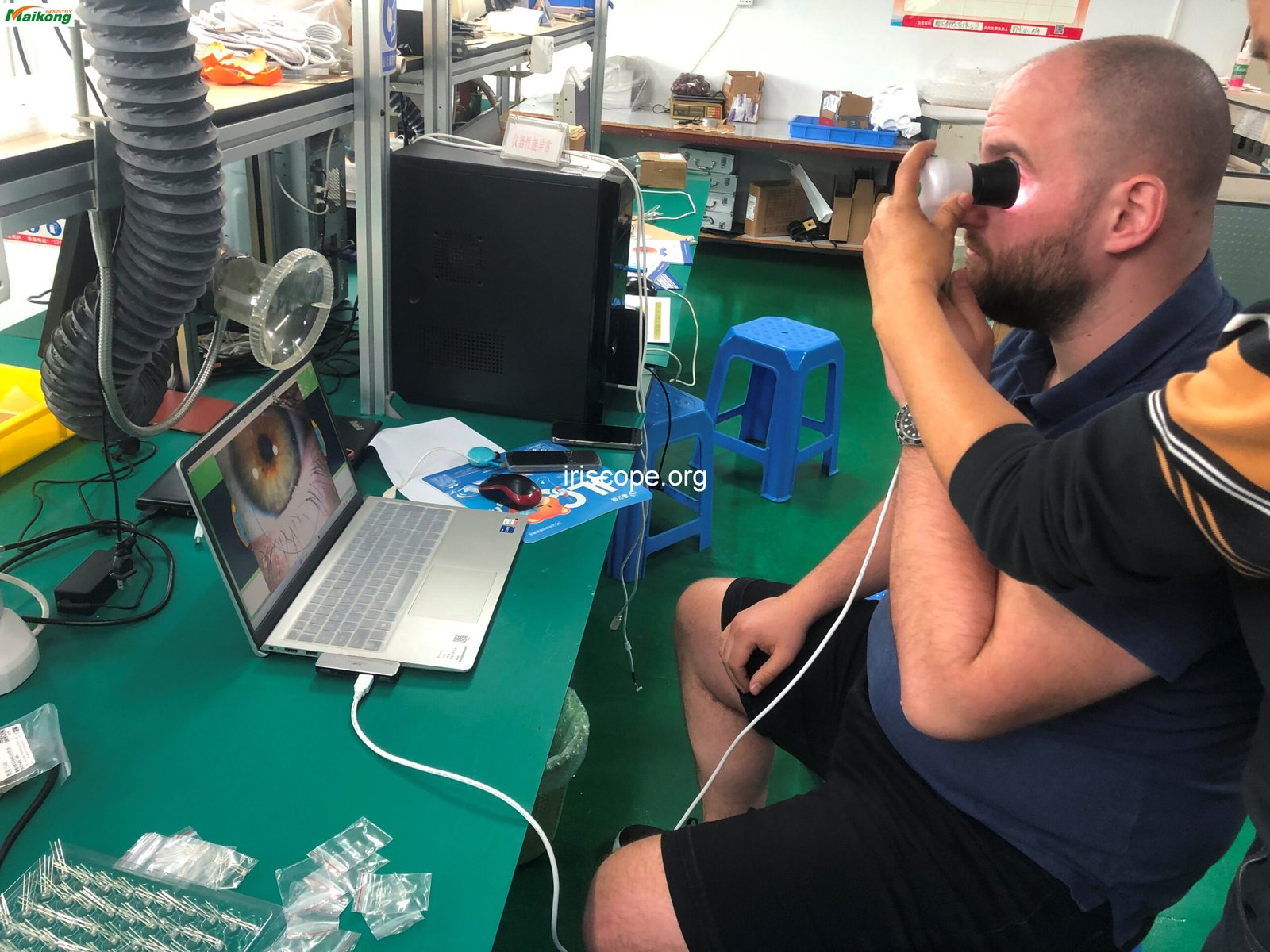
Begin by familiarizing staff with all components of the كاميرا علم القزحية system. Explain the function of each part including the camera body, lens, illumination system, and connection interfaces.
Setup and Connection

Teach proper connection procedures between the كاميرا علم القزحية and computer systems. Cover USB connectivity, driver installation, and initial software setup for different operating systems.
Basic Image Capture

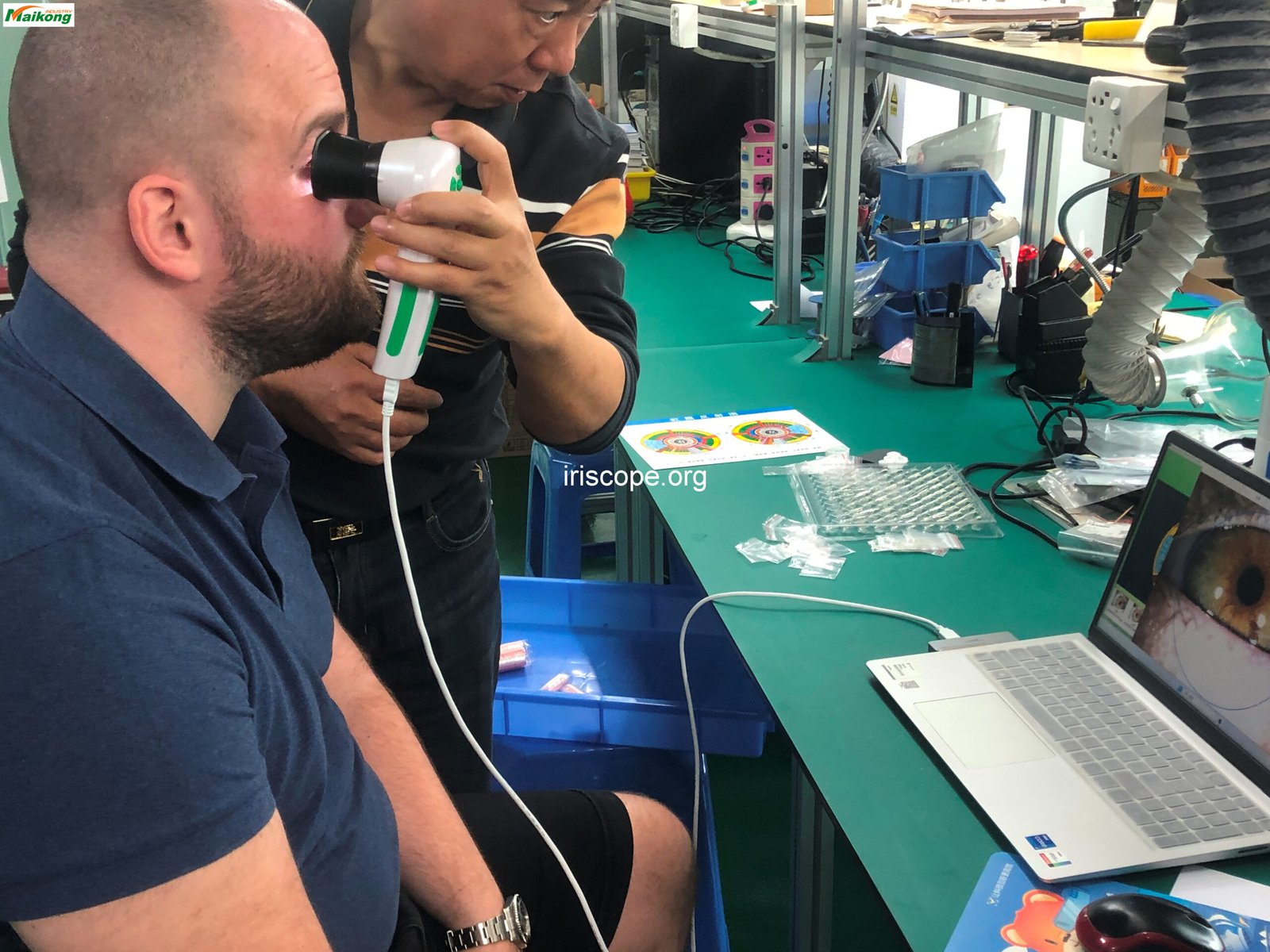
Demonstrate proper positioning for both practitioner and client. Cover basic focus adjustment, lighting control, and simple image capture techniques for clear, usable iris photographs.
“Proper initial training on basic camera operation establishes confidence and prevents the development of bad habits that can be difficult to correct later.”
– MAIKONG Training Department
مايكو كاميرا القزحية Software Training
The software component is crucial for maximizing the capabilities of your كاميرا علم القزحية system. MAIKONG’s software offers comprehensive analysis tools that require specific training for effective use.
Software Installation and Setup
Train staff on proper software installation procedures for both Windows and Mac systems. Cover encryption dongle usage, initial configuration, and user account setup for multiple practitioners.
Client Management Features
Demonstrate how to create and manage client profiles, organize iris images by client, and maintain secure client records within the MAIKONG software environment.
Software Version History and Capabilities
| سنة |
إصدار |
المعالم الرئيسية |
| 2004 |
النسخة الأولية |
الإصدار الأول: برنامج التحليل اليدوي الأساسي لعلم القزحية. |
| 2005 |
الإصدار 3.0 |
ترقية اللغة الأولى إلى اللغة الصينية المبسطة وإضافة المزيد من تحليل المؤشرات الصحية. |
| 2008 |
الإصدار 3.04 |
تمت إضافة دعم متعدد اللغات: الإنجليزية والإسبانية وما إلى ذلك وتحسين تحليل وضوح الصورة. |
| 2010 |
الإصدار 3.10 |
تقديم تحليل علم القزحية التلقائي القائم على الذكاء الاصطناعي والتحليل المتقدم المعزز للصور ثلاثية الأبعاد. |
| 2014 |
الإصدار 3.15 |
تم إصدار إصدار متعدد المستخدمين وإدارة متكاملة للبيانات السحابية، مما يسهل النسخ الاحتياطي والوصول إليها. |
| 2018 |
الإصدار 3.18 |
أول برنامج لعلم القزحية يدعم نظام التشغيل macOS، مما يوفر توافقًا موسعًا لمستخدمي Apple. |
| 2020 |
الإصدار 3.20 |
تحسينات مستمرة للذكاء الاصطناعي، وتوصيات تلقائية للمنتج، ومزامنة متعددة الأجهزة للمستخدمين العالميين. |
| 2025 |
الإصدار 3.23 |
تحليل تلقائي محسّن، وتكامل للأنسجة ثلاثية الأبعاد، وميزات جديدة متعددة اللغات؛ يدعم البرنامج الآن نظامي التشغيل Windows وmacOS. |
Key Software Features Training
| ميزة |
وصف |
| تحليل علم القزحية التلقائي |
يوفر التحليل التلقائي القائم على الذكاء الاصطناعي لعلم القزحية، ويقدم تقارير مفصلة عن العلامات الصحية والظروف الشخصية. |
| إدارة العملاء |
Add, edit, and manage client data including personal information (name, age, gender), and maintain customer database. |
| دعم متعدد اللغات |
يدعم 17 لغة، بما في ذلك الإنجليزية والإسبانية والفرنسية والإيطالية والصينية (المبسطة & التقليدية) وغير ذلك. |
| صورة ثلاثية الأبعاد لعلم القزحية |
تمكين تصورات ثلاثية الأبعاد لعلم القزحية للحصول على عرض معزز ومفصل للحالات الصحية. |
| وظائف النسخ الاحتياطي والاستعادة |
قم بحماية بيانات العميل الخاصة بك عن طريق تمكين النسخ الاحتياطي والاستعادة التلقائي عبر الأجهزة المختلفة. |
| توصيات المنتج |
واستنادًا إلى تحليل علم القزحية، يوفر البرنامج توصيات مخصصة بشأن المنتجات لتحسين الظروف الصحية. |
| تقارير قابلة للتخصيص |
قم بإنشاء تقارير مخصصة تحتوي على اقتراحات وتحليلات وتوصيات صحية مخصصة للمنتجات. |
Enhance your practice with our advanced software
MAIKONG offers comprehensive iridology software that works seamlessly with our camera systems.
استكشاف خيارات البرامج
متقدم كاميرا القزحية تقنيات
Once your staff masters the basics, move on to advanced techniques that will elevate the quality of iris analysis and enhance client experience.
Optimizing Image Quality
- Fine-tuning focus for maximum clarity and detail
- Adjusting lateral/medial lighting for different iris types
- Capturing specialized views of specific iris regions
- Managing reflections and glare in challenging conditions
- Proper use of camera settings for various iris colors
Client Positioning Techniques
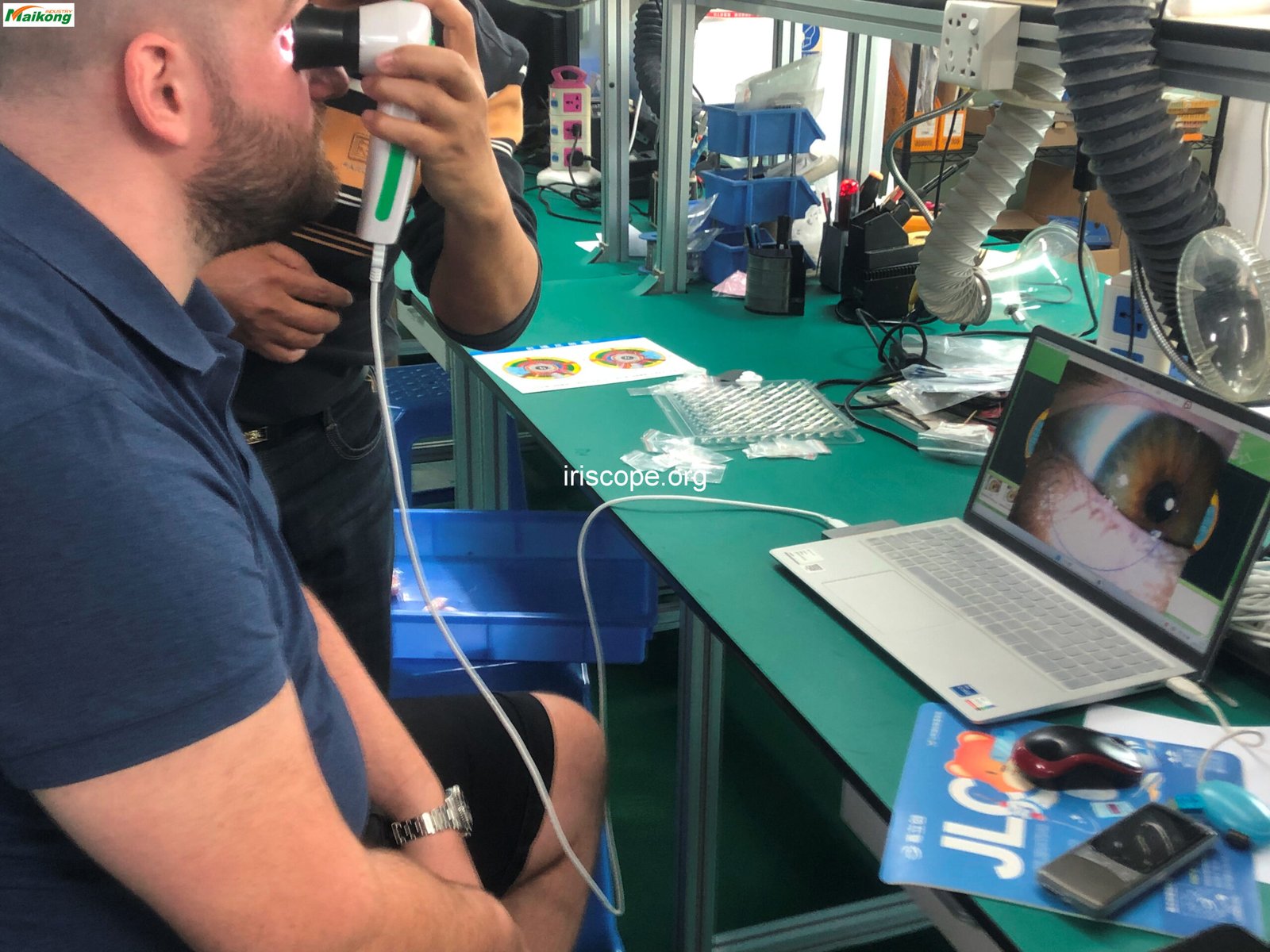
Head Positioning
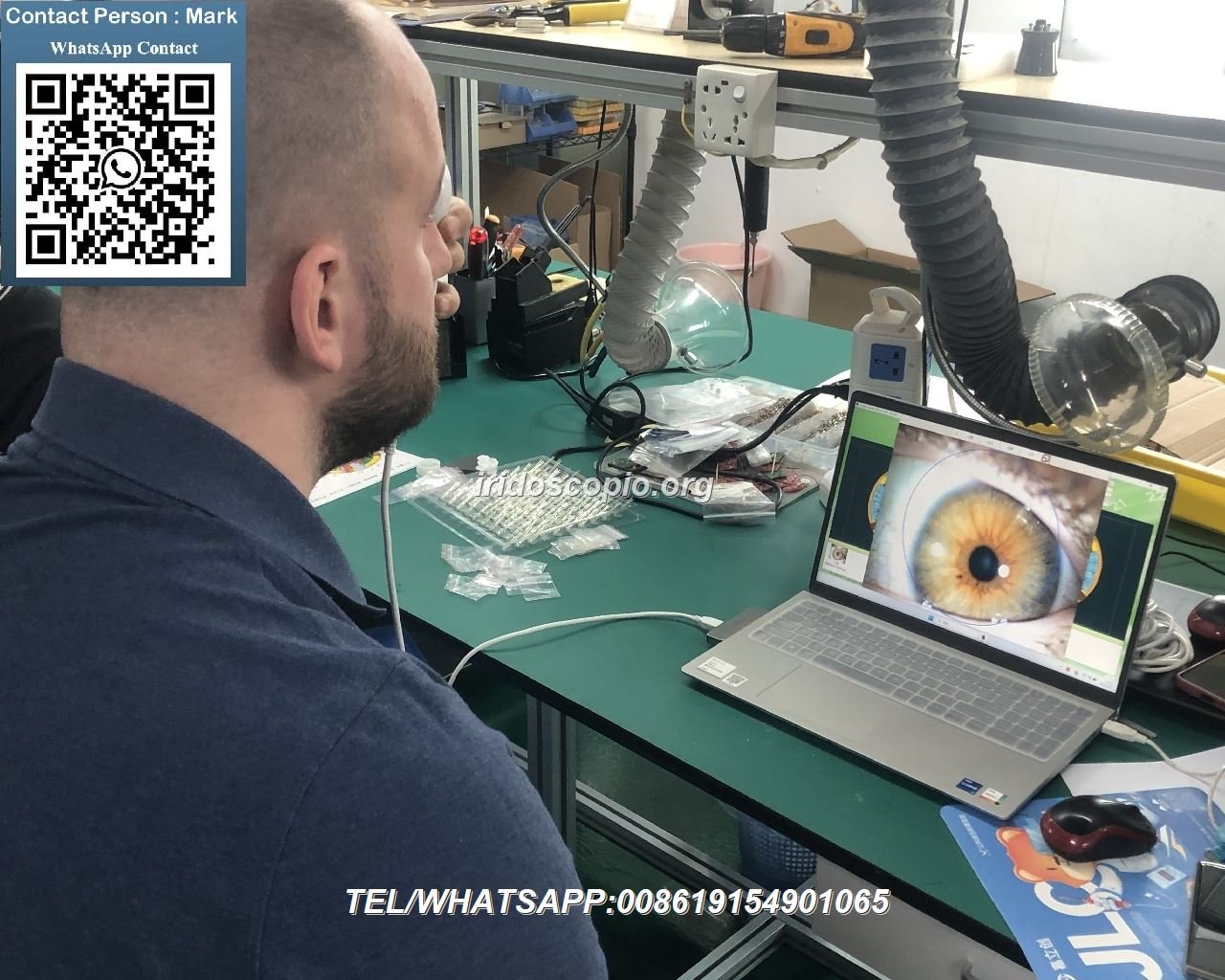
Train staff on proper adjustment of chin and forehead rests for clients of different heights and facial structures. Emphasize stable positioning to prevent movement during image capture.


Eye Alignment
Teach techniques for guiding clients to position their eyes correctly, including gaze direction, eyelid positioning, and managing involuntary eye movements during capture.
Client Comfort
Demonstrate methods for ensuring client comfort during longer sessions, reducing eye strain, and managing clients with physical limitations or anxiety.
Troubleshooting Common كاميرا القزحية Issues
Equip your staff with the knowledge to quickly identify and resolve common issues that may arise when using كاميرات علم القزحية. Proper troubleshooting skills minimize downtime and maintain professional service quality.
Common Image Quality Issues
- صور ضبابية: Check focus adjustment, client movement, or camera stability
- Poor Lighting: Adjust illumination settings or check for ambient light interference
- تشويه اللون: Verify white balance settings and light source quality
- Reflections/Glare: Reposition lighting or adjust angle of camera
- Partial Iris Capture: Ensure proper alignment and distance from eye
Technical Troubleshooting
- مشاكل الاتصال: Check USB cables, ports, and driver installation
- Software Errors: Verify software compatibility and update to latest version
- Camera Not Recognized: Reinstall drivers or check for hardware conflicts
- Encryption Dongle Problems: Ensure proper insertion and recognition
- Image Saving Failures: Check storage permissions and available disk space
MAIKONG Technical Support
All MAIKONG كاميرات علم القزحية come with comprehensive technical support. Our team is available to help resolve any issues that may arise during operation. For immediate assistance, contact our support team at +86 13 5109 07401 or email لوسي@iriscope.org.
Maintenance and Care of كاميرات علم القزحية
Proper maintenance extends the life of your كاميرا علم القزحية system and ensures consistent performance. Train your staff on these essential care procedures.
Daily Maintenance Procedures
- Clean the lens with appropriate optical cleaning solution and microfiber cloth
- افحص جميع الكابلات والتوصيلات بحثًا عن التآكل أو التلف
- Check illumination system for proper function and brightness
- Verify software is properly closing and saving all client data
- Secure the camera in its protective case when not in use
Maintenance Schedule and Warranty Information
| يصف |
Detail |
| عمر التصميم |
5-10 سنوات مع الصيانة المناسبة |
| فترة الضمان |
سنة واحدة للأضرار غير البشرية |
| عنوان الضمان |
العودة إلى المصنع للإصلاح |
| Key Certifications |
سي، ISO9000 |
| After-Sales Support |
Available within 24 hours |
| Recommended Service Interval |
Annual professional inspection and calibration |
Additional Training Resources for كاميرا القزحية المستخدمين
MAIKONG provides comprehensive resources to support ongoing training and skill development for كاميرا علم القزحية operators.
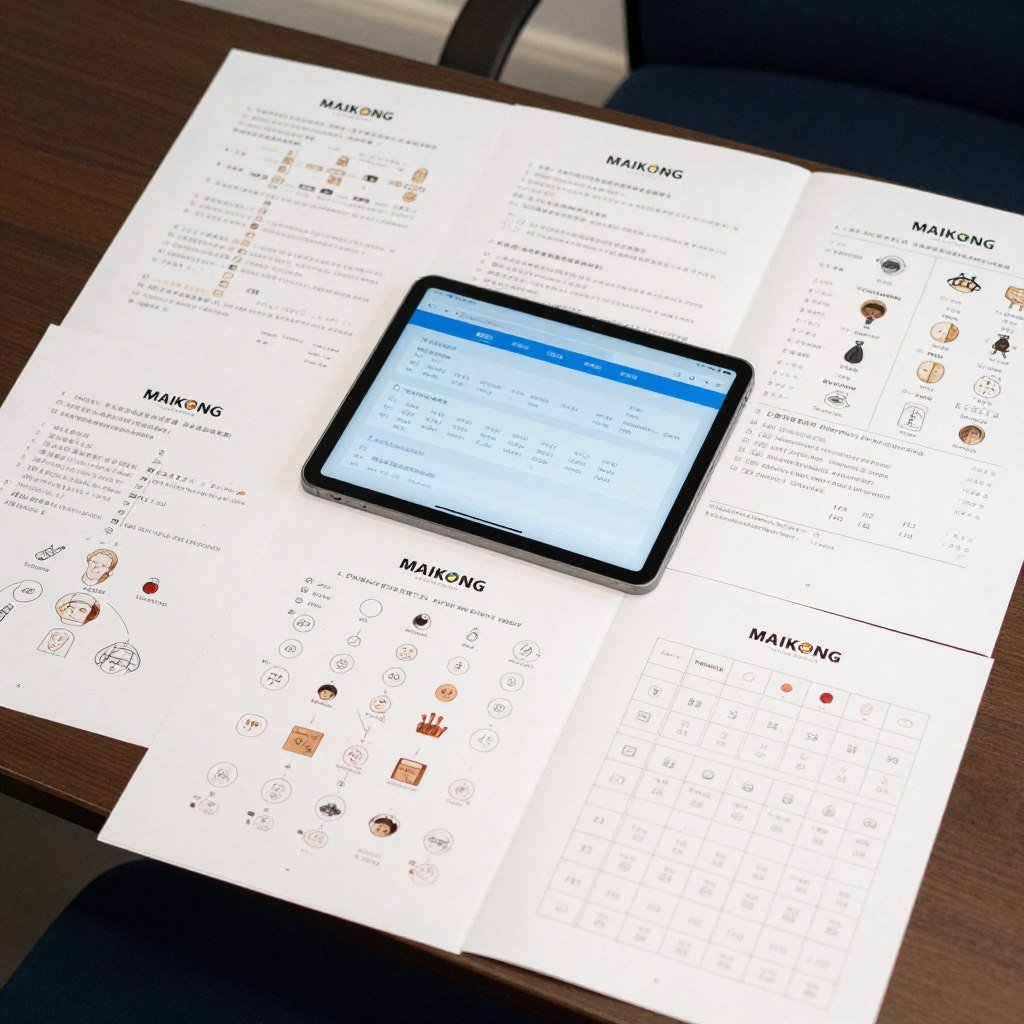
الوثائق
- Comprehensive user manuals in multiple languages
- Quick-start guides for new staff members
- Advanced technique reference materials
- Iridology chart references and interpretation guides
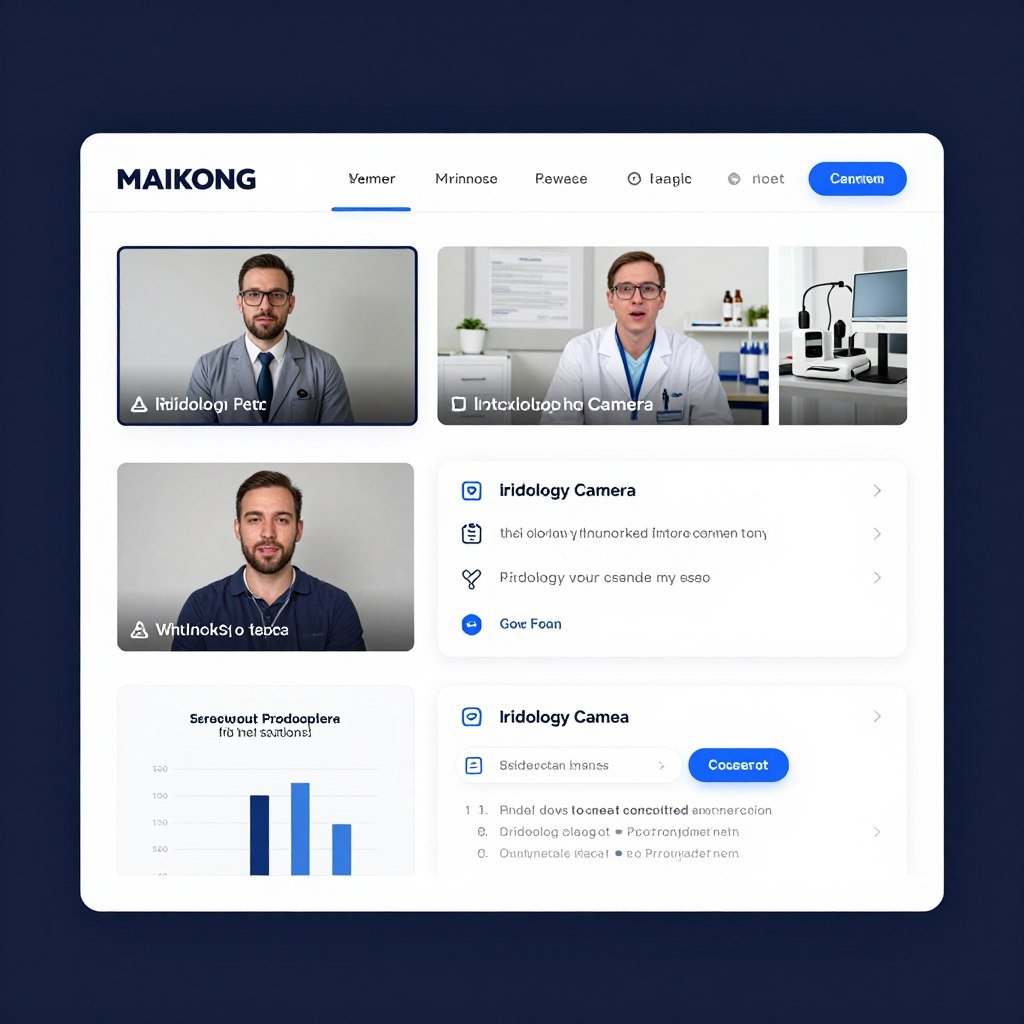
Online Resources
- Video tutorials for all skill levels
- Interactive software training modules
- Webinars on advanced techniques
- Online knowledge base and FAQ section
Professional Development
- Certification programs for operators
- Advanced technique workshops
- One-on-one training sessions with experts
- Community forums for knowledge sharing
Access our comprehensive training resources
MAIKONG offers extensive training materials to ensure your team masters our كاميرا علم القزحية أنظمة.
Learn More About Our Support
System Compatibility for MAIKONG كاميرات علم القزحية
Understanding system requirements ensures smooth operation of your كاميرا علم القزحية and software. Train staff on compatible systems and optimal configurations.
| نوع النظام |
الإصدارات المدعومة |
| نظام التشغيل ويندوز |
ويندوز 2000، إكس بي، فيستا، 7، 8، 10، 11 (32 بت & 64 بت) |
| ماك |
macOS 10.14 (موجافي)، 10.15 (كاتالينا)، 11 (بيج سور)، 12 (مونتيري)، 13 (فينتورا)، 14 (سونوما)، 15 (سيكويا) |
| لينكس |
حاليًا، لا يدعم البرنامج أنظمة التشغيل المستندة إلى Linux. |
Installation Process Training
| خطوة |
وصف |
| 1. Insert USB Key |
Insert provided 4GB USB Key into USB port of your computer. |
| 2. Run Installation |
Double-click exe installation file and follow on-screen prompts by clicking Next until installation is complete. |
| 3. Disable Camera (If Required) |
Some computers may require disabling built-in camera through Device Manager. |
| 4. Connect Iridology Camera |
Disconnect USB Key and connect Iridology Camera into USB port on your computer. |
| 5. Insert Encryption Dongle |
Insert metal USB encryption dongle (USB Key) for software activation. |
| 6. Launch Software |
Double-click on Iridology Software shortcut on your desktop to start using the software. |
| 7. Software Ready |
يجب أن يكون البرنامج الآن مثبتًا بالكامل وجاهزًا للاستخدام على نظامك. |
دعم متعدد اللغات
MAIKONG software supports 17 languages, making it accessible for diverse staff and international practices. Train your team on language selection and configuration to accommodate all users.
لماذا تختار مايكونج كاميرات علم القزحية لممارستك
With over 20 years of experience in manufacturing professional كاميرات علم القزحية, MAIKONG offers unparalleled expertise, quality, and support for practitioners worldwide.
Our Manufacturing Expertise
- 20+ years of research and development experience
- عمليات التصنيع المعتمدة ISO9000
- شهادة CE لجميع أنظمة الكاميرات
- إجراءات مراقبة الجودة واسعة النطاق
- Continuous innovation and product improvement
قدرات التخصيص
- Hardware customization (model, appearance, color, features)
- Software customization (logo, language, functionality)
- Product integration for your specific business needs
- OEM/ODM services for distributors and partners
كن موزع ماكونج
Join over 1000 successful partners worldwide. We provide comprehensive support to help you grow your business.
كن موزعًا
Implementing Your كاميرا القزحية Training Program
Effective training on كاميرات علم القزحية is an ongoing process that requires structure, patience, and continuous reinforcement. By following the guidelines in this comprehensive guide, you can develop a training program that ensures your staff becomes proficient in using these specialized tools.
Remember that mastery comes with practice. Encourage your team to regularly use the camera system, share knowledge, and continuously improve their skills. With proper training and high-quality equipment from MAIKONG, your practice can provide exceptional iridology services that benefit both your clients and your business.
على استعداد لرفع مستوى ممارسة علم القزحية الخاص بك؟
Contact MAIKONG today to discuss your specific needs and discover how our professional كاميرات علم القزحية can transform your practice.
بريد إلكتروني: لوسي@iriscope.org
اتصل بنا اليوم