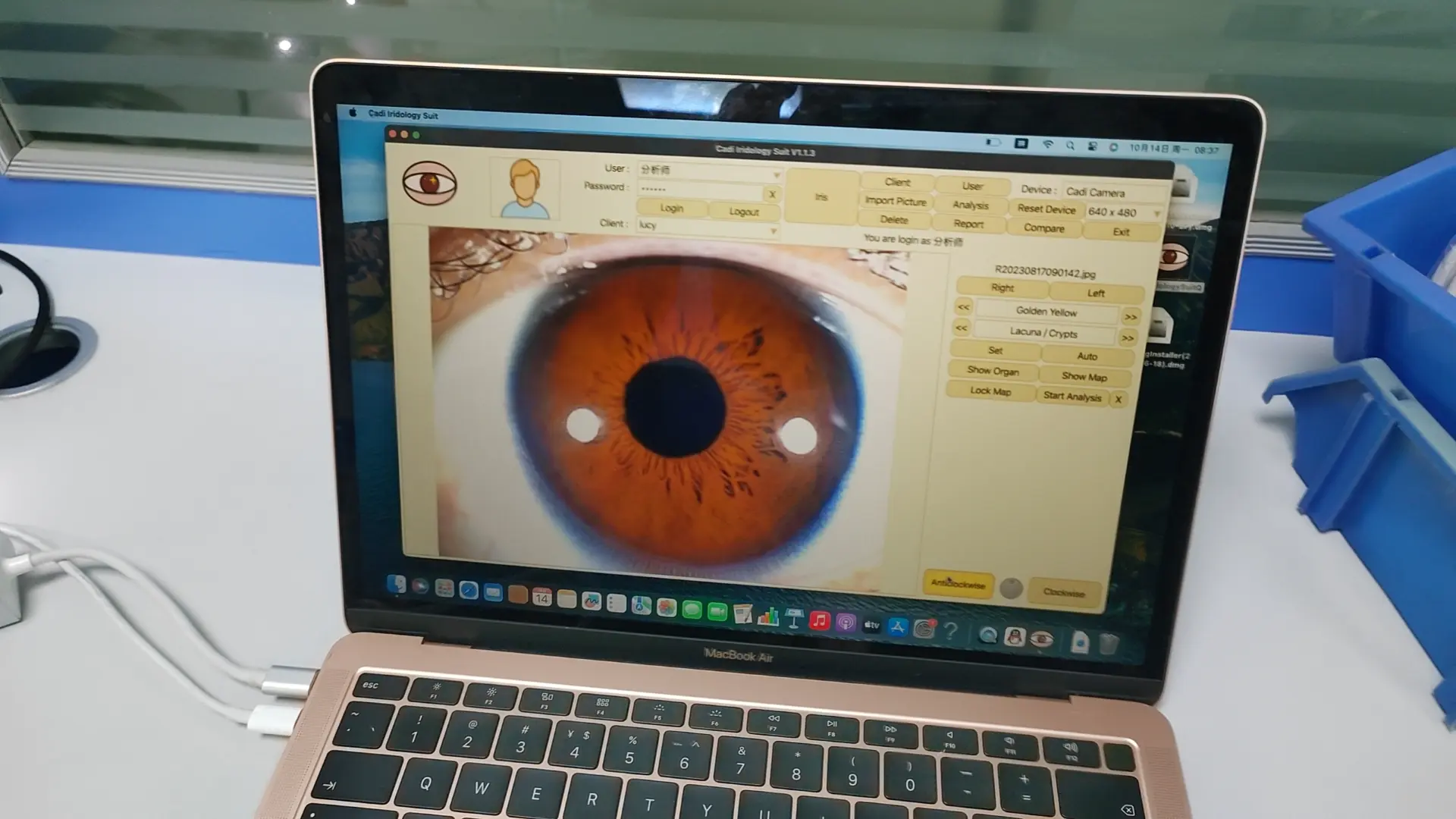
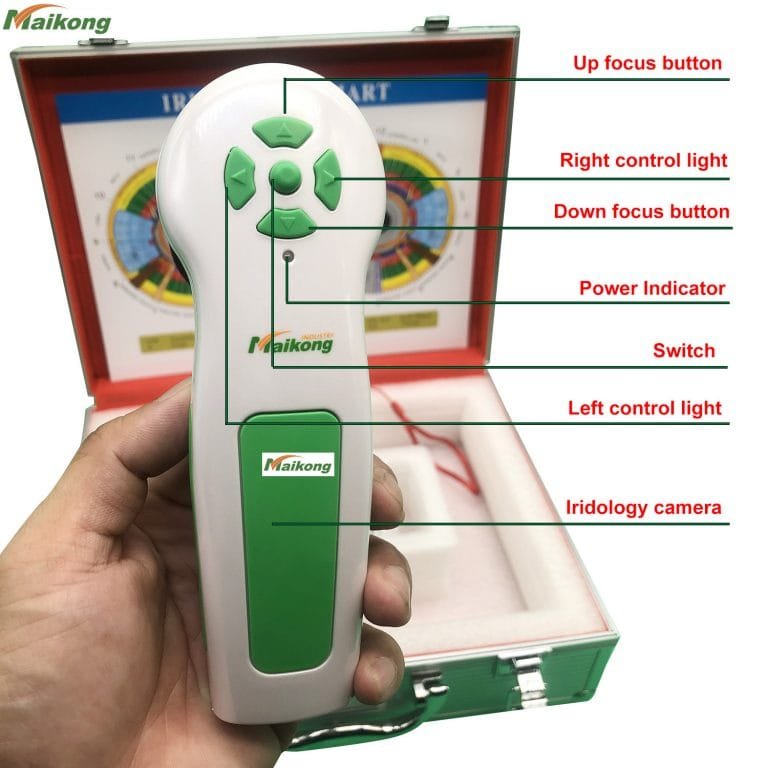
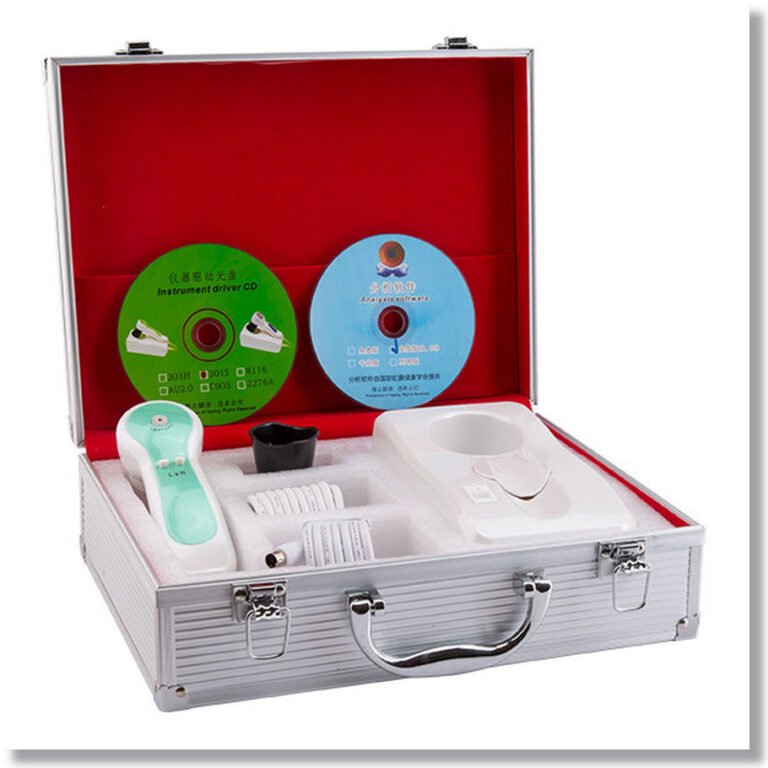
What is iridology camera software?

Iridologie-Kamerasoftware


Iridologie-Kamerasoftware

Iridologie-Kamerasoftware

Iridologie-Kamerasoftware

Iridologie-Kamerasoftware

Iridologie-Kamerasoftware

Iridologie-Kamerasoftware

Iridologie-Kamerasoftware

Iridologie-Kamerasoftware

Iridologie-Kamerasoftware
How to use the iridology camera software?
Iridologie-Kamerasoftware
Iridologie-Software
Iridology Analyse Software
1 install the iridology camera software.
2 Verbindung orangefarbener USB-Stick mit Ihrem PC.
3 Öffnen Sie den Desktop “Englische Version des CadiCV Advance Analysis System”
1) Verwenden Sie SELECT “Benutzer”, Passwort: 111111, und klicken Sie auf: “Login”
2) Klicken Sie klicken “Client-Tool”Geben Sie Ihre Kundeninformationen ein. Wenn OK, klicken Sie “hinzufügen”und Clieck”schließen”
3)klicken “Rechtes Auge erfassen”.–klicken “erfassen”,
4) Wiederholung des letzten Schritts für das linke Auge.
5) Wählen Sie das Augenbild aus (Bild für das rechte Auge / Bild für das linke Auge)
6)klicken “Analyse”
7)klicken “Parameter einstellen” Taste.
8)klicken “Irisanalyse” Taste.
9)Analyse
Beobachtung der Symptome und Auswahl der Irisfarbe in der Software über den entsprechenden Button auf den Symptomen und in der Nacht.
Zum Beispiel: Das Bild der Iris weist einen Riss auf und die Farbe ist hell.
Wählen Sie die Schaltfläche „Riss“ und die Schaltfläche „Licht“, bewegen Sie den Cursor zu den Rissen in der Iris.
Klicken Sie mit der Maus. Sofort von der Analyse gemeldet.
Sie und fügen Ihre Empfehlung oder Ihr Produkt für den Kunden hinzu.
hinzufügen ——? Analyse——–?left (Analyse linkes Auge)
10 sparen
11 Bericht: Wählen Sie den Berichtsnamen aus —–?html-Bericht oder Berichtsprivileg Wählen Sie den Namen des Berichts (Datumsname)
12 Druck
13 Kunde löschen
14 Kunde bearbeiten


Iridologie-Kamerasoftware

Iridologie-Kamerasoftware

Iridologie-Kamerasoftware