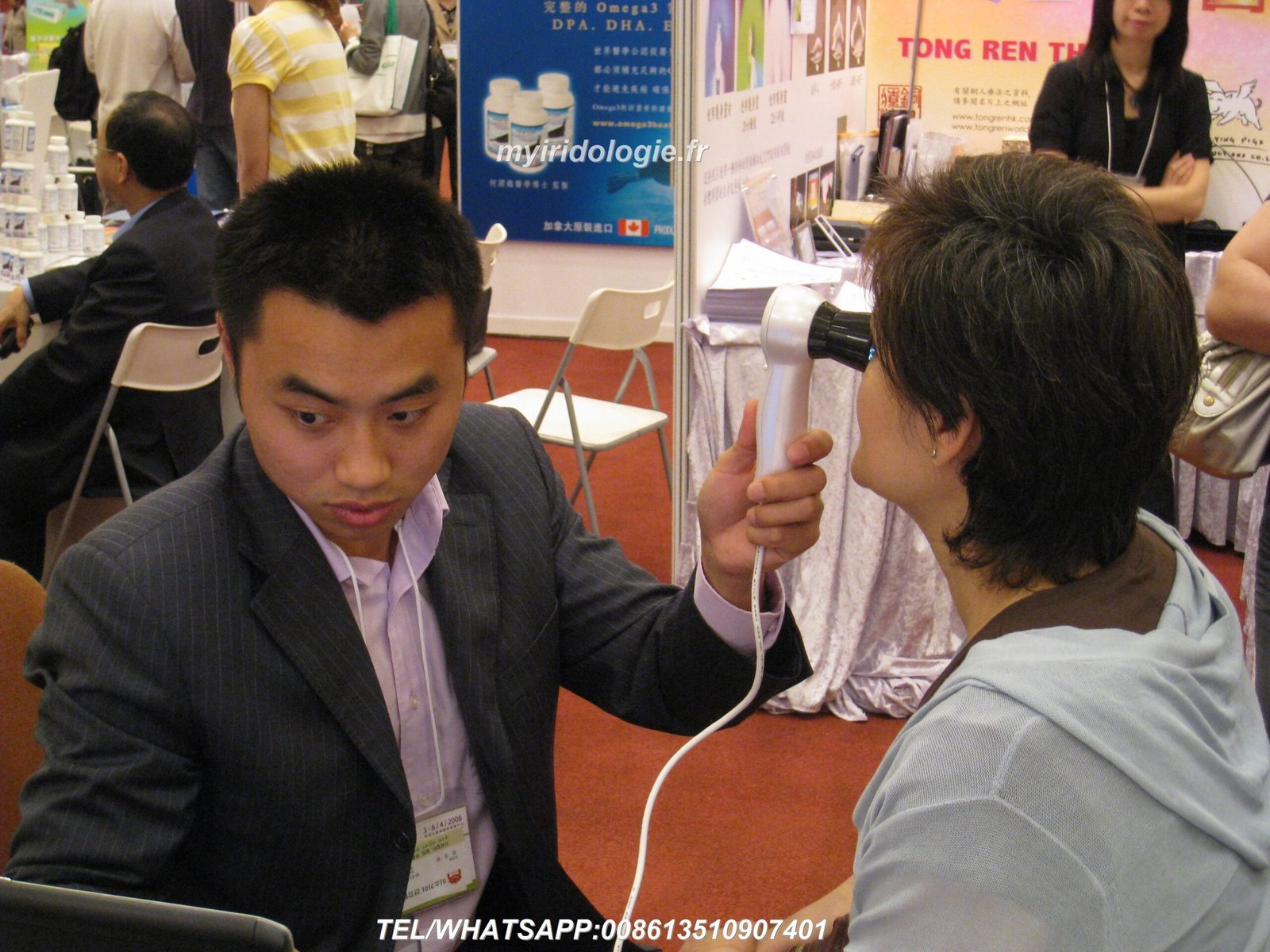
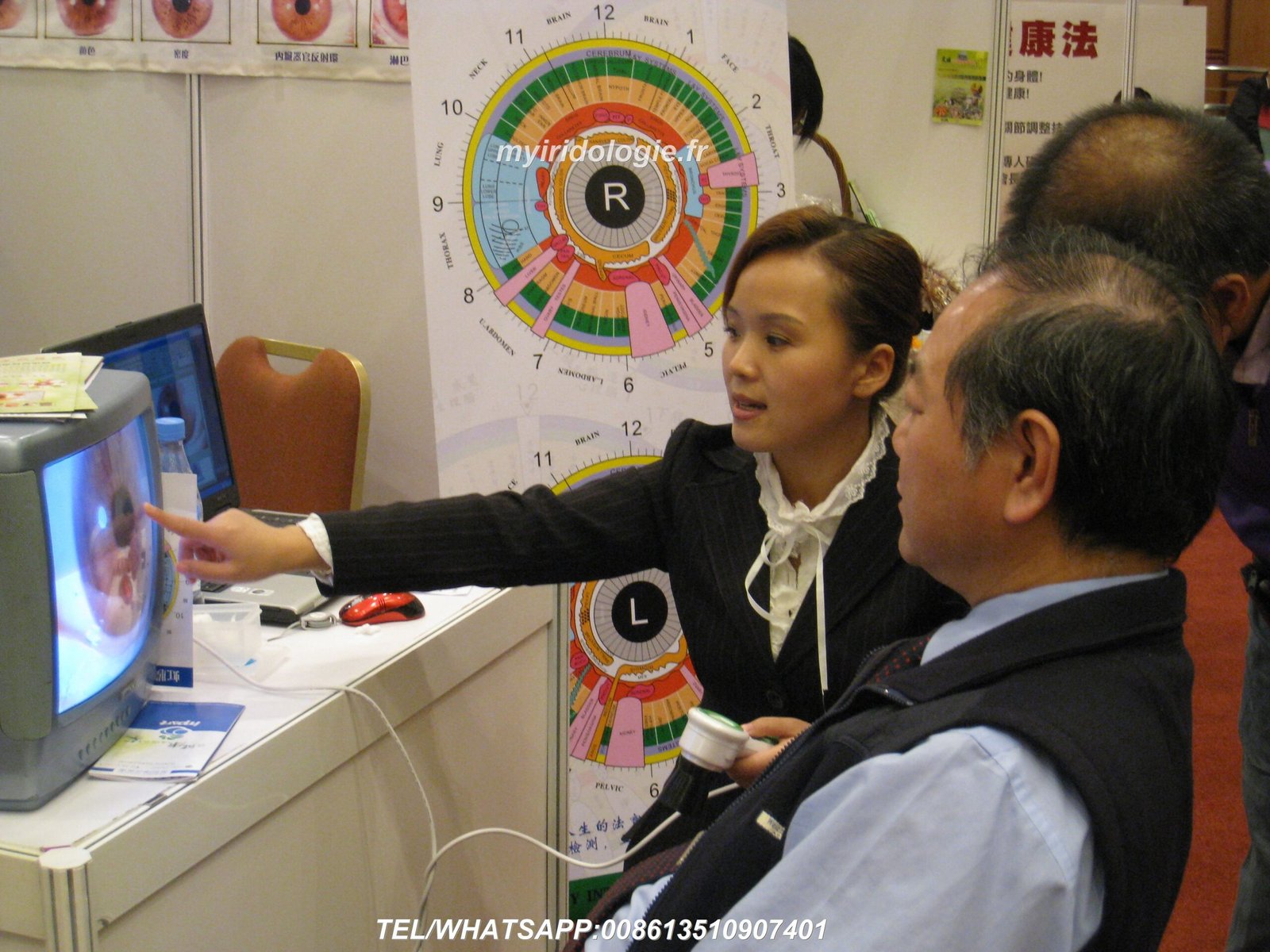
Bienvenido a la guía completa de MAIKONG sobre cómo configurar su cámara de iridología. Con más de 20 años de experiencia en la fabricación de equipos de iridología profesionales, hemos ayudado a miles de profesionales en todo el mundo a lograr resultados óptimos con nuestra tecnología de vanguardia. Esta guía lo guiará a través de todos los aspectos de la configuración adecuada, desde el desembalaje hasta la captura de sus primeras imágenes del iris de alta calidad.


Por qué es apropiado Cámara de iridología La configuración importa
La calidad de su análisis de iris depende significativamente de qué tan bien esté configurado su equipo. Una configuración adecuada cámara de iridología Garantiza imágenes claras y detalladas que revelan patrones sutiles del iris, lo que permite realizar evaluaciones de salud precisas. Muchos profesionales luchan con imágenes borrosas, poca iluminación o problemas de integración de software que pueden evitarse fácilmente con el enfoque de configuración adecuado.


Beneficios de una configuración adecuada
- Imágenes de iris nítidas para un análisis preciso
- Resultados consistentes en múltiples sesiones
- Vida útil extendida del equipo (5-10 años)
- Experiencia y confianza mejoradas del paciente
- Integración perfecta de software para un flujo de trabajo eficiente
Consecuencias de una mala configuración
- Imágenes borrosas o distorsionadas que conducen a malas interpretaciones.
- Iluminación inconsistente que afecta la precisión del color
- Problemas de compatibilidad de software que causan frustración
- Reducción de la vida útil del equipo debido a un manejo inadecuado
- Malestar del paciente durante sesiones de imágenes prolongadas.
Consideraciones previas a la configuración para su Cámara de iridología
Antes de desembalar su MAIKONG cámara de iridología, es importante comprender las especificaciones y requisitos clave del producto que garantizarán un rendimiento y una longevidad óptimos.
| Especificación |
Detalles |
| Vida útil esperada |
5-10 años con mantenimiento adecuado |
| Período de garantía |
1 año (daños no humanos) |
| Ubicación de reparación |
centro de servicio de fábrica |
| Compatibilidad de software |
Windows XP/7/8/Vista/10/11, Apple Mac OS |
| Requisitos de energía |
Alimentado por USB (no se necesita alimentación externa) |
Elegir la ubicación correcta
Su cámara de iridología El entorno de configuración afecta significativamente la calidad de la imagen. Considere estos factores:
Entorno ideal
- Espacio tranquilo y privado con distracciones mínimas.
- Iluminación constante y neutra (evite la luz solar directa)
- Asientos cómodos tanto para el practicante como para el cliente.
- Superficie estable para colocación de equipos.
- Acceso a tomas de corriente y conexión a internet.
Colocación del equipo
- Posicionamiento ergonómico para evitar la tensión del practicante.
- Altura ajustable para diferentes clientes.
- Monitor colocado para una fácil visualización durante la captura.
- Gestión de cables para evitar riesgos de tropiezos.
- Espacio suficiente para el movimiento del cliente.
Desembalaje de su MAIKONG Cámara de iridología
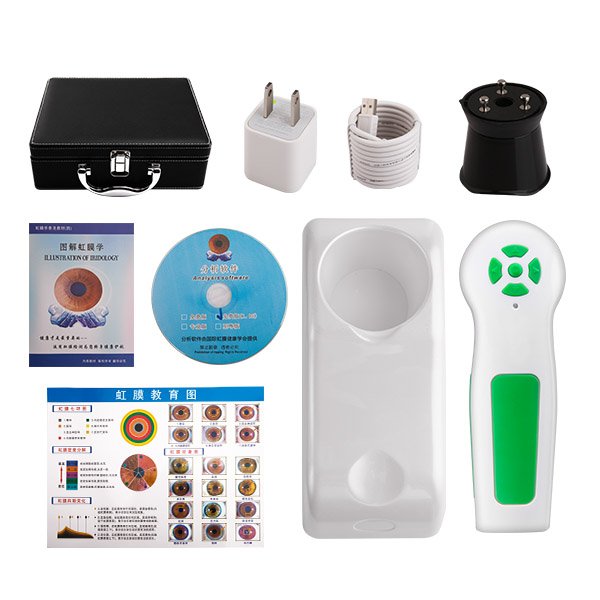
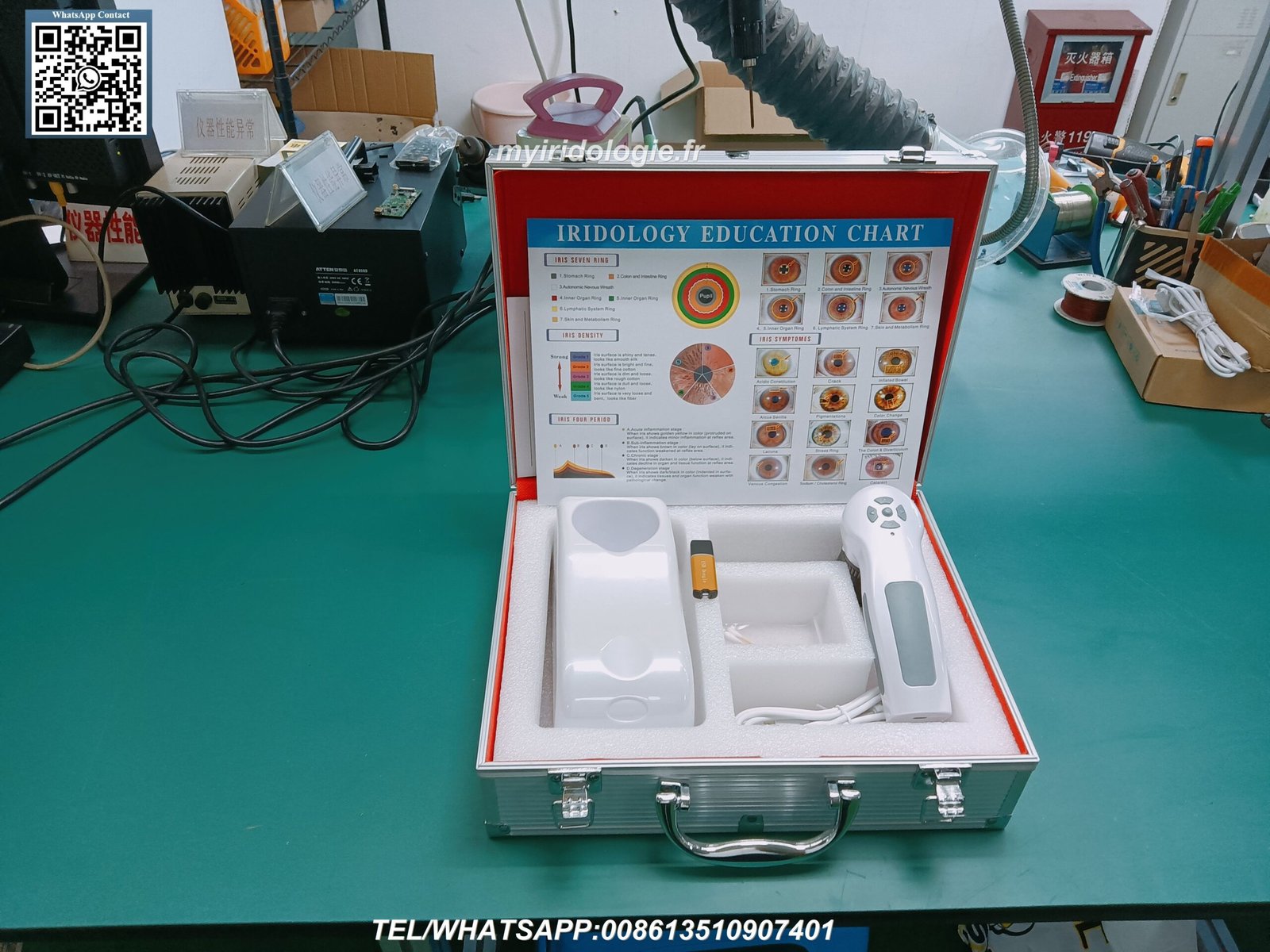
Cuando recibas tu MAIKONG cámara de iridología, desempaque con cuidado todos los componentes y verifique el contenido completo del paquete. Nuestros modelos profesionales de 12MP incluyen todo lo necesario para una configuración inmediata.
Contenido del paquete estándar
Componentes de hardware
- Auricular (1 unidad)
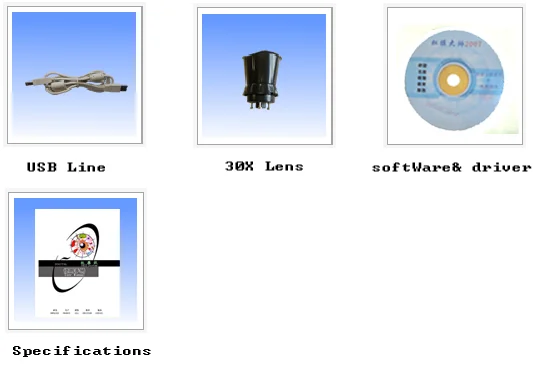
- Lente de iris 30X (1 unidad)
- Cable USB de 1,5 metros (1 unidad)
- Cubierta protectora de lente (1 ud.)
- Estuche de transporte de cuero PU (1 ud.)
Documentación
- Tabla de iridología (1 unidad)
- Manual de instrucciones (1 unidad)
- Tarjeta de garantía (1 unidad)
- Guía de inicio rápido (1 unidad)
- Certificado de autenticidad (1 unidad)
Software
- CD de controladores (1 unidad)
- CD de software de análisis (1 unidad)
- Clave de activación del software (1 unidad)
- Descargar instrucciones (1 unidad)
- Manual de software (1 pieza)
Proceso de configuración de hardware
Configurando tu MAIKONG cámara de iridología El hardware correctamente es crucial para un rendimiento óptimo. Siga estos pasos cuidadosamente para garantizar una configuración adecuada.
- Inspeccionar el auricular de la cámara – Compruebe si hay daños visibles o componentes sueltos.
- Coloque la lente del iris – Atornille con cuidado la lente de iris 30X en el teléfono de la cámara.
- Conecte el cable USB – Conecte el cable USB al teléfono con cámara
- Conectarse a la computadora – Inserte el conector USB en un puerto USB disponible en su computadora
- Colocar la cámara – Coloque la cámara sobre una superficie estable o monte
- Ajustar la iluminación – Asegúrese de que las luces LED incorporadas funcionen correctamente
- Prueba de movilidad – Verifique que la cámara se mueva suavemente para posicionarse
Importante: Maneje siempre la lente con cuidado y evite tocar la superficie del vidrio. Las huellas dactilares y las manchas pueden reducir significativamente la calidad de la imagen. Utilice la cubierta de lente proporcionada cuando la cámara no esté en uso.
Ajustar la configuración de la cámara
Ajuste de enfoque
el makongkong cámara de iridología Cuenta con enfoque ajustable para adaptarse a diferentes características del ojo. Para lograr un enfoque óptimo:
- Coloque la cámara aproximadamente a 1 o 2 pulgadas del ojo.
- Gire el anillo de enfoque hasta que el patrón del iris aparezca nítido
- Ajustar según sea necesario para cada cliente
- Bloquee la configuración de enfoque una vez que se logre una claridad óptima
Configuración de iluminación
La iluminación adecuada es esencial para un análisis preciso del iris. Nuestras cámaras incluyen múltiples opciones de iluminación:
- LED de luz diurna para imágenes de iris estándar
- Luces laterales de color blanco cálido para ojos oscuros
- Iluminación combinada para casos exigentes
- Brillo ajustable para evitar molestias al cliente.
Instalación y configuración de software
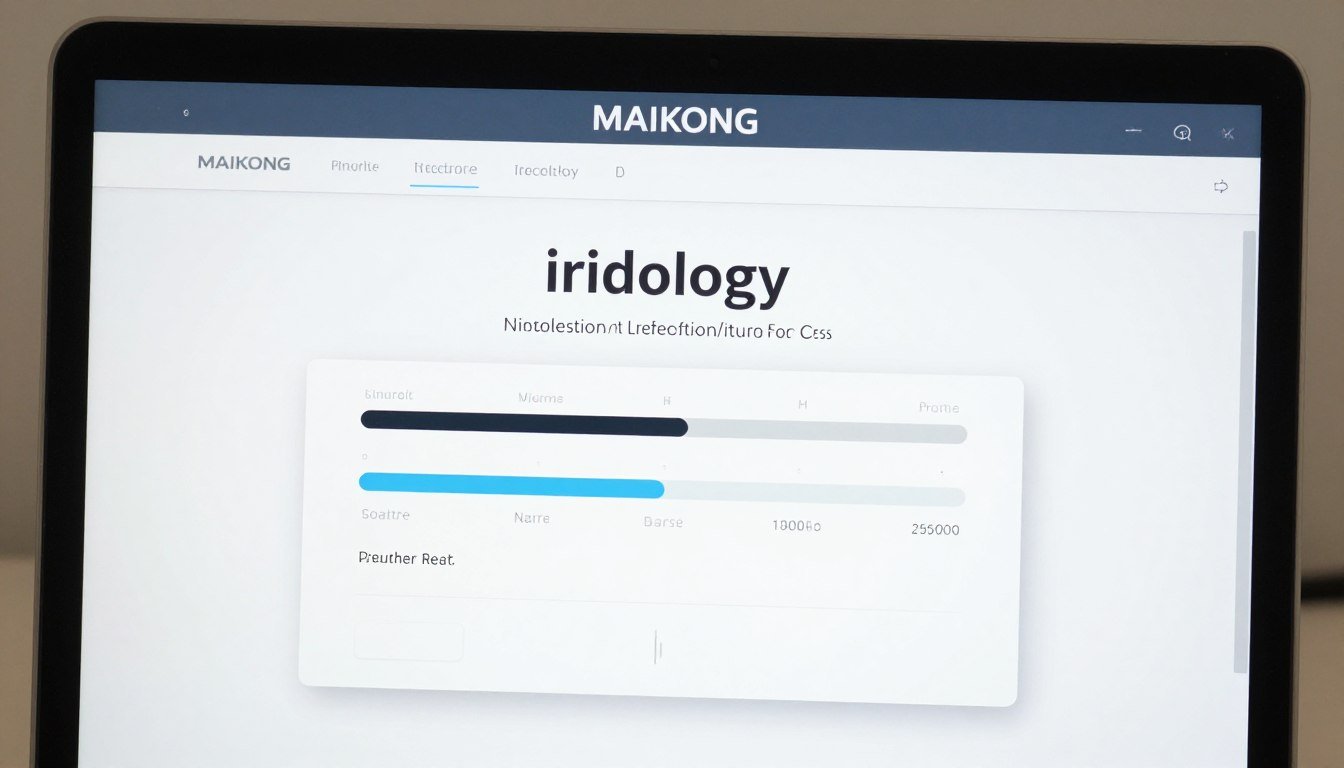
El software de iridología MAIKONG es una poderosa herramienta que complementa su cámara de iridología hardware. Siga estos pasos para instalar y configurar correctamente el software.
Pasos de instalación
- Insertar llave USB – Inserte la llave USB de 4 GB proporcionada en un puerto USB disponible
- Ejecutar archivo de instalación – Haga doble clic en el archivo de instalación .exe y siga las instrucciones en pantalla.
- Deshabilitar la cámara incorporada – Algunas computadoras pueden requerir deshabilitar la cámara incorporada a través del Administrador de dispositivos
- Conectar cámara de iridología – Desconecta la llave USB y conecta tu cámara de iridología
- Insertar dongle de cifrado – Inserte la llave de cifrado USB de metal para activar el software.
- Lanzar software – Haga doble clic en el acceso directo del escritorio para iniciar el software
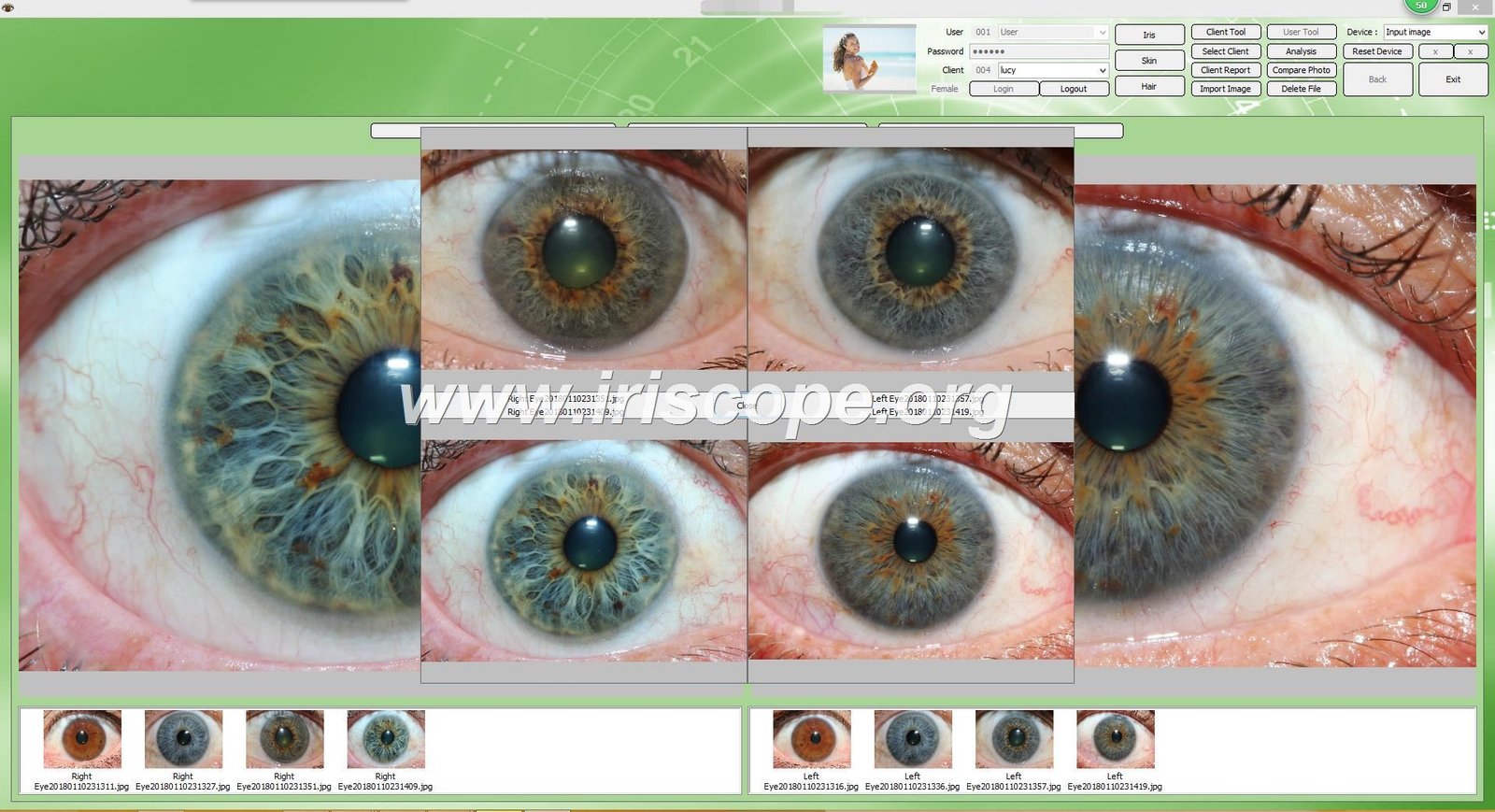
- Verificar conexión – Confirme que el software reconozca su dispositivo de cámara
Nota: El software de iridología MAIKONG es compatible con Windows XP/7/8/Vista/10/11 y Apple Mac OS. No es compatible con sistemas Android, Linux o Unix. Siempre verifique los requisitos del sistema antes de la instalación.
Descripción general de las características del software
| Característica |
Descripción |
| Análisis automático |
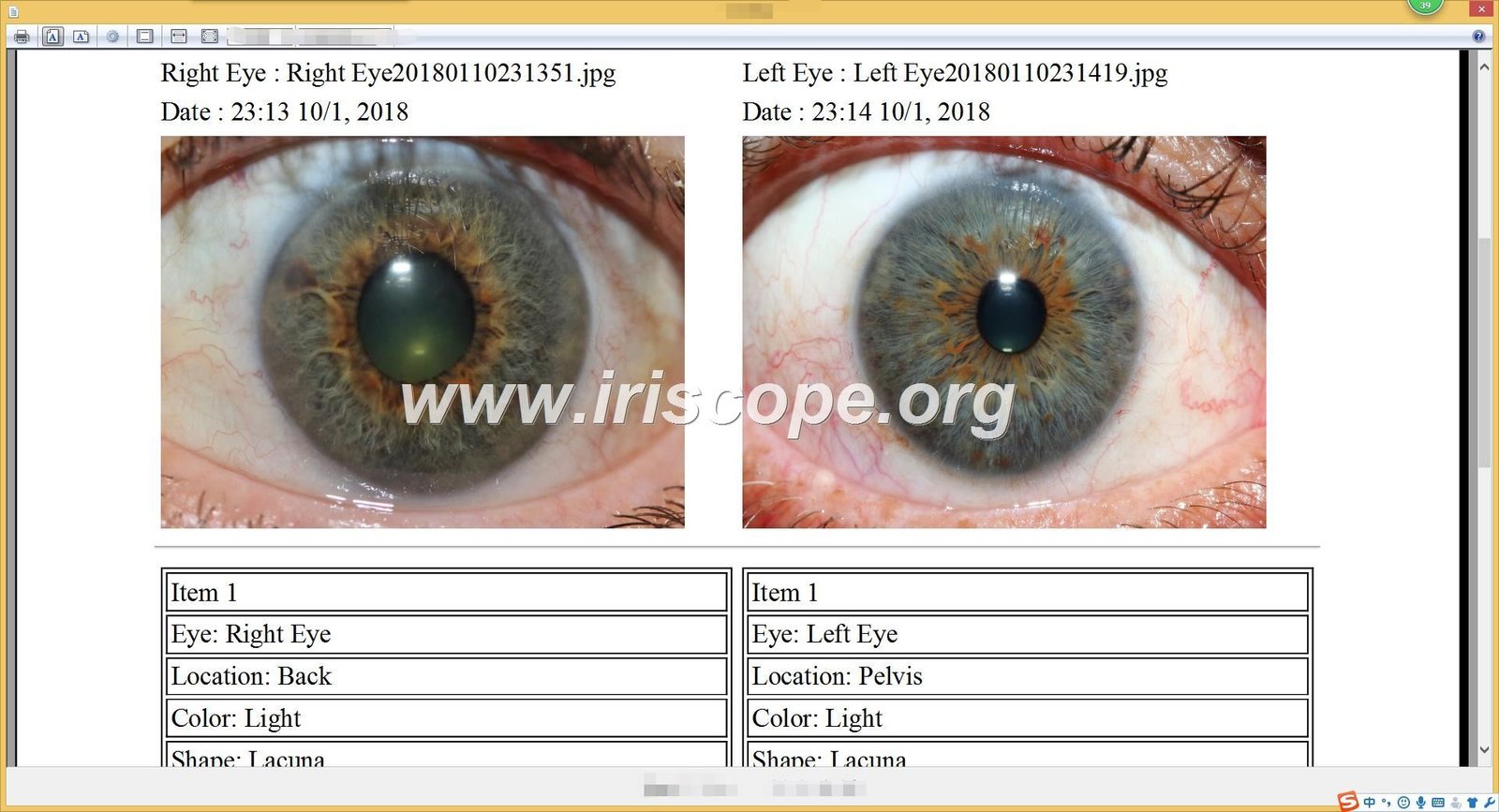
Análisis de iridología automático basado en IA con informes de salud detallados |
| Gestión de Clientes |
Base de datos completa para almacenar información e imágenes del cliente. |
| Soporte de varios idiomas |
Disponible en 17 idiomas, incluidos inglés, español, francés y más |
| Visualización 3D |
Visualización 3D mejorada de patrones de iris para un análisis detallado |
| Respaldo & Restaurar |
Gestión segura de datos con opciones de copia de seguridad automática |
Capturando su primera imagen del iris
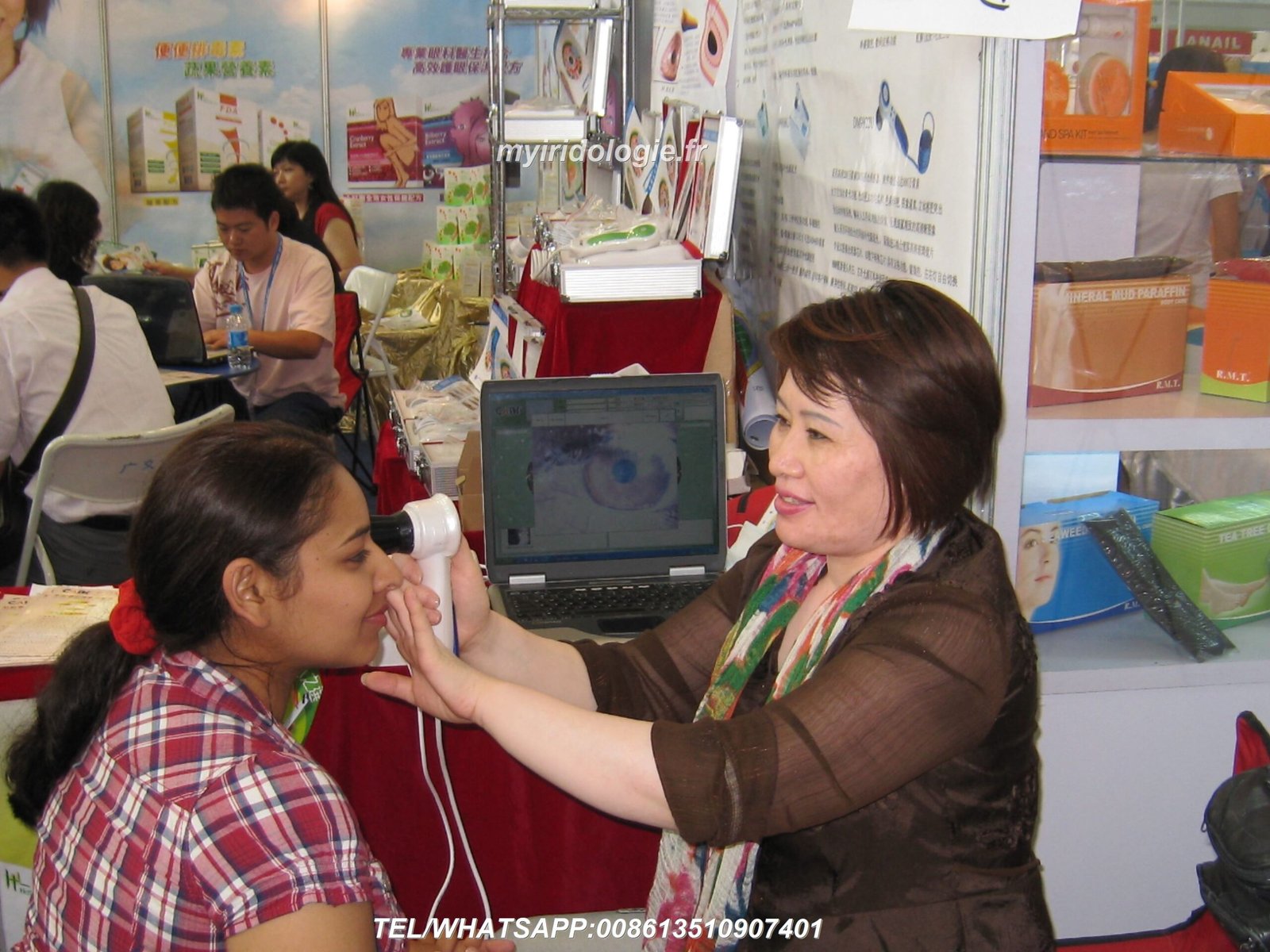
Ahora que tu cámara de iridología y el software están configurados correctamente, es hora de capturar su primera imagen del iris. Siga estos pasos para obtener resultados óptimos.
Preparación del cliente
Antes de la sesión
- Explicar el procedimiento para garantizar la comodidad del cliente.
- Pedir a los clientes que se quiten los lentes de contacto, si corresponde.
- Asegúrese de que el cliente esté bien hidratado para obtener imágenes claras.
- Crear un ambiente tranquilo para minimizar la dilatación de la pupila.
Posicionamiento del cliente
- Siente al cliente cómodamente a la altura de los ojos de la cámara.
- Estabilice la cabeza del cliente para minimizar el movimiento.
- Ajuste la iluminación para evitar entrecerrar los ojos.
- Asegúrese de que haya una distancia adecuada entre el ojo y la cámara (de 1 a 2 pulgadas)
Proceso de captura de imágenes
- Inicie el software – Abra el software de iridología MAIKONG y seleccione “Nuevo cliente” o “Nueva sesión”
- Ingrese la información del cliente – Registre detalles básicos e información de salud relevante.
- Seleccione el modo de captura – Elija entre captura de una sola imagen o de varias imágenes
- Colocar la cámara – Alinee primero con el ojo derecho del cliente.
- Ajustar el enfoque – Gire el anillo de enfoque hasta que el patrón del iris sea nítido
- Optimizar la iluminación – Ajuste el brillo del LED según el color de ojos (más brillante para ojos oscuros)
- Captura la imagen – Presione el botón de captura cuando la imagen esté clara.
- Calidad de la reseña – Compruebe la claridad, la exposición adecuada y la visibilidad completa del iris.
- Repita para el ojo izquierdo – Sigue el mismo proceso para el ojo izquierdo.
- guardar la sesión – Almacenar imágenes en el perfil del cliente.


Problemas comunes: Si las imágenes aparecen borrosas, verifique la configuración de enfoque y asegúrese de que la cámara esté a la distancia óptima. Para imágenes oscuras o mal iluminadas, ajuste el brillo del LED. Si el software no reconoce la cámara, verifique las conexiones USB y la instalación del controlador.
Solución de problemas comunes Cámara de iridología Asuntos
Incluso con la configuración adecuada, puede encontrar desafíos ocasionales con su cámara de iridología. Aquí encontrará soluciones a problemas comunes.
Cámara no reconocida por la computadora
Esto suele ser un problema del controlador. Pruebe estas soluciones:
- Desconecte y vuelva a conectar el cable USB
- Pruebe con un puerto USB diferente (preferiblemente USB 2.0)
- Reinstale los controladores de la cámara desde el CD proporcionado
- Verifique el Administrador de dispositivos para detectar dispositivos desconocidos y actualice los controladores
- Reinicie su computadora después de la instalación del controlador
Imágenes borrosas o desenfocadas
Los problemas de claridad de la imagen se pueden resolver con estos ajustes:
- Limpiar la lente con un paño de microfibra.
- Ajuste el anillo de enfoque hasta que el patrón del iris sea nítido
- Mantenga una distancia óptima (de 1 a 2 pulgadas del ojo)
- Estabiliza tanto la cámara como la cabeza del cliente.
- Asegúrese de tener una iluminación adecuada para una exposición adecuada.
Problemas de activación de software
Si tiene problemas para activar el software:
- Verifique que el dispositivo de cifrado esté insertado correctamente
- Ejecute el software como administrador
- Desactivar temporalmente el software antivirus
- Busque actualizaciones de Windows que puedan afectar la compatibilidad
- Póngase en contacto con el soporte de MAIKONG para obtener ayuda con la activación
Mala iluminación o precisión del color
Para una reproducción e iluminación óptimas del color:
- Utilice LED de luz diurna para ojos de colores claros
- Cambie a luces laterales de color blanco cálido para ojos oscuros
- Ajuste el brillo para evitar la sobreexposición.
- Calibrar el balance de blancos en la configuración del software
- Minimiza las fuentes de luz externas que pueden afectar la precisión del color.
Mantenimiento de su Cámara de iridología para la longevidad
Un mantenimiento adecuado garantiza que su MAIKONG iridologo
Cuidado diario
- Limpiar la lente con un paño de microfibra después de cada uso.
- Reemplace la tapa de la lente cuando no esté en uso
- Almacenar en un ambiente libre de polvo.
- Desconecte el cable USB cuando haya terminado
- Mantener alejado de la luz solar directa
Mantenimiento semanal
- Comprobar y limpiar conexiones USB
- Inspeccione las luces LED para comprobar que funcionan correctamente
- Verifique que el mecanismo de enfoque se mueva suavemente
- Hacer una copia de seguridad de los datos e imágenes del cliente
- Limpie el cuerpo de la cámara con un paño suave.
Cheques mensuales
- Pruebe todas las funciones de la cámara a fondo
- Actualizar el software si hay nuevas versiones disponibles
- Compruebe si hay componentes o conexiones sueltos.
- Verificar la consistencia de la calidad de la imagen
- Estuche de transporte y accesorios limpios
“El mantenimiento adecuado no se trata sólo de prolongar la vida útil del equipo, sino de garantizar resultados consistentes y confiables para sus clientes. Una cámara bien mantenida produce mejores imágenes, lo que lleva a un análisis más preciso.”
— Equipo de soporte técnico de MAIKONG
Funciones y técnicas avanzadas
Una vez que haya dominado los conceptos básicos, explore estas funciones avanzadas de su MAIKONG cámara de iridología y software para mejorar su práctica.
Técnicas avanzadas de imágenes
- Captura multiángulo – Documentar el iris desde diferentes perspectivas
- Imágenes de la esclerótica – Capture el blanco del ojo para análisis adicionales
- Grabación de respuesta del alumno. – Documentar las reacciones pupilares a la luz.
- Captura de detalles macro – Ampliar regiones específicas del iris
- Documentación en intervalos de tiempo – Realice un seguimiento de los cambios en varias sesiones
Herramientas de análisis de software
- visualización 3D – Ver la topografía del iris en tres dimensiones.
- Análisis comparativo – Comparación de sesiones en paralelo
- Marcadores de salud automatizados – Identificación de patrones asistida por IA
- Informes personalizados – Crea informes personalizados para tus clientes.
- Integración con recomendaciones de productos. – Vincular los hallazgos con las soluciones
Integración de flujo de trabajo profesional
Maximice la eficiencia integrando su cámara de iridología sistema en su flujo de trabajo profesional:
- Preparación previa a la sesión – Revisar el historial del cliente y las imágenes anteriores.
- Proceso de captura simplificado – Desarrollar una rutina de imágenes consistente
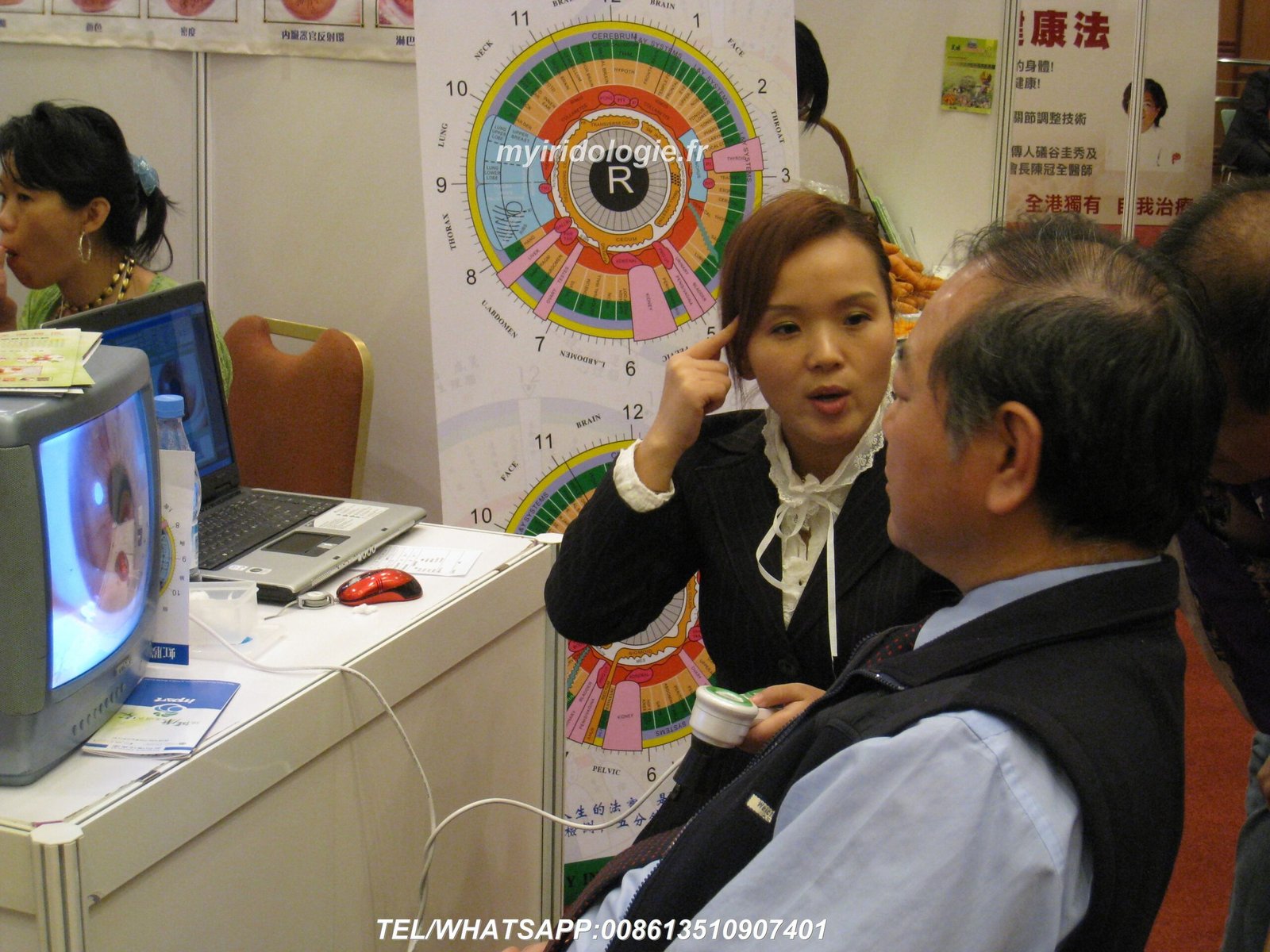
- Análisis inmediato – Realizar una evaluación en tiempo real con el cliente presente
- presentación educativa – Utilice imágenes para explicar los hallazgos a los clientes.
- Integración de recomendaciones – Conecte las observaciones a protocolos específicos
- Documentación de seguimiento – Realice un seguimiento de los cambios y el progreso a lo largo del tiempo
- Seguridad de datos – Implementar copias de seguridad periódicas y medidas de privacidad.
Conclusión: maximizar su Cámara de iridología Inversión
Tu Maikong cámara de iridología es más que un simple equipo: es una poderosa herramienta para la evaluación de la salud y la educación del cliente. Al seguir esta guía de configuración, habrá dado los primeros pasos para dominar la tecnología de iridología y mejorar su práctica.
Con más de 20 años de experiencia en el desarrollo y fabricación de equipos de iridología profesionales, MAIKONG sigue comprometido a apoyar a los profesionales de todo el mundo con tecnología de vanguardia, capacitación integral y un servicio al cliente receptivo.
¿Listo para mejorar su práctica de iridología?
Póngase en contacto con MAIKONG hoy para obtener más información sobre nuestras cámaras de iridología profesionales, soluciones de software y oportunidades de asociación.