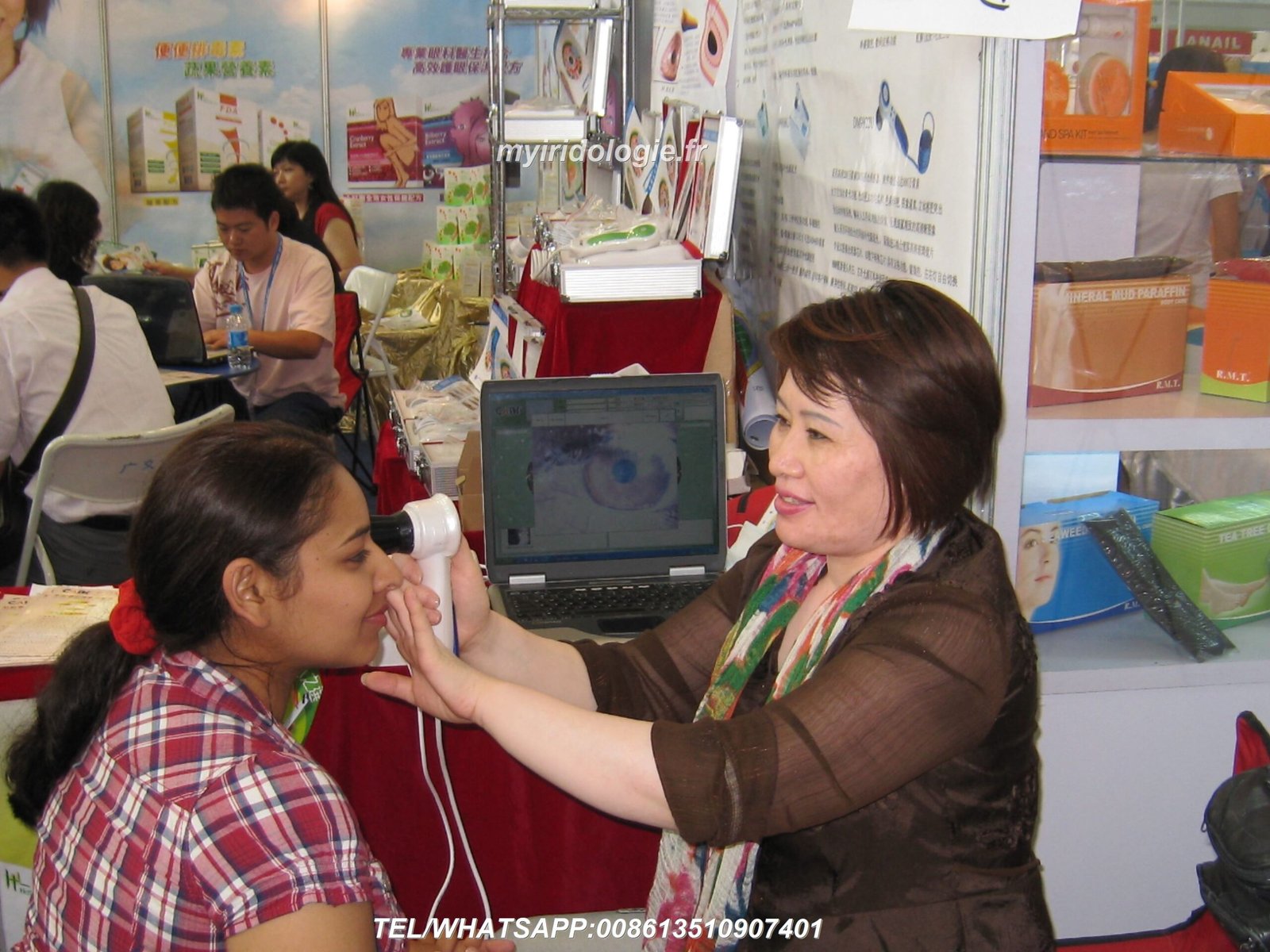
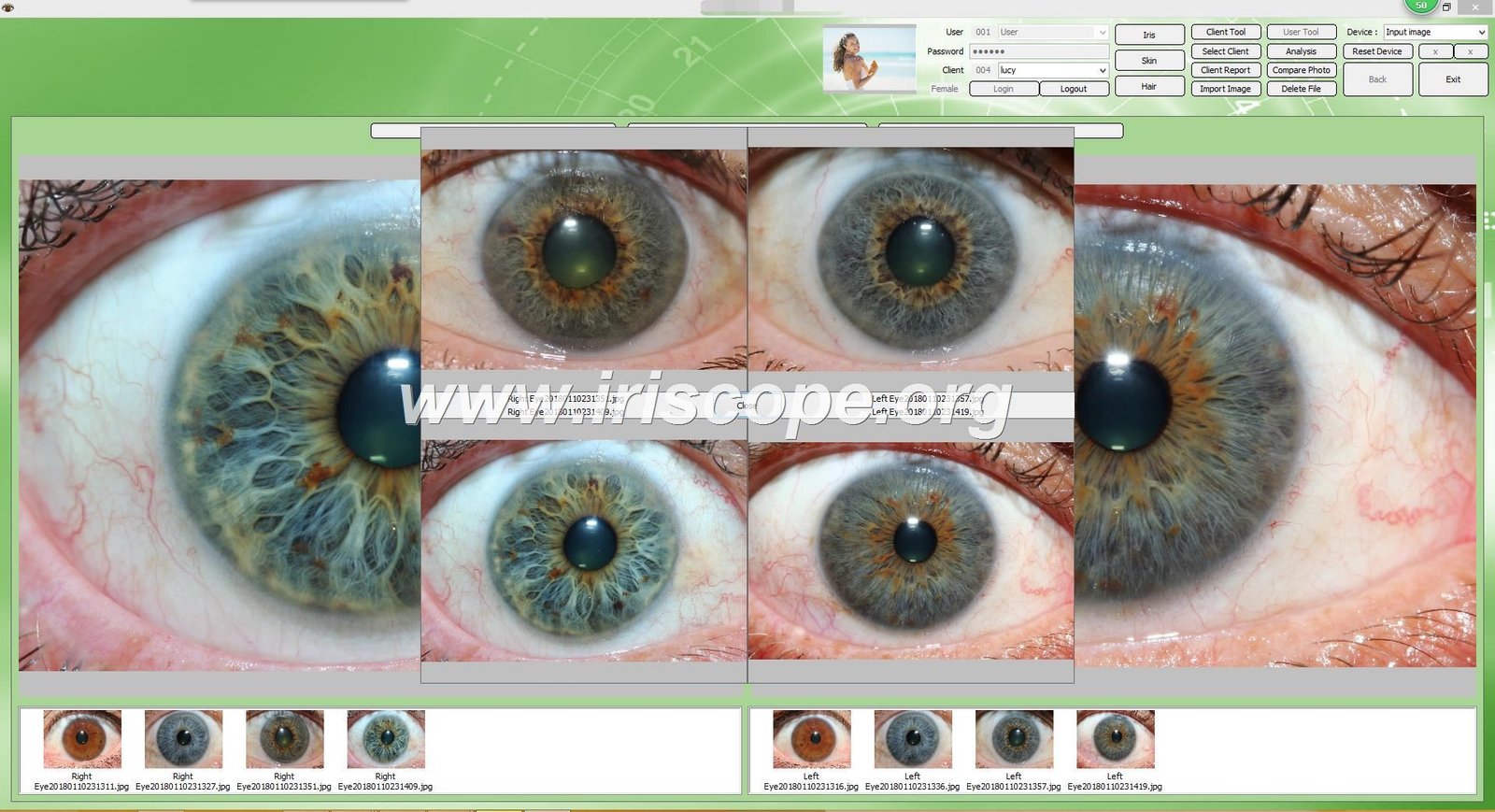
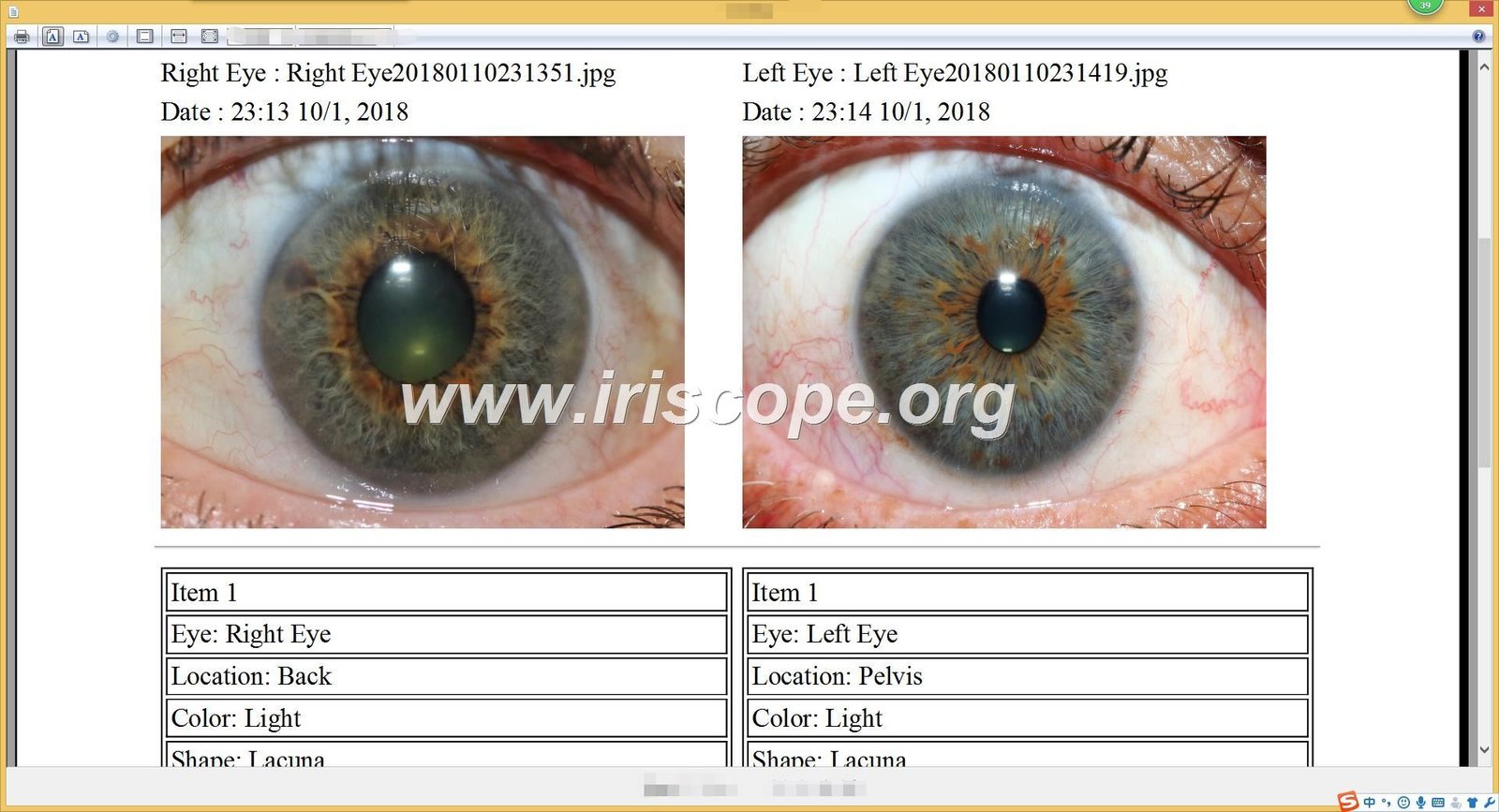
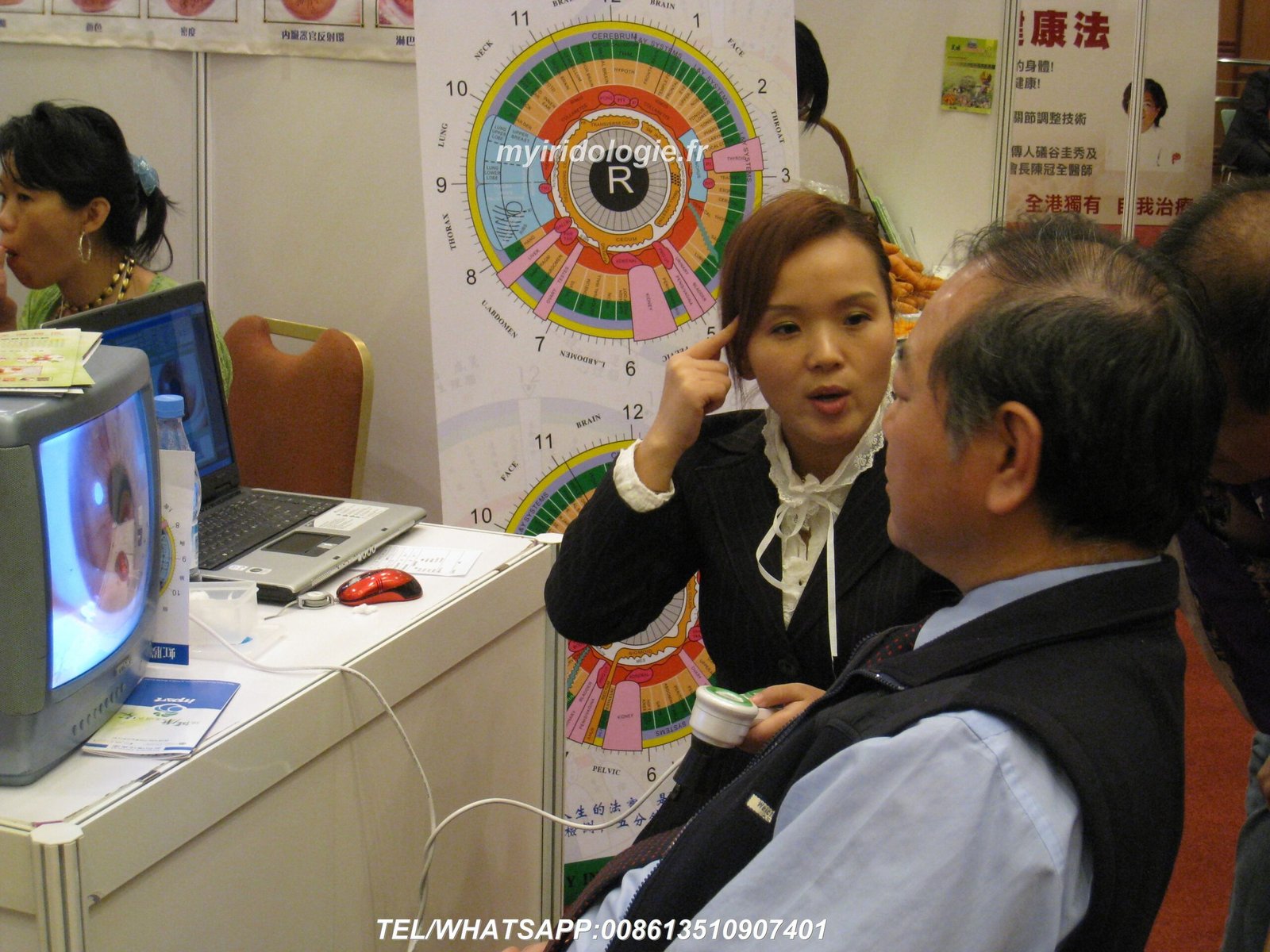
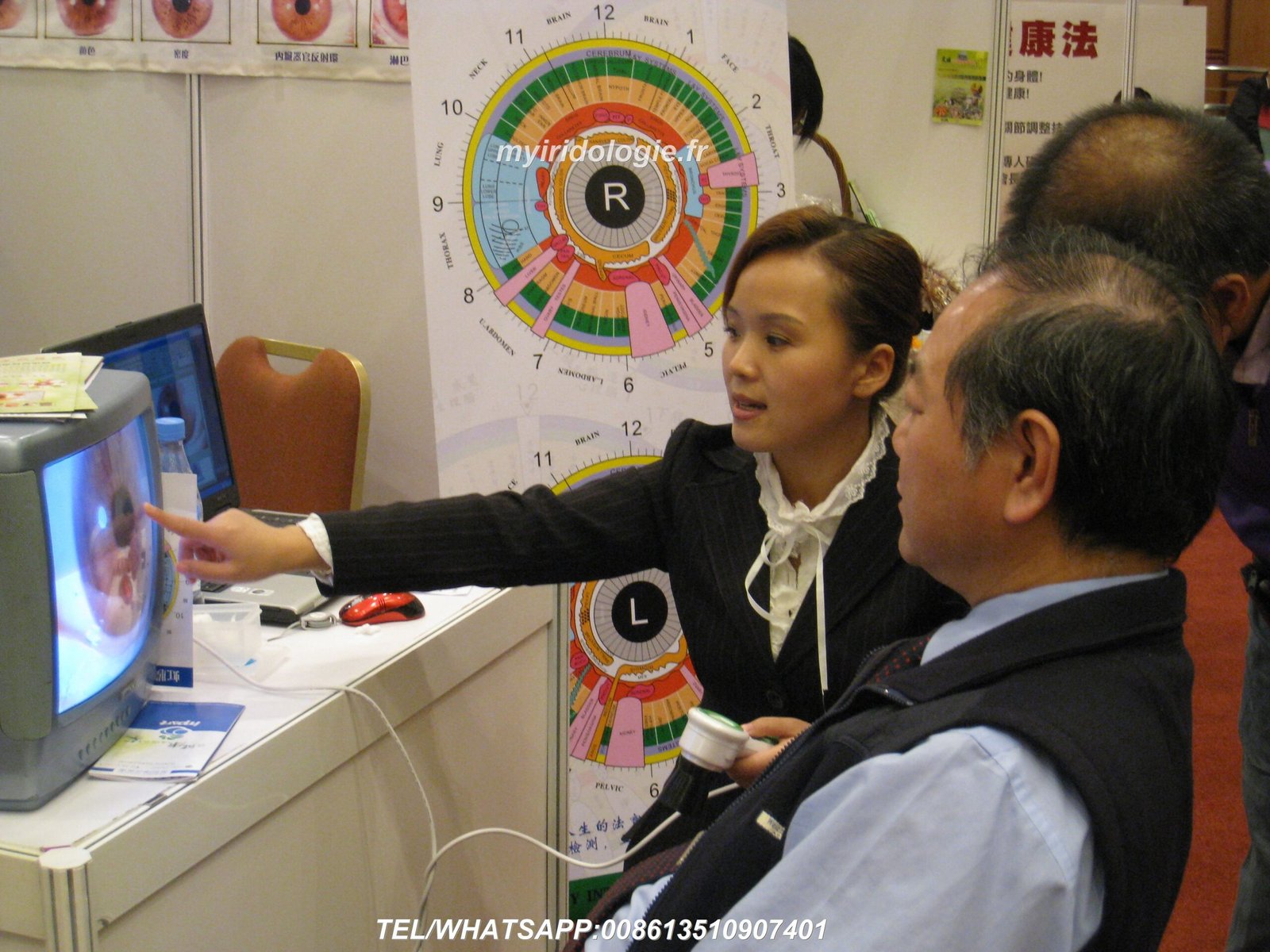
Bem-vindo ao guia completo da MAIKONG sobre como configurar seu câmera de iridologia. Com mais de 20 anos de experiência na fabricação de equipamentos profissionais de iridologia, ajudamos milhares de profissionais em todo o mundo a obter resultados ideais com nossa tecnologia de ponta. Este guia orientará você em todos os aspectos da configuração adequada, desde a desembalagem até a captura de suas primeiras imagens de íris de alta qualidade.


Por que certo Câmera de iridologia A configuração é importante
A qualidade da sua análise de íris depende significativamente de quão bem o seu equipamento está configurado. Uma configuração adequada câmera de iridologia garante imagens nítidas e detalhadas que revelam padrões sutis da íris, permitindo avaliações de saúde precisas. Muitos profissionais enfrentam imagens borradas, pouca iluminação ou problemas de integração de software que podem ser facilmente evitados com a abordagem de configuração correta.


Benefícios da configuração adequada
- Imagens de íris nítidas para análise precisa
- Resultados consistentes em várias sessões
- Vida útil prolongada do equipamento (5 a 10 anos)
- Melhor experiência e confiança do paciente
- Integração perfeita de software para um fluxo de trabalho eficiente
Consequências de uma configuração inadequada
- Imagens borradas ou distorcidas que levam a interpretações erradas
- Iluminação inconsistente afetando a precisão das cores
- Problemas de compatibilidade de software causando frustração
- Vida útil reduzida do equipamento devido ao manuseio inadequado
- Desconforto do paciente durante sessões prolongadas de imagem
Considerações pré-configuração para você Câmera de iridologia
Antes de desembalar seu MAIKONG câmera de iridologia, é importante compreender as principais especificações e requisitos do produto que garantirão desempenho e longevidade ideais.
| Especificação |
Detalhes |
| Vida útil esperada |
5 a 10 anos com manutenção adequada |
| Período de garantia |
1 ano (dano não humano) |
| Local de reparo |
Centro de serviços de fábrica |
| Compatibilidade de software |
Windows XP/7/8/Vista/10/11, Apple Mac OS |
| Requisitos de energia |
Alimentado por USB (sem necessidade de alimentação externa) |
Escolhendo o local certo
Seu câmera de iridologia ambiente de configuração afeta significativamente a qualidade da imagem. Considere estes fatores:
Ambiente Ideal
- Espaço tranquilo e privado com distrações mínimas
- Iluminação consistente e neutra (evite luz solar direta)
- Assentos confortáveis para praticante e cliente
- Superfície estável para colocação de equipamentos
- Acesso a tomadas elétricas e conexão à internet
Colocação de equipamentos
- Posicionamento ergonômico para evitar esforço do praticante
- Altura ajustável para diferentes clientes
- Monitor posicionado para fácil visualização durante a captura
- Gerenciamento de cabos para evitar riscos de tropeços
- Espaço suficiente para movimentação do cliente
Desempacotando seu MAIKONG Câmera de iridologia
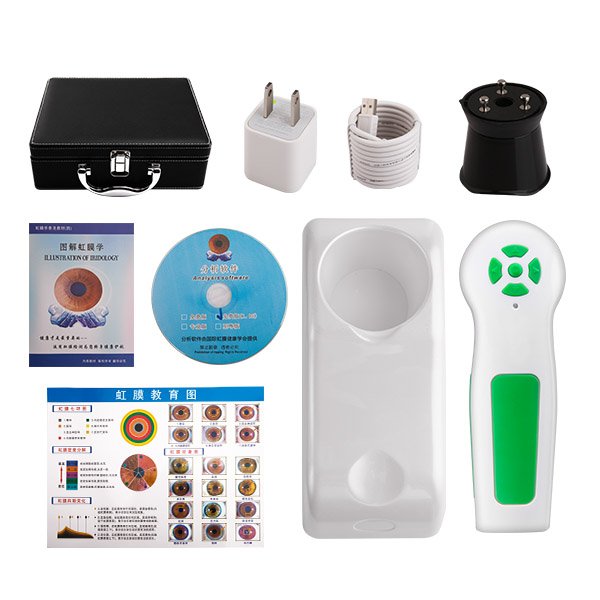
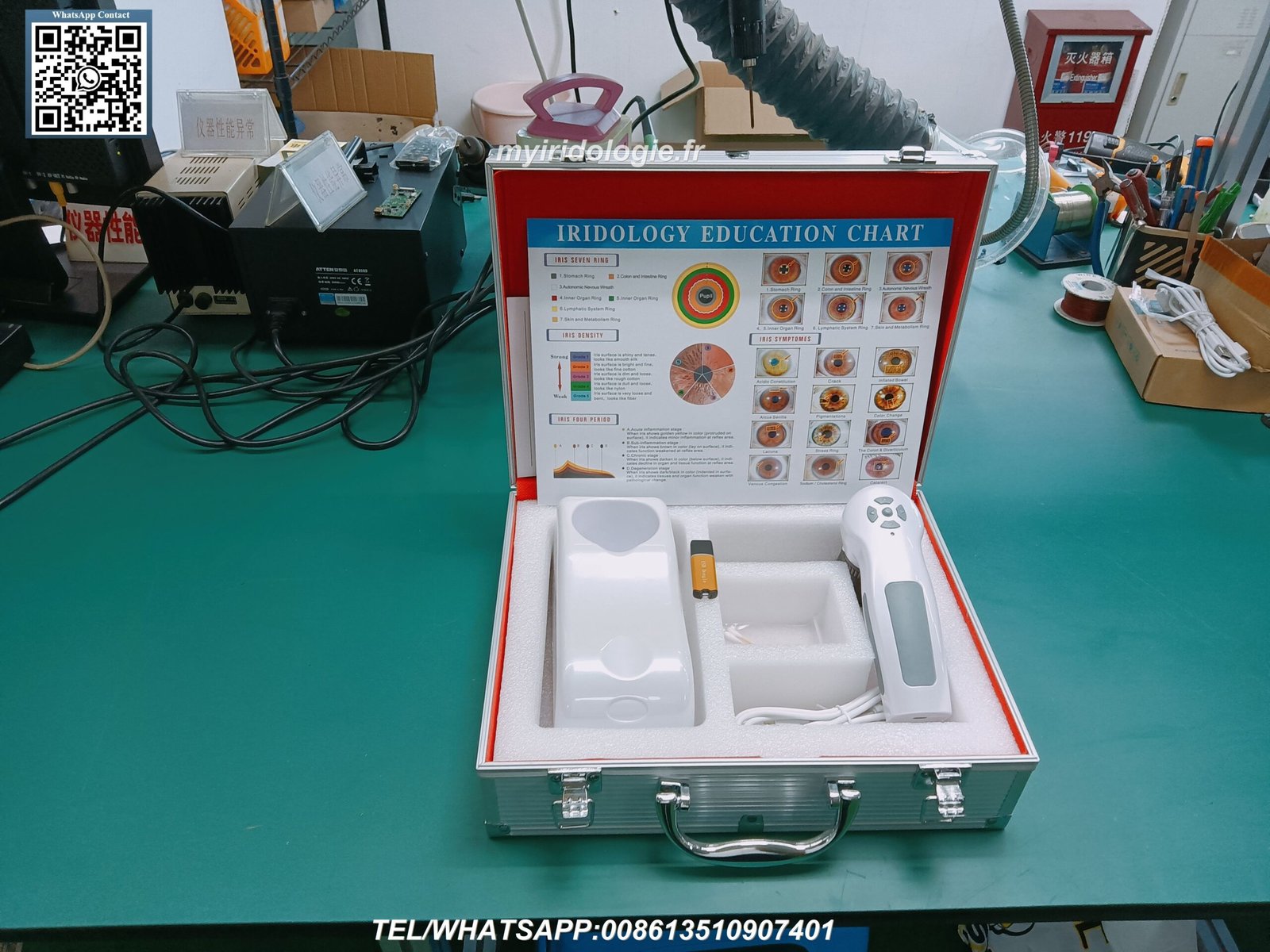
Quando você receber seu MAIKONG câmera de iridologia, desembale cuidadosamente todos os componentes e verifique o conteúdo completo da embalagem. Nossos modelos profissionais de 12 MP incluem tudo o que é necessário para configuração imediata.
Conteúdo do pacote padrão
Componentes de hardware
- Aparelho (1 unidade)
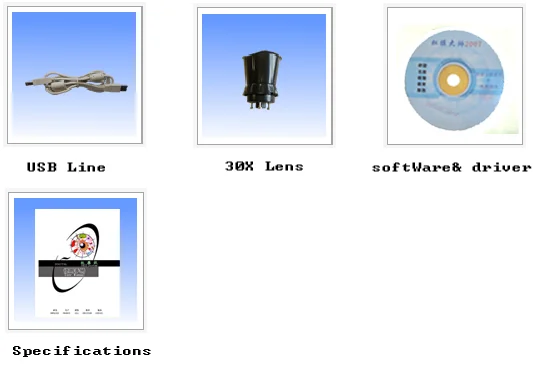
- Lente íris 30X (1 unidade)
- Cabo USB de 1,5 metros (1 unidade)
- Capa protetora de lente (1 unidade)
- Estojo de transporte em couro PU (1 unidade)
Documentação
- Tabela de Iridologia (1 unidade)
- Manual de instruções (1 unidade)
- Cartão de garantia (1 unidade)
- Guia de início rápido (1 unidade)
- Certificado de Autenticidade (1 unidade)
Programas
- CD de driver (1 unidade)
- CD de software de análise (1 unidade)
- Chave de ativação de software (1 unidade)
- Instruções de download (1 unidade)
- Manual de software (1 unidade)
Processo de configuração de hardware
Configurando seu MAIKONG câmera de iridologia O hardware corretamente é crucial para um desempenho ideal. Siga estas etapas cuidadosamente para garantir a configuração adequada.
- Inspecione o aparelho da câmera – Verifique se há algum dano visível ou componentes soltos
- Coloque a lente de íris – Aparafuse cuidadosamente a lente de íris 30X no aparelho da câmera
- Conecte o cabo USB – Conecte o cabo USB ao aparelho da câmera
- Conecte-se ao computador – Insira o conector USB em uma porta USB disponível no seu computador
- Posicione a câmera – Coloque a câmera em uma superfície estável ou monte
- Ajustar a iluminação – Certifique-se de que as luzes LED integradas estejam funcionando corretamente
- Testar mobilidade – Verifique se a câmera se move suavemente para posicionamento
Importante: Sempre manuseie a lente com cuidado e evite tocar na superfície do vidro. Impressões digitais e manchas podem reduzir significativamente a qualidade da imagem. Use a tampa da lente fornecida quando a câmera não estiver em uso.
Ajustando as configurações da câmera
Ajuste de foco
O MAIKONG câmera de iridologia possui foco ajustável para acomodar diferentes características dos olhos. Para obter o foco ideal:
- Posicione a câmera a aproximadamente 1-2 polegadas do olho
- Gire o anel de foco até que o padrão da íris pareça nítido
- Ajuste conforme necessário para cada cliente
- Bloqueie a configuração de foco assim que a clareza ideal for alcançada
Configuração de iluminação
A iluminação adequada é essencial para uma análise precisa da íris. Nossas câmeras incluem várias opções de iluminação:
- LEDs de luz diurna para imagens de íris padrão
- Luzes laterais brancas quentes para olhos escuros
- Iluminação combinada para casos desafiadores
- Brilho ajustável para evitar desconforto do cliente
Instalação e configuração de software
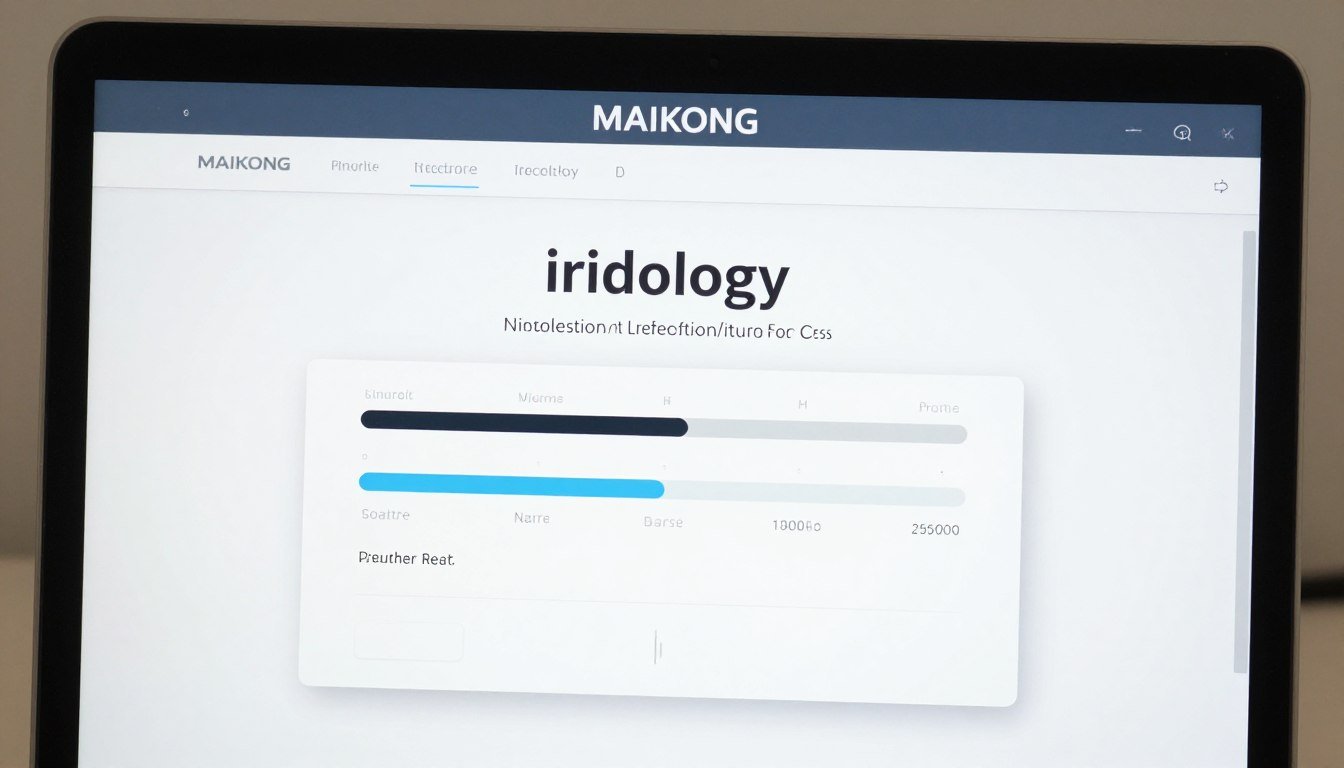
O software de iridologia MAIKONG é uma ferramenta poderosa que complementa o seu câmera de iridologia hardware. Siga estas etapas para instalar e configurar o software corretamente.
Etapas de instalação
- Insira a chave USB – Insira a chave USB de 4 GB fornecida em uma porta USB disponível
- Execute o arquivo de instalação – Clique duas vezes no arquivo de instalação .exe e siga as instruções na tela
- Desativar câmera integrada – Alguns computadores podem exigir a desativação da câmera integrada por meio do Gerenciador de Dispositivos
- Conecte a câmera de iridologia – Desconecte a chave USB e conecte sua câmera iridológica
- Insira dongle de criptografia – Insira o dongle de criptografia USB de metal para ativação do software
- Iniciar software – Clique duas vezes no atalho da área de trabalho para iniciar o software
- Verifique a conexão – Confirme se o software reconhece o seu dispositivo de câmera
Observação: O software de iridologia MAIKONG suporta Windows XP/7/8/Vista/10/11 e Apple Mac OS. Não oferece suporte a sistemas Android, Linux ou Unix. Sempre verifique os requisitos do sistema antes da instalação.
Visão geral dos recursos de software
| Recurso |
Descrição |
| Análise Automática |
Análise automática de iridologia baseada em IA com relatórios de saúde detalhados |
| Gestão de clientes |
Banco de dados abrangente para armazenar informações e imagens do cliente |
| Suporte de vários idiomas |
Disponível em 17 idiomas, incluindo inglês, espanhol, francês e muito mais |
| Visualização 3D |
Visualização 3D aprimorada de padrões de íris para análise detalhada |
| Backup & Restaurar |
Gerenciamento seguro de dados com opções de backup automático |
Precisa de suporte de software?
Nossa equipe técnica está à disposição para ajudar em questões de instalação e configuração.
Suporte técnico por e-mail
Capturando sua primeira imagem de íris
Agora que seu câmera de iridologia e o software estão configurados corretamente, é hora de capturar sua primeira imagem da íris. Siga estas etapas para obter os melhores resultados.
Preparação do cliente
Antes da Sessão
- Explique o procedimento para garantir o conforto do cliente
- Peça aos clientes para remover lentes de contato, se aplicável
- Certifique-se de que o cliente esteja bem hidratado para obter imagens nítidas
- Crie um ambiente calmo para minimizar a dilatação da pupila
Posicionando o cliente
- Sente o cliente confortavelmente ao nível dos olhos da câmera
- Estabilize a cabeça do cliente para minimizar o movimento
- Ajuste a iluminação para evitar apertar os olhos
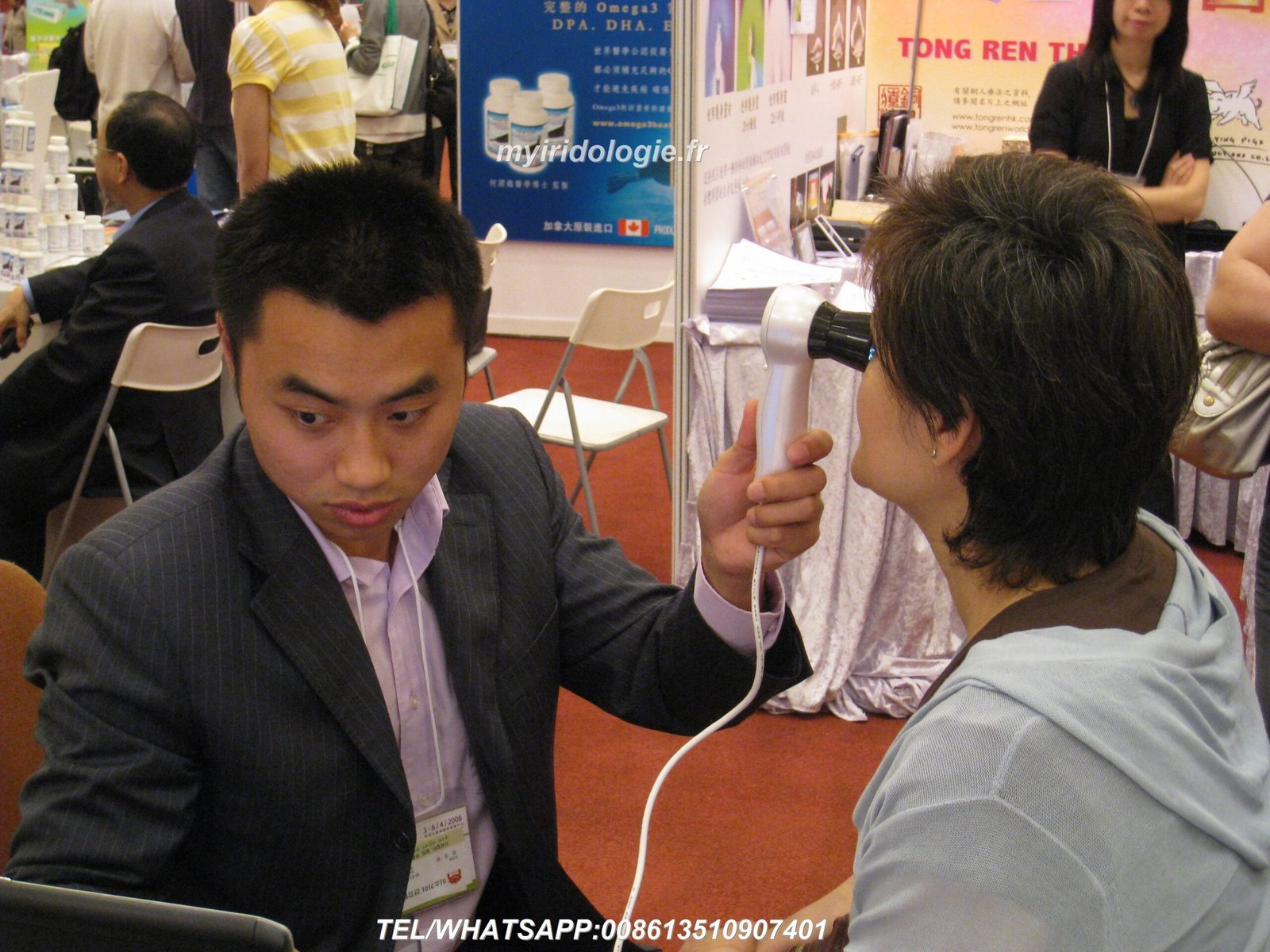
- Garanta a distância adequada entre o olho e a câmera (1-2 polegadas)
Processo de captura de imagem
- Inicie o software – Abra o software de iridologia MAIKONG e selecione “Novo cliente” ou “Nova sessão”
- Insira as informações do cliente – Registre detalhes básicos e informações de saúde relevantes
- Selecione o modo de captura – Escolha entre imagem única ou captura de múltiplas imagens
- Posicione a câmera – Alinhe primeiro com o olho direito do cliente
- Ajustar o foco – Gire o anel de foco até que o padrão da íris fique nítido
- Otimize a iluminação – Ajuste o brilho do LED com base na cor dos olhos (mais brilhante para olhos escuros)
- Capture a imagem – Pressione o botão de captura quando a imagem estiver nítida
- Qualidade da revisão – Verifique a clareza, a exposição adequada e a visibilidade completa da íris
- Repita para o olho esquerdo – Siga o mesmo processo para o olho esquerdo
- Salve a sessão – Armazene imagens no perfil do cliente


Problemas comuns: Se as imagens parecerem desfocadas, verifique as configurações de foco e certifique-se de que a câmera esteja na distância ideal. Para imagens escuras ou mal iluminadas, ajuste o brilho do LED. Se o software não reconhecer a câmera, verifique as conexões USB e a instalação do driver.
Solução de problemas comuns Câmera de iridologia Problemas
Mesmo com a configuração adequada, você poderá encontrar desafios ocasionais com seu câmera de iridologia. Aqui estão soluções para problemas comuns.
Câmera não reconhecida pelo computador
Normalmente, isso é um problema de driver. Experimente estas soluções:
- Desconecte e reconecte o cabo USB
- Experimente uma porta USB diferente (de preferência USB 2.0)
- Reinstale os drivers da câmera do CD fornecido
- Verifique o Gerenciador de dispositivos em busca de dispositivos desconhecidos e atualize os drivers
- Reinicie o seu computador após a instalação do driver
Imagens desfocadas ou desfocadas
Problemas de clareza de imagem podem ser resolvidos com estes ajustes:
- Limpe a lente com um pano de microfibra
- Ajuste o anel de foco até que o padrão da íris fique nítido
- Mantenha a distância ideal (1-2 polegadas do olho)
- Estabilize a câmera e a cabeça do cliente
- Garanta iluminação adequada para exposição adequada
Problemas de ativação de software
Se você estiver tendo problemas para ativar o software:
- Verifique se o dongle de criptografia está inserido corretamente
- Execute o software como administrador
- Desative temporariamente o software antivírus
- Verifique se há atualizações do Windows que possam afetar a compatibilidade
- Entre em contato com o suporte da MAIKONG para obter assistência na ativação
Má iluminação ou precisão de cores
Para reprodução de cores e iluminação ideais:
- Use LEDs diurnos para olhos de cores claras
- Mude para luzes laterais brancas quentes para olhos escuros
- Ajuste o brilho para evitar superexposição
- Calibre o equilíbrio de branco nas configurações do software
- Minimize as fontes de luz externas que podem afetar a precisão das cores
Mantendo seu Câmera de iridologia para longevidade
A manutenção adequada garante que seu MAIKONG iridolog
Cuidado Diário
- Limpe a lente com um pano de microfibra após cada uso
- Substitua a tampa da lente quando não estiver em uso
- Armazene em um ambiente livre de poeira
- Desconecte o cabo USB quando terminar
- Mantenha longe da luz solar direta
Manutenção Semanal
- Verifique e limpe as conexões USB
- Inspecione as luzes LED quanto ao funcionamento adequado
- Verifique se o mecanismo de foco se move suavemente
- Faça backup de dados e imagens do cliente
- Limpe o corpo da câmera com um pano macio
Verificações mensais
- Teste todas as funções da câmera completamente
- Atualize o software se novas versões estiverem disponíveis
- Verifique se há componentes ou conexões soltas
- Verifique a consistência da qualidade da imagem
- Estojo de transporte e acessórios limpos
“A manutenção adequada não se trata apenas de prolongar a vida útil do equipamento – trata-se de garantir resultados consistentes e confiáveis para seus clientes. Uma câmera bem conservada produz imagens melhores, levando a análises mais precisas.”
— Equipe de Suporte Técnico MAIKONG
Recursos e técnicas avançadas
Depois de dominar o básico, explore esses recursos avançados do seu MAIKONG câmera de iridologia e software para aprimorar sua prática.
Técnicas Avançadas de Imagem
- Captura multi-ângulo – Documente a íris de diferentes perspectivas
- Imagem de esclera – Capture o branco do olho para análise adicional
- Gravação da resposta do aluno – Documente as reações pupilares à luz
- Captura de detalhes macro – Amplie regiões específicas da íris
- Documentação de lapso de tempo – Acompanhe as alterações em várias sessões
Ferramentas de análise de software
- Visualização 3D – Visualize a topografia da íris em três dimensões
- Análise comparativa – Comparação lado a lado de sessões
- Marcadores de saúde automatizados – Identificação de padrões assistida por IA
- Relatórios personalizados – Crie relatórios de clientes personalizados
- Integração com recomendações de produtos – Vincule descobertas a soluções
Integração de fluxo de trabalho profissional
Maximize a eficiência integrando seu câmera de iridologia sistema em seu fluxo de trabalho profissional:
- Preparação pré-sessão – Revise o histórico do cliente e imagens anteriores
- Processo de captura simplificado – Desenvolva uma rotina de imagem consistente
- Análise imediata – Realize avaliações em tempo real com o cliente presente
- Apresentação educacional – Use imagens para explicar as descobertas aos clientes
- Integração de recomendação – Conecte observações a protocolos específicos
- Documentação de acompanhamento – Acompanhe as mudanças e o progresso ao longo do tempo
- Segurança de dados – Implemente backups regulares e medidas de privacidade
Conclusão: Maximizando Seu Câmera de iridologia Investimento
Seu MAIKONG câmera de iridologia é mais do que apenas equipamento – é uma ferramenta poderosa para avaliação de saúde e educação de clientes. Seguindo este guia de configuração, você deu os primeiros passos para dominar a tecnologia de iridologia e aprimorar sua prática.
Com mais de 20 anos de experiência no desenvolvimento e fabricação de equipamentos profissionais de iridologia, a MAIKONG continua comprometida em apoiar profissionais em todo o mundo com tecnologia de ponta, treinamento abrangente e atendimento ao cliente ágil.
Pronto para aprimorar sua prática de iridologia?
Entre em contato com a MAIKONG hoje mesmo para saber mais sobre nossas câmeras iridológicas profissionais, soluções de software e oportunidades de parceria.