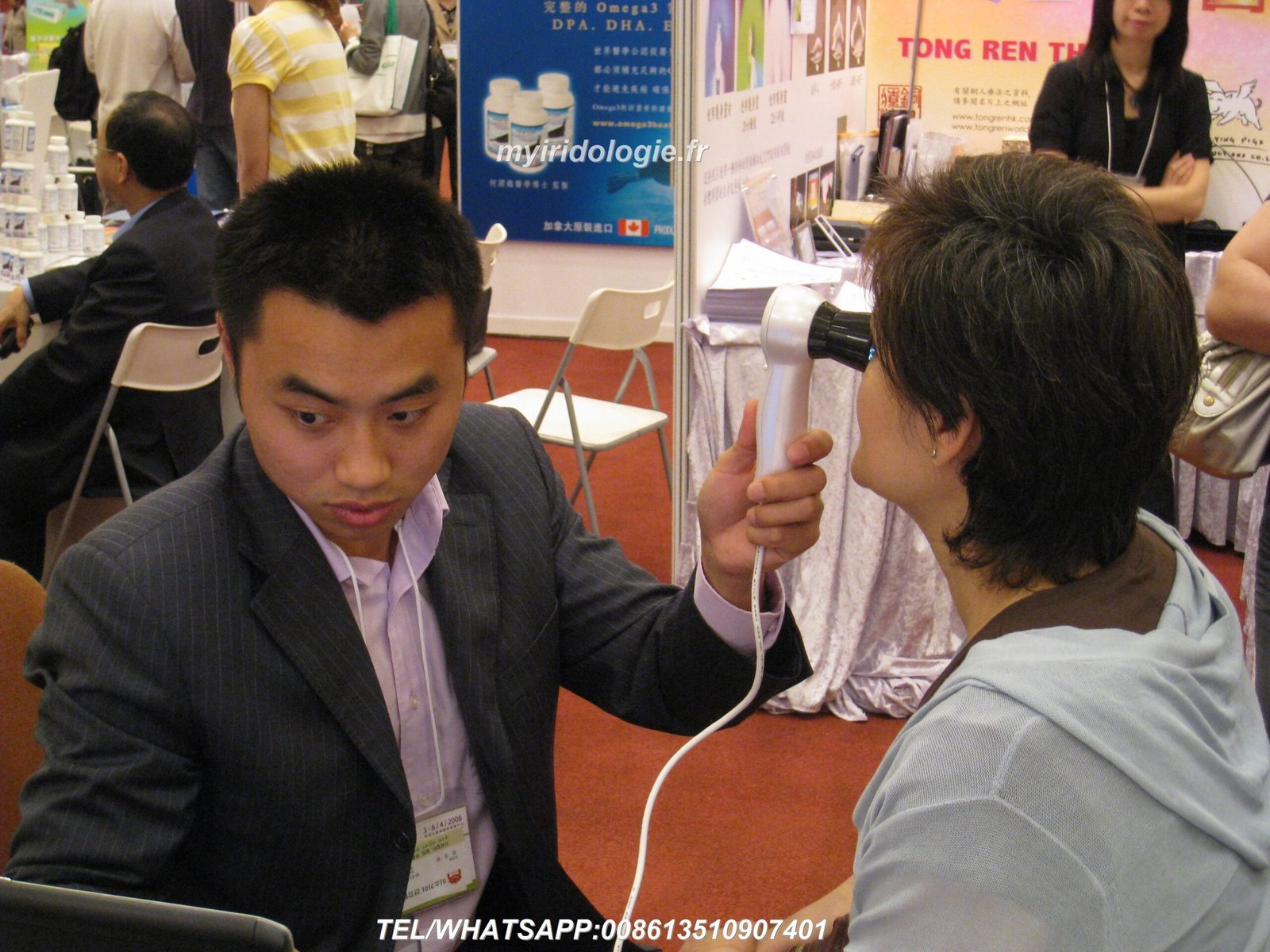
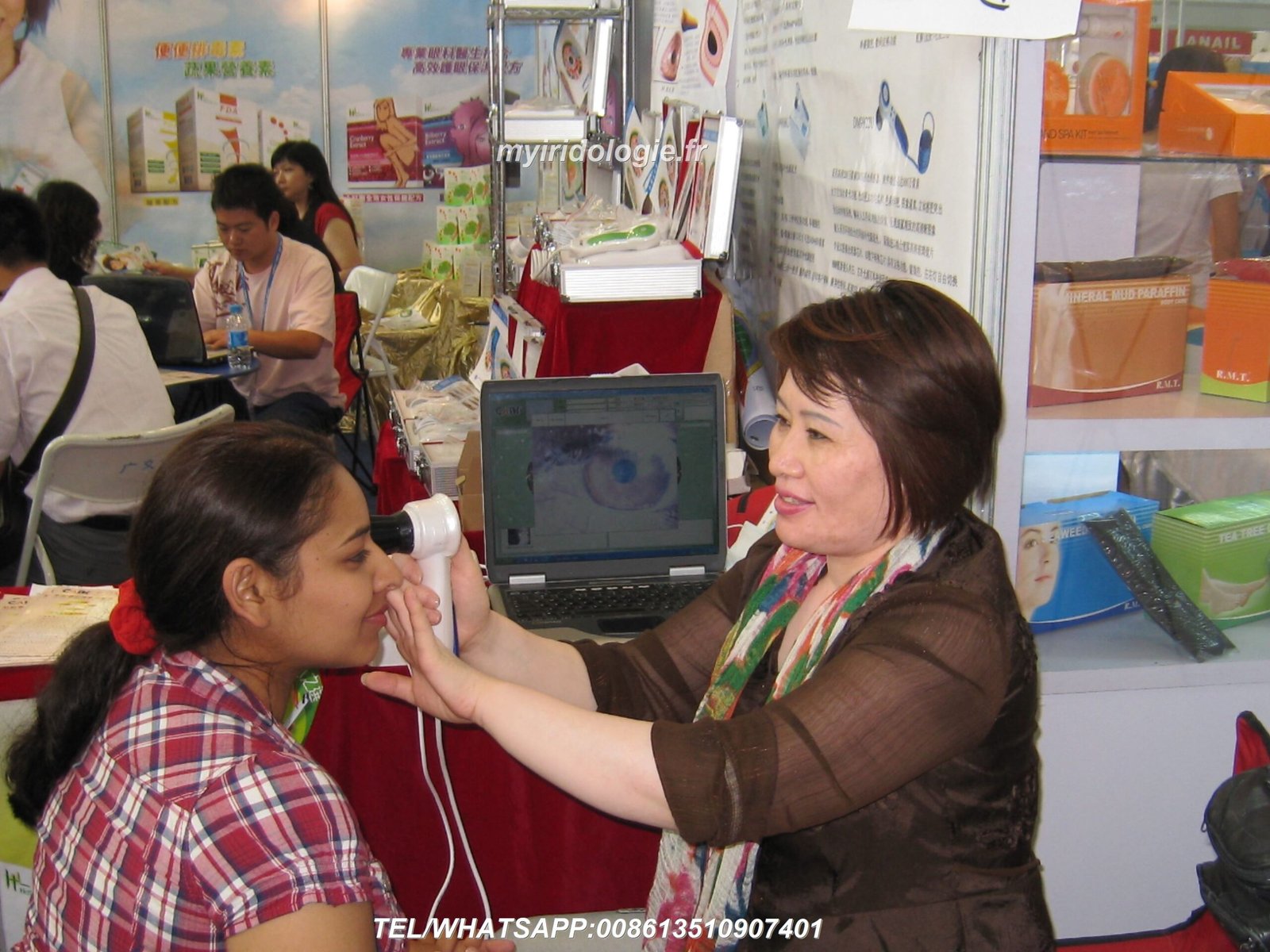
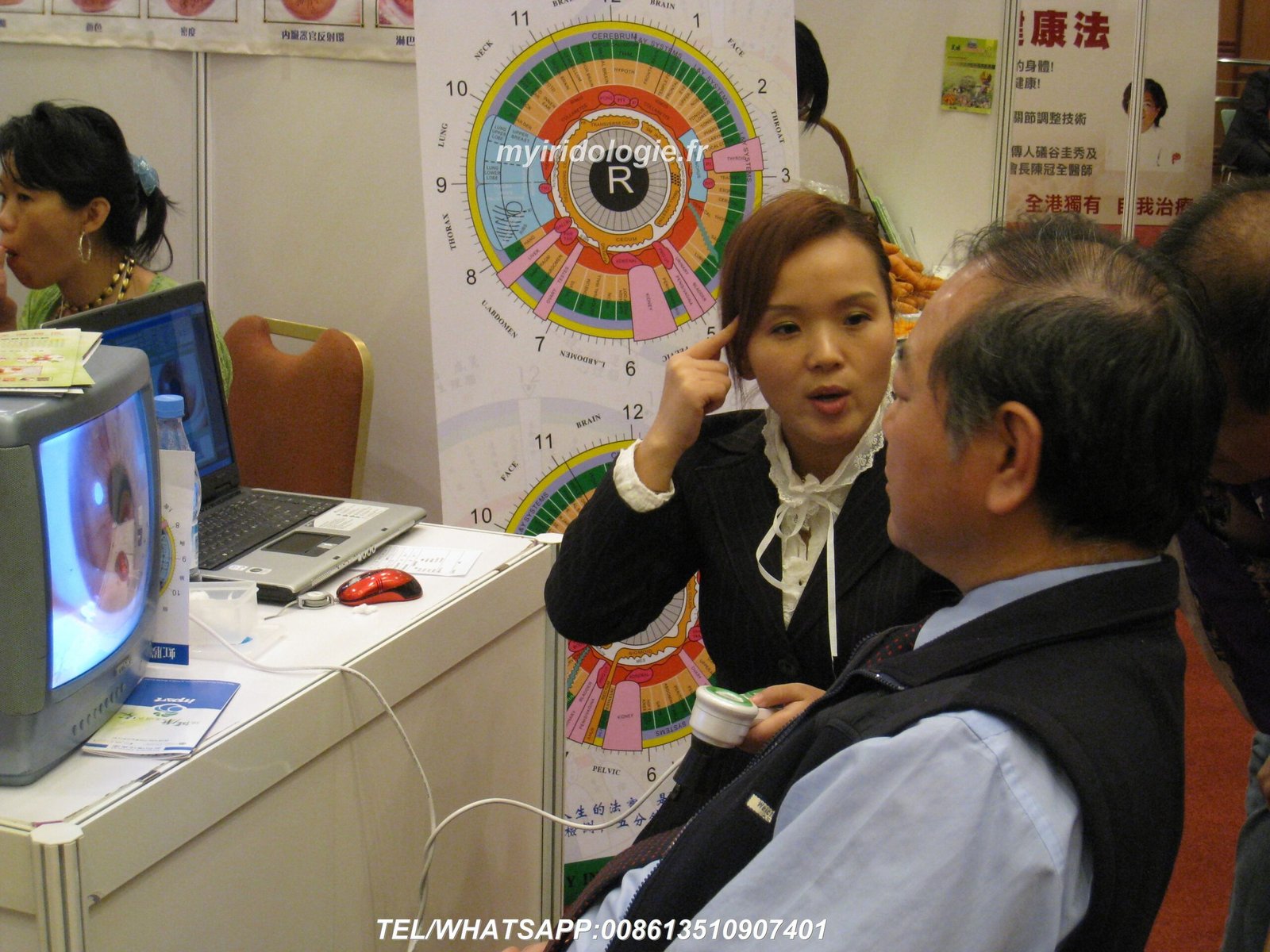
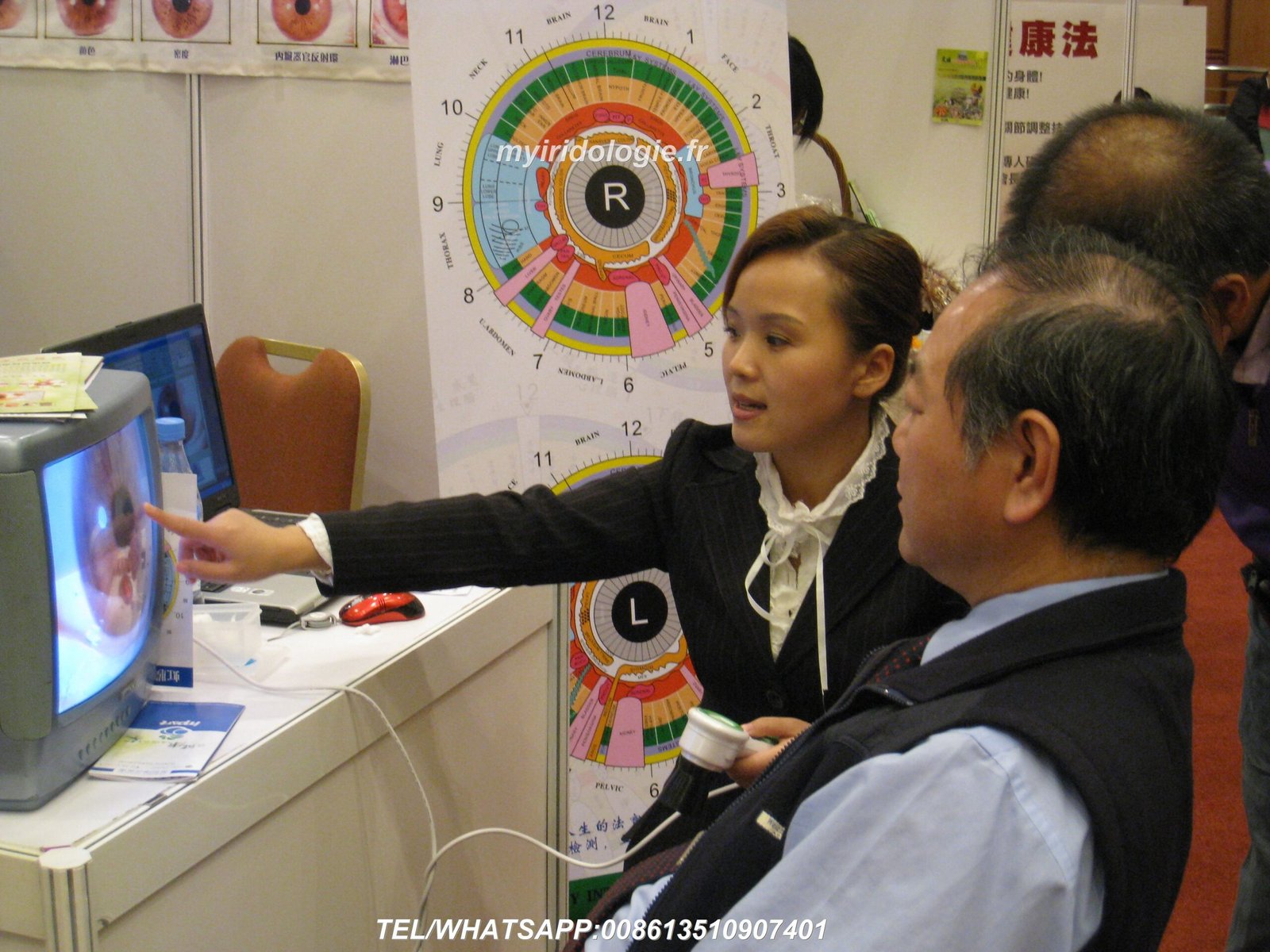
Welcome to MAIKONG’s comprehensive guide on setting up your aparat de fotografiat pentru iridologie. With over 20 years of experience manufacturing professional iridology equipment, we’ve helped thousands of practitioners worldwide achieve optimal results with our state-of-the-art technology. This guide will walk you through every aspect of proper setup, from unboxing to capturing your first high-quality iris images.


Why Proper Camera de Iridologie Setup Matters
The quality of your iris analysis depends significantly on how well your equipment is configured. A properly set up aparat de fotografiat pentru iridologie ensures clear, detailed images that reveal subtle iris patterns, allowing for accurate health assessments. Many practitioners struggle with blurry images, poor lighting, or software integration issues that can be easily avoided with the right setup approach.
Benefits of Proper Setup
- Crystal-clear iris images for accurate analysis
- Rezultate consistente în mai multe sesiuni
- Extended equipment lifespan (5-10 years)
- Improved patient experience and confidence
- Seamless software integration for efficient workflow
Consequences of Poor Setup
- Blurry or distorted images leading to misinterpretation
- Inconsistent lighting affecting color accuracy
- Software compatibility issues causing frustration
- Reduced equipment lifespan due to improper handling
- Patient discomfort during extended imaging sessions
Pre-Setup Considerations for Your Camera de Iridologie
Before unpacking your MAIKONG aparat de fotografiat pentru iridologie, it’s important to understand key product specifications and requirements that will ensure optimal performance and longevity.
| Caietul de sarcini |
Detalii |
| Expected Lifespan |
5-10 ani cu întreținere corespunzătoare |
| Perioada de garanție |
1 year (non-human damage) |
| Repair Location |
Factory service center |
| Compatibilitate software |
Windows XP/7/8/Vista/10/11, Apple Mac OS |
| Power Requirements |
USB powered (no external power needed) |
Choosing the Right Location
Dvs aparat de fotografiat pentru iridologie setup environment significantly impacts image quality. Consider these factors:
Ideal Environment
- Quiet, private space with minimal distractions
- Consistent, neutral lighting (avoid direct sunlight)
- Comfortable seating for both practitioner and client
- Stable surface for equipment placement
- Access to power outlets and internet connection
Equipment Placement
- Ergonomic positioning to prevent practitioner strain
- Adjustable height for different clients
- Monitor positioned for easy viewing during capture
- Cable management to prevent tripping hazards
- Sufficient space for client movement
Unboxing Your MAIKONG Camera de Iridologie
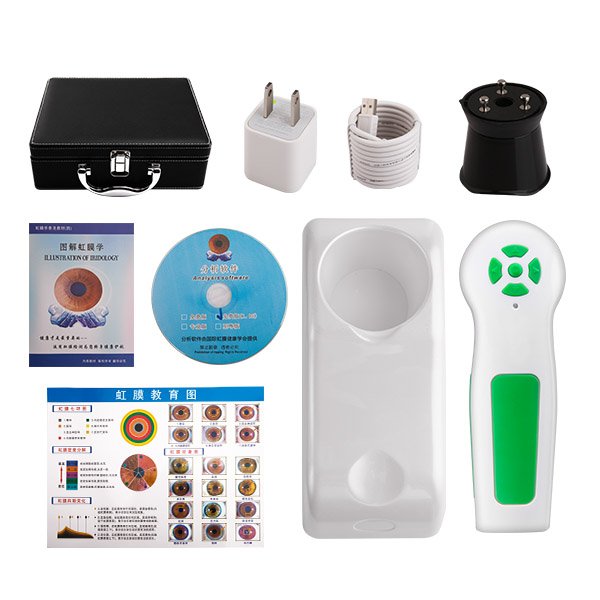
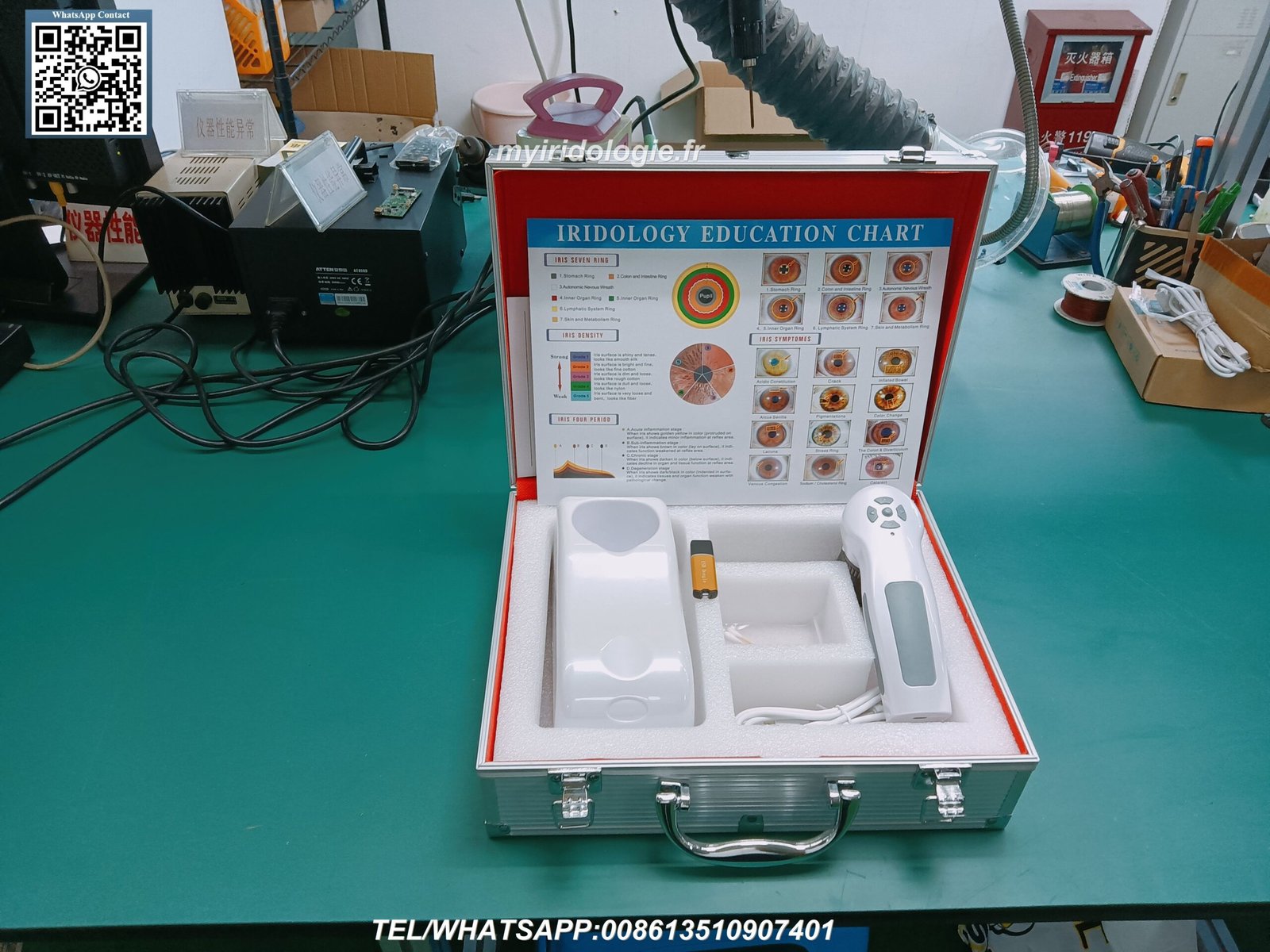
When you receive your MAIKONG aparat de fotografiat pentru iridologie, carefully unpack all components and verify the complete package contents. Our professional 12MP models include everything needed for immediate setup.
Standard Package Contents
Componente hardware
- Handset (1pc)
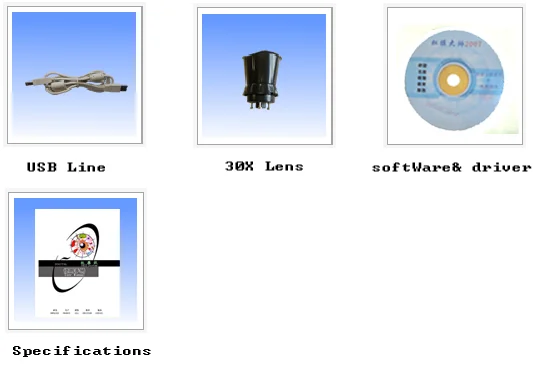
- 30X Iris Lens (1pc)
- 1.5 Meter USB Cable (1pc)
- Lens protective cover (1pc)
- Leather PU carrying case (1pc)
Documentare
- Iridology Chart (1pc)
- Instruction Manual (1pc)
- Warranty Card (1pc)
- Quick Start Guide (1pc)
- Certificate of Authenticity (1pc)
Software
- Driver CD (1pc)
- Analysis Software CD (1pc)
- Software Activation Key (1pc)
- Download Instructions (1pc)
- Software Manual (1pc)
Missing Components?
If any items are missing from your package, please contact our support team immediately for assistance.
Contact Support via WhatsApp
Hardware Setup Process
Setting up your MAIKONG aparat de fotografiat pentru iridologie hardware correctly is crucial for optimal performance. Follow these steps carefully to ensure proper configuration.
- Inspect the camera handset – Check for any visible damage or loose components
- Attach the iris lens – Carefully screw the 30X iris lens onto the camera handset
- Connect the USB cable – Attach the USB cable to the camera handset
- Connect to computer – Insert the USB connector into an available USB port on your computer
- Position the camera – Place the camera on a stable surface or mount
- Adjust lighting – Ensure the built-in LED lights are functioning properly
- Test mobility – Verify the camera moves smoothly for positioning
Important: Always handle the lens with care and avoid touching the glass surface. Fingerprints and smudges can significantly reduce image quality. Use the provided lens cover when the camera is not in use.
Ajustarea setărilor camerei
Ajustarea focalizării
MAIKONG aparat de fotografiat pentru iridologie features adjustable focus to accommodate different eye characteristics. To achieve optimal focus:
- Position the camera approximately 1-2 inches from the eye
- Rotate the focus ring until the iris pattern appears sharp
- Fine-tune as needed for each client
- Lock the focus setting once optimal clarity is achieved
Lighting Configuration
Proper lighting is essential for accurate iris analysis. Our cameras include multiple lighting options:
- Daylight LEDs for standard iris imaging
- Warm-white side-lights for dark eyes
- Combined lighting for challenging cases
- Adjustable brightness to prevent client discomfort
Instalare și configurare software
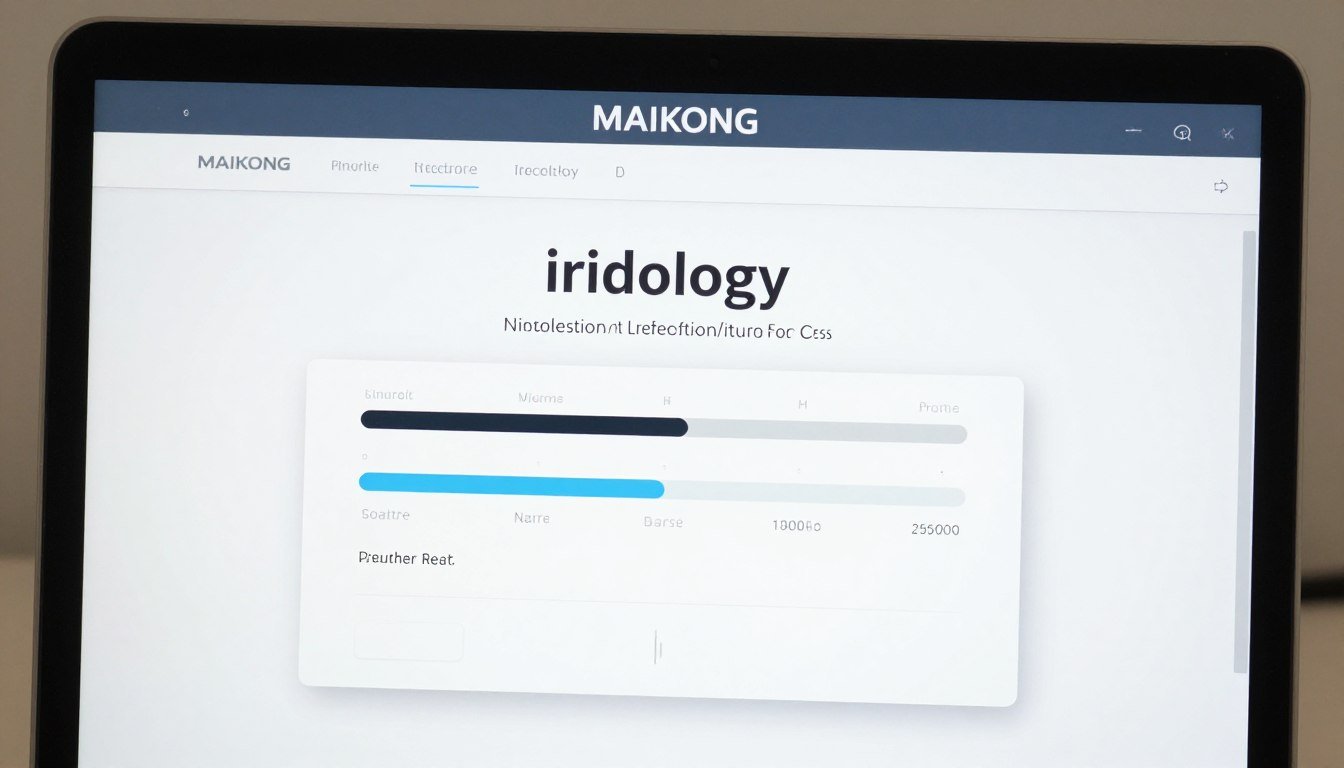
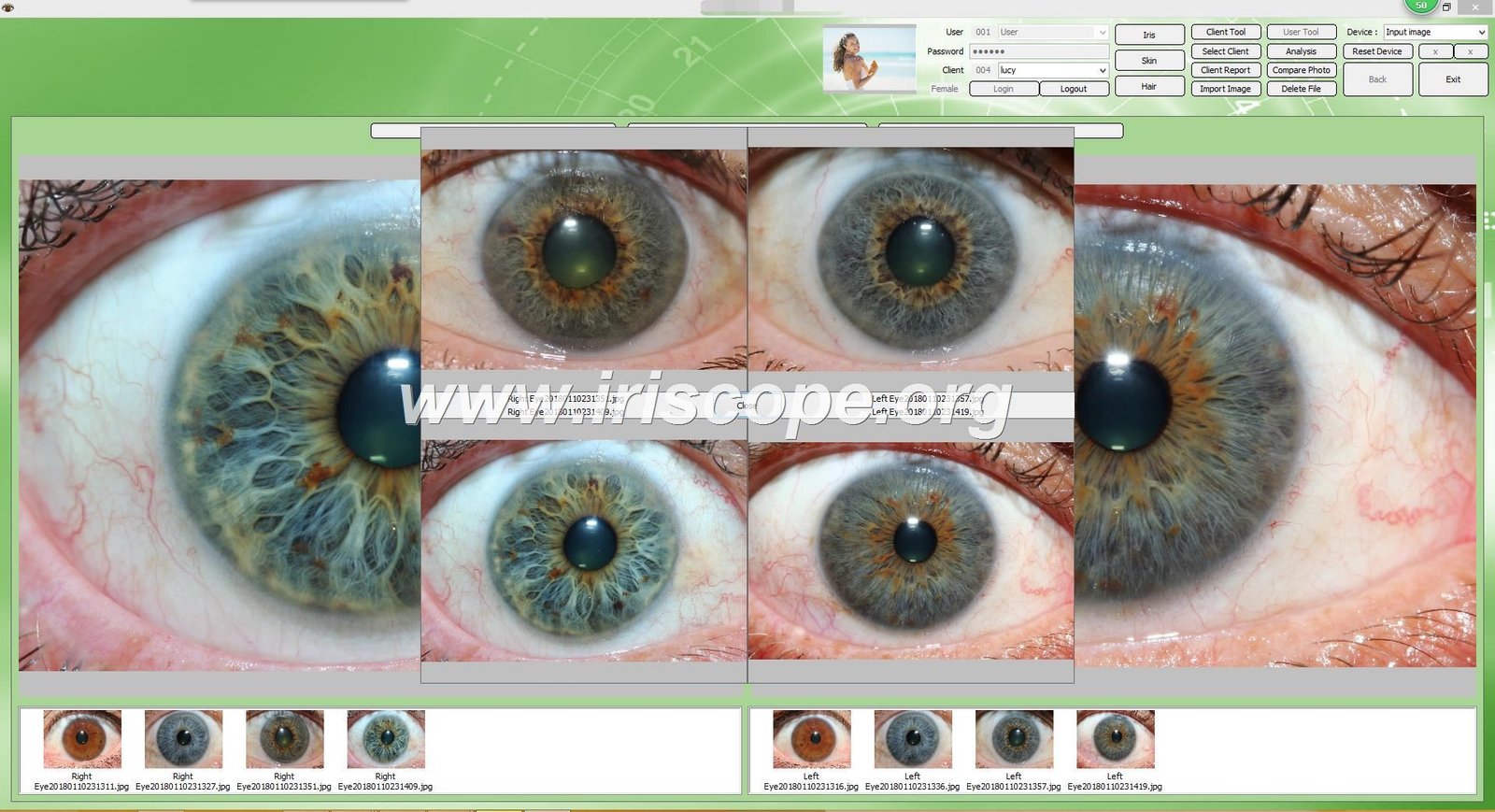
The MAIKONG iridology software is a powerful tool that complements your aparat de fotografiat pentru iridologie hardware. Follow these steps to properly install and configure the software.
Etape de instalare
- Insert USB Key – Insert the provided 4GB USB key into an available USB port
- Run Installation File – Faceți dublu clic pe fișierul de instalare .exe și urmați instrucțiunile de pe ecran
- Disable Built-in Camera – Some computers may require disabling the built-in camera through Device Manager
- Connect Iridology Camera – Disconnect USB key and connect your iridology camera
- Insert Encryption Dongle – Introduceți dongle-ul metalic de criptare USB pentru activarea software-ului
- Launch Software – Double-click the desktop shortcut to start the software
- Verify Connection – Confirm the software recognizes your camera device
Nota: MAIKONG iridology software supports Windows XP/7/8/Vista/10/11 and Apple Mac OS. It does not support Android, Linux, or Unix systems. Always check system requirements before installation.
Software Features Overview
| Caracteristică |
Descriere |
| Analiza automata |
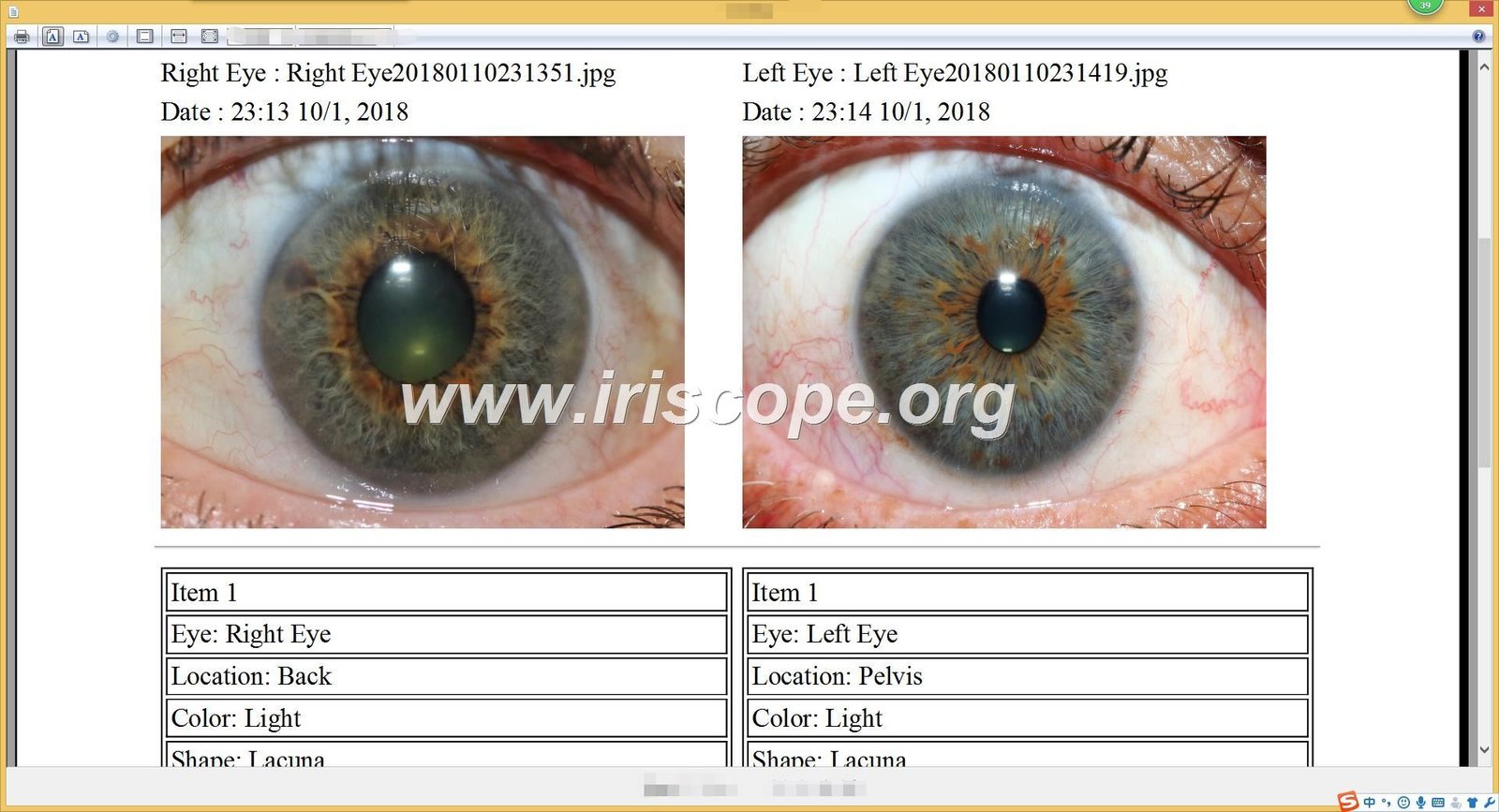
AI-based automatic iridology analysis with detailed health reports |
| Managementul Clientilor |
Comprehensive database for storing client information and images |
| Suport în mai multe limbi |
Available in 17 languages including English, Spanish, French, and more |
| Vizualizare 3D |
Enhanced 3D viewing of iris patterns for detailed analysis |
| Backup & Restore |
Secure data management with automatic backup options |
Need Software Support?
Our technical team is available to help with installation and configuration issues.
Email Technical Support
Capturing Your First Iris Image
Now that your aparat de fotografiat pentru iridologie and software are properly set up, it’s time to capture your first iris image. Follow these steps for optimal results.
Client Preparation
Înainte de Sesiune
- Explain the procedure to ensure client comfort
- Ask clients to remove contact lenses if applicable
- Ensure the client is well-hydrated for clear images
- Create a calm environment to minimize pupil dilation
Positioning the Client
- Seat the client comfortably at eye level with the camera
- Stabilize the client’s head to minimize movement
- Adjust lighting to prevent squinting
- Ensure proper distance between eye and camera (1-2 inches)
Image Capture Process
- Launch the software – Open MAIKONG iridology software and select “New Client” sau “New Session”
- Enter client information – Record basic details and relevant health information
- Select capture mode – Choose between single image or multiple image capture
- Position the camera – Align with the client’s right eye first
- Adjust focus – Rotate the focus ring until the iris pattern is sharp
- Optimize lighting – Adjust LED brightness based on eye color (brighter for dark eyes)
- Capture the image – Press the capture button when the image is clear
- Review quality – Check for clarity, proper exposure, and complete iris visibility
- Repeat for left eye – Follow the same process for the left eye
- Save the session – Store images in the client’s profile
Common Issues: If images appear blurry, check focus settings and ensure the camera is at the optimal distance. For dark or poorly lit images, adjust the LED brightness. If the software doesn’t recognize the camera, verify USB connections and driver installation.
Troubleshooting Common Camera de Iridologie Issues
Even with proper setup, you may encounter occasional challenges with your aparat de fotografiat pentru iridologie. Here are solutions to common issues.
Camera not recognized by computer
This is typically a driver issue. Try these solutions:
- Disconnect and reconnect the USB cable
- Try a different USB port (preferably USB 2.0)
- Reinstall camera drivers from the provided CD
- Check Device Manager for unknown devices and update drivers
- Restart your computer after driver installation
Blurry or unfocused images
Image clarity issues can be resolved with these adjustments:
- Clean the lens with a microfiber cloth
- Adjust the focus ring until the iris pattern is sharp
- Maintain optimal distance (1-2 inches from the eye)
- Stabilize both the camera and client’s head
- Ensure adequate lighting for proper exposure
Software activation problems
If you’re having trouble activating the software:
- Verify the encryption dongle is properly inserted
- Run the software as administrator
- Temporarily disable antivirus software
- Check for Windows updates that might affect compatibility
- Contact MAIKONG support for activation assistance
Poor lighting or color accuracy
For optimal color reproduction and lighting:
- Use daylight LEDs for light-colored eyes
- Switch to warm-white side-lights for dark eyes
- Adjust brightness to prevent overexposure
- Calibrate white balance in the software settings
- Minimize external light sources that may affect color accuracy
Menținerea dvs Camera de Iridologie for Longevity
Proper maintenance ensures your MAIKONG iridolog
Îngrijire zilnică
- Clean the lens with a microfiber cloth after each use
- Replace the lens cap when not in use
- Store in a dust-free environment
- Disconnect USB cable when finished
- Keep away from direct sunlight
Weekly Maintenance
- Check and clean USB connections
- Inspect LED lights for proper function
- Verify focus mechanism moves smoothly
- Back up client data and images
- Clean the camera body with a soft cloth
Monthly Checks
- Test all camera functions thoroughly
- Update software if new versions available
- Check for loose components or connections
- Verify image quality consistency
- Clean carrying case and accessories
“Proper maintenance is not just about extending equipment life—it’s about ensuring consistent, reliable results for your clients. A well-maintained camera produces better images, leading to more accurate analysis.”
— MAIKONG Technical Support Team
Advanced Features and Techniques
Once you’ve mastered the basics, explore these advanced features of your MAIKONG aparat de fotografiat pentru iridologie and software to enhance your practice.
Advanced Imaging Techniques
- Multi-angle capture – Document iris from different perspectives
- Sclera imaging – Capture the white of the eye for additional analysis
- Pupil response recording – Document pupillary reactions to light
- Macro detail capture – Zoom in on specific iris regions
- Time-lapse documentation – Track changes over multiple sessions
Software Analysis Tools
- 3D visualization – View iris topography in three dimensions
- Comparative analysis – Side-by-side comparison of sessions
- Automated health markers – AI-assisted identification of patterns
- Custom reporting – Create personalized client reports
- Integration with product recommendations – Link findings to solutions
Professional Workflow Integration
Maximize efficiency by integrating your aparat de fotografiat pentru iridologie system into your professional workflow:
- Pre-session preparation – Review client history and previous images
- Streamlined capture process – Develop a consistent imaging routine
- Immediate analysis – Conduct real-time assessment with client present
- Educational presentation – Use images to explain findings to clients
- Recommendation integration – Connect observations to specific protocols
- Follow-up documentation – Track changes and progress over time
- Data security – Implement regular backups and privacy measures
Conclusion: Maximizing Your Camera de Iridologie Investiție
Your MAIKONG aparat de fotografiat pentru iridologie is more than just equipment—it’s a powerful tool for health assessment and client education. By following this setup guide, you’ve taken the first steps toward mastering iridology technology and enhancing your practice.
With over 20 years of experience in developing and manufacturing professional iridology equipment, MAIKONG remains committed to supporting practitioners worldwide with cutting-edge technology, comprehensive training, and responsive customer service.
Sunteți gata să vă îmbunătățiți practica de iridologie?
Contact MAIKONG today to learn more about our professional iridology cameras, software solutions, and partnership opportunities.