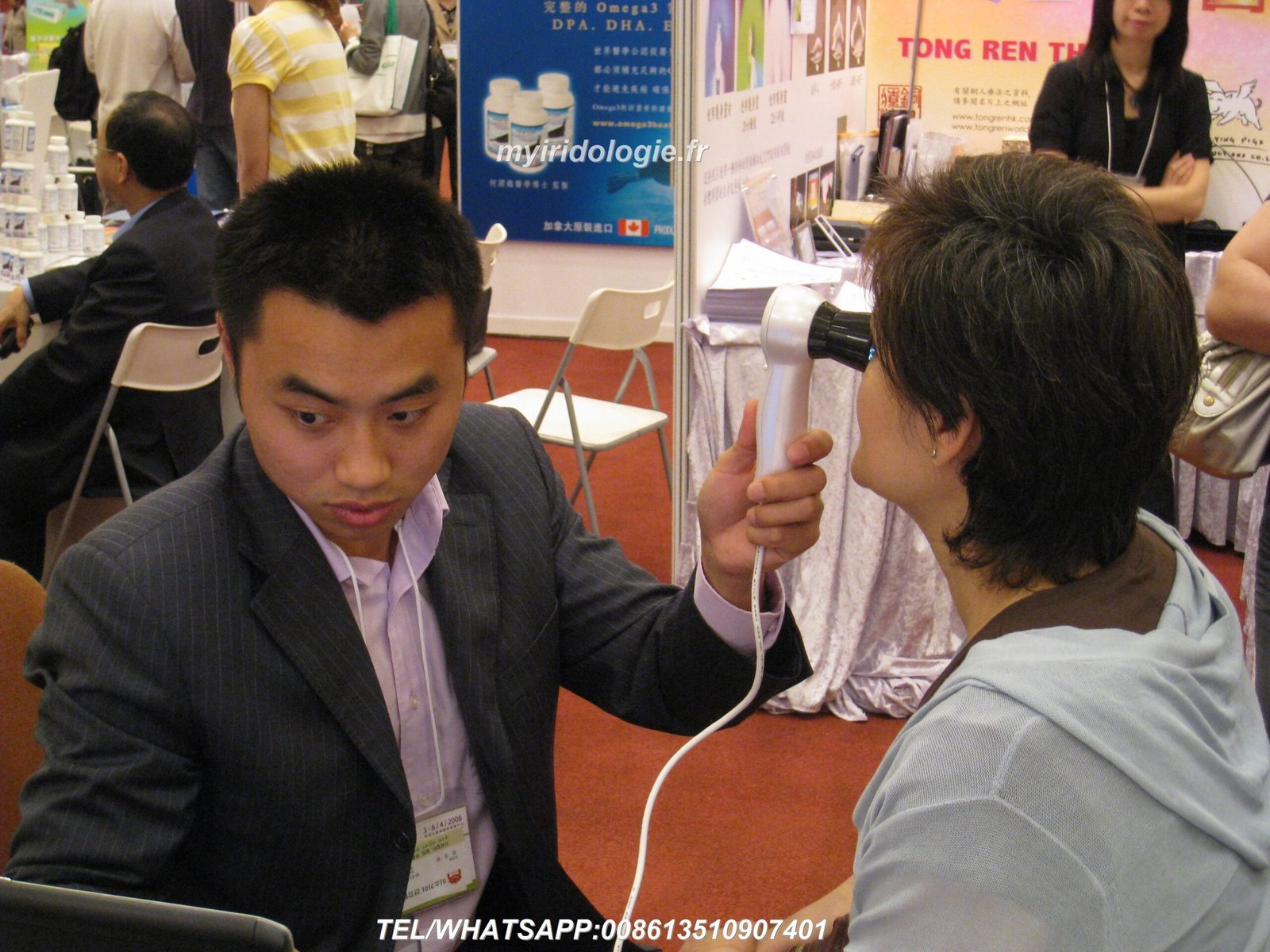
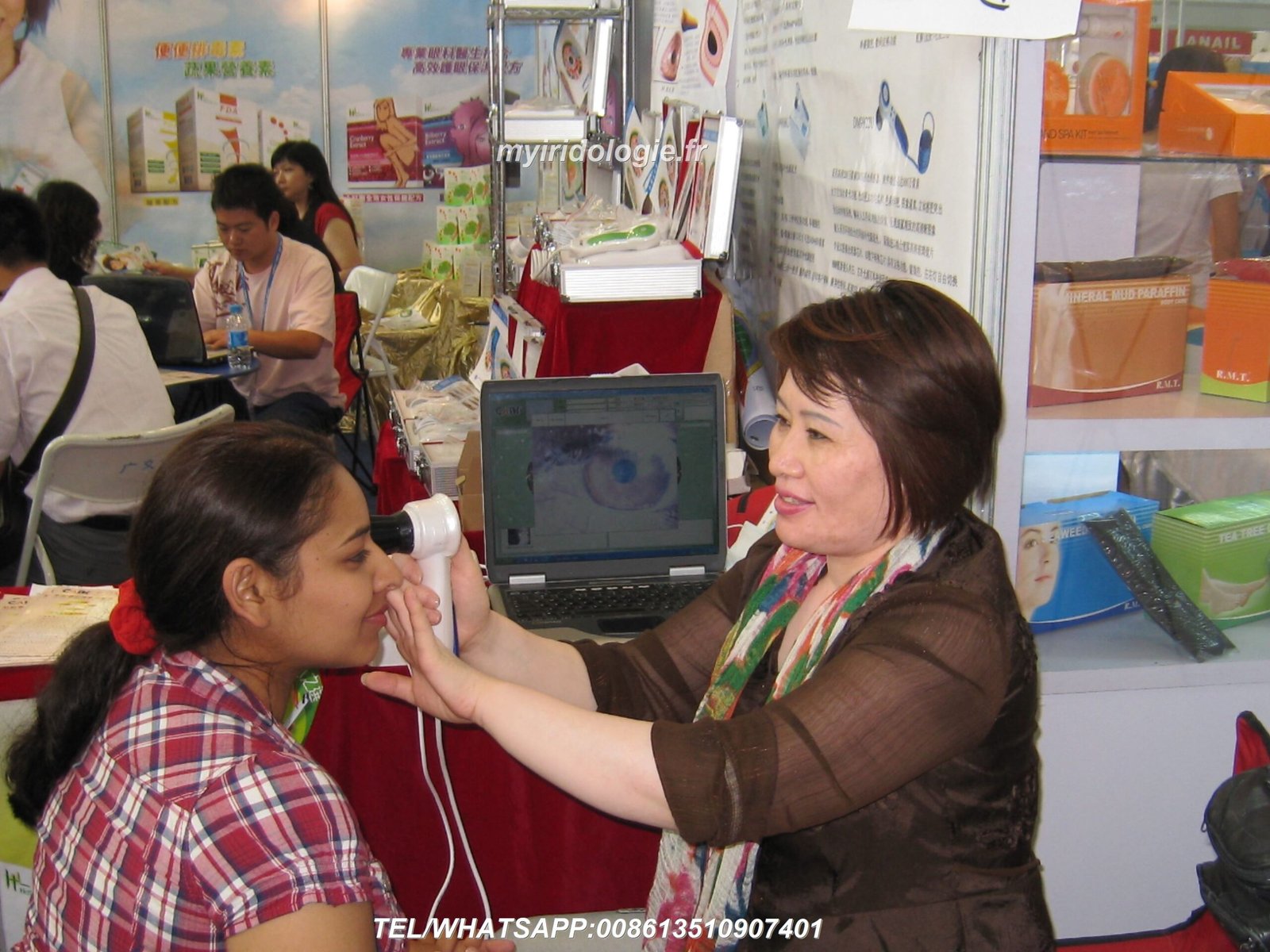
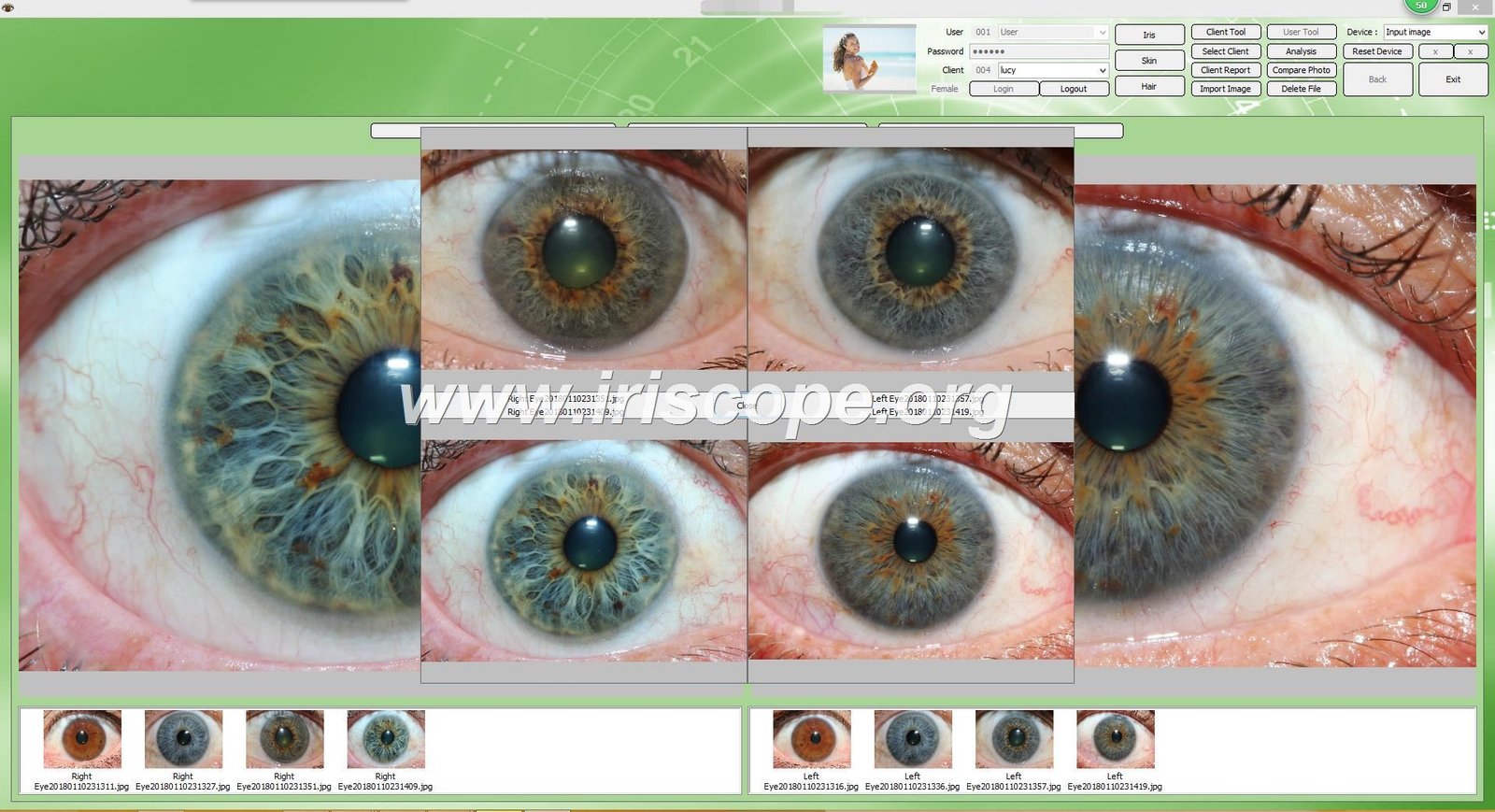
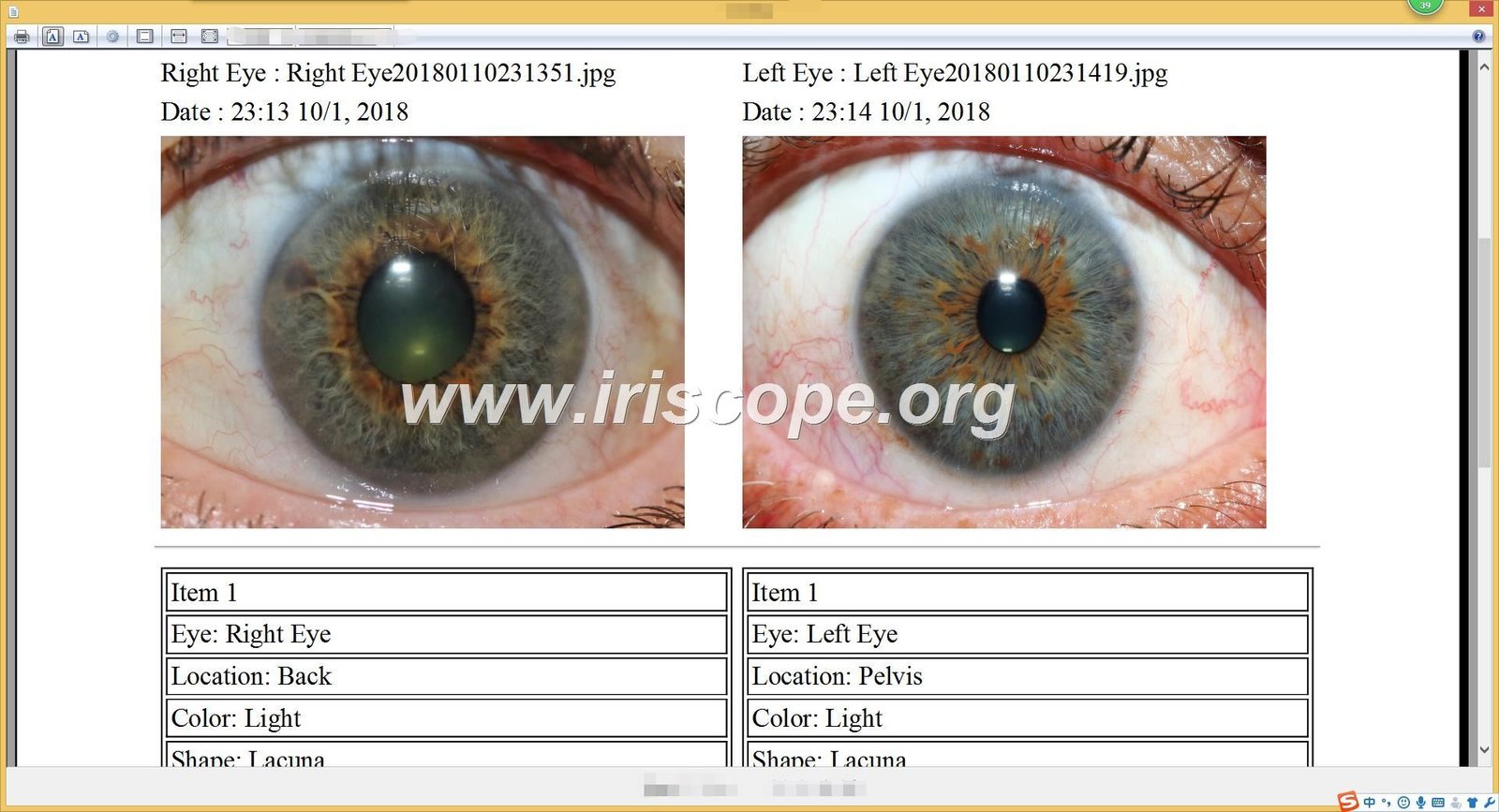
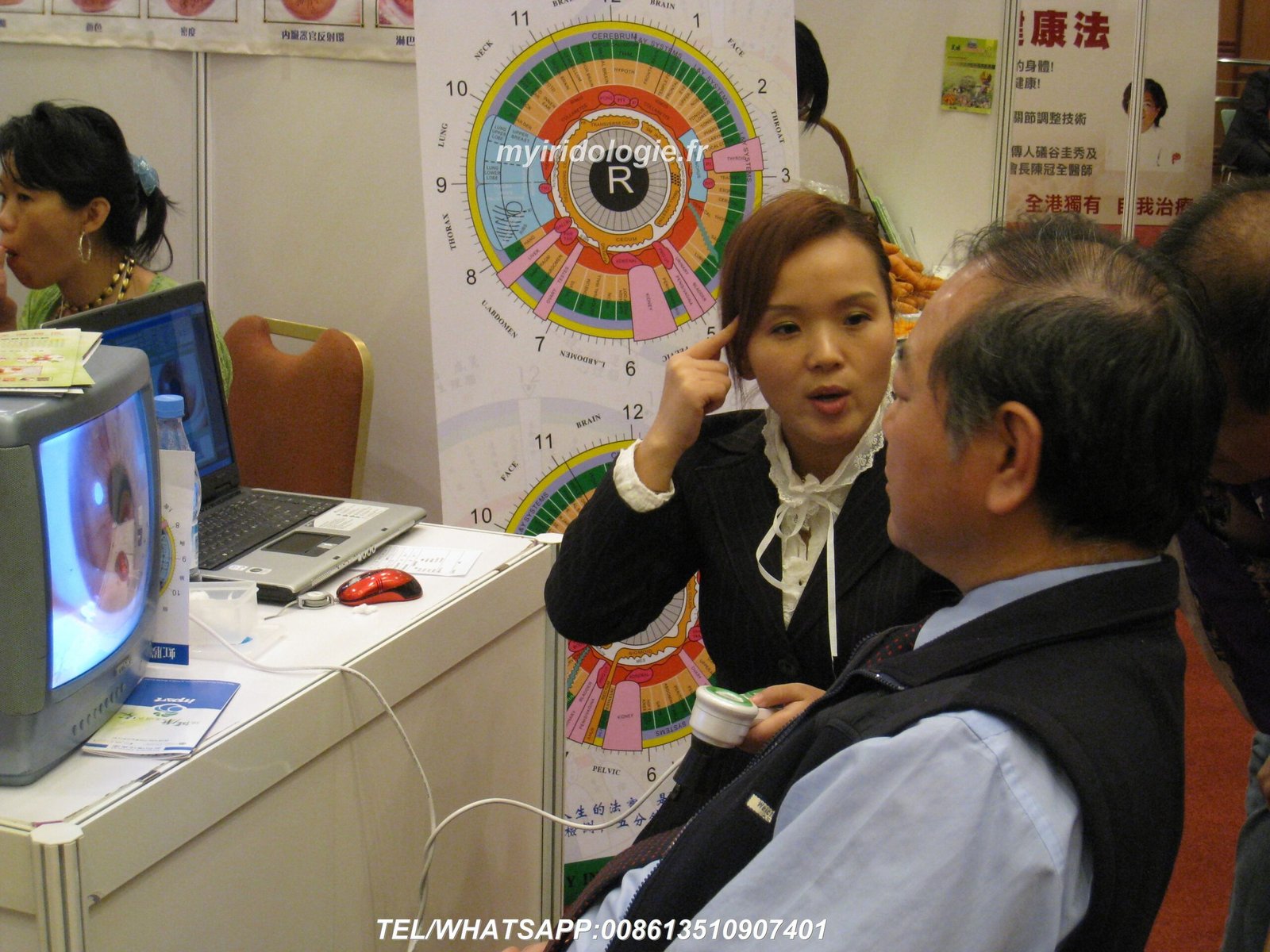
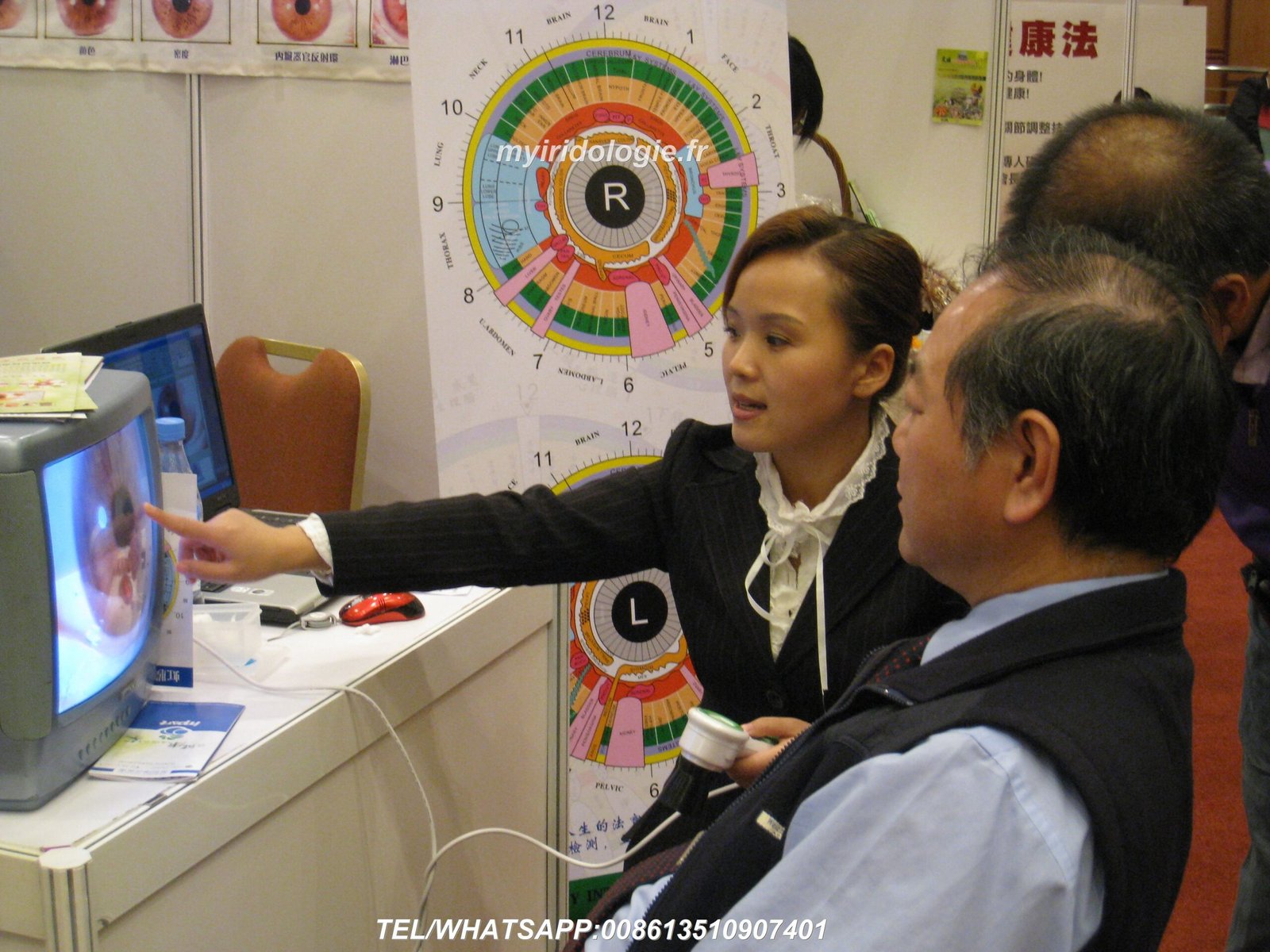
Bienvenue dans le guide complet de MAIKONG sur la configuration de votre caméra d'iridologie. Avec plus de 20 ans d’expérience dans la fabrication d’équipements professionnels d’iridologie, nous avons aidé des milliers de praticiens dans le monde entier à obtenir des résultats optimaux grâce à notre technologie de pointe. Ce guide vous guidera à travers tous les aspects d'une configuration appropriée, du déballage à la capture de vos premières images d'iris de haute qualité.


Pourquoi bien Caméra iridologique Questions de configuration
La qualité de votre analyse de l'iris dépend en grande partie de la qualité de la configuration de votre équipement. Un bien configuré caméra d'iridologie garantit des images claires et détaillées qui révèlent des motifs subtils de l'iris, permettant des évaluations précises de la santé. De nombreux praticiens sont confrontés à des images floues, à un mauvais éclairage ou à des problèmes d'intégration logicielle qui peuvent être facilement évités grâce à la bonne approche de configuration.


Avantages d'une configuration appropriée
- Images d'iris d'une clarté cristalline pour une analyse précise
- Résultats cohérents sur plusieurs sessions
- Durée de vie prolongée de l'équipement (5 à 10 ans)
- Expérience et confiance améliorées pour les patients
- Intégration logicielle transparente pour un flux de travail efficace
Conséquences d'une mauvaise configuration
- Images floues ou déformées conduisant à une mauvaise interprétation
- Éclairage incohérent affectant la précision des couleurs
- Problèmes de compatibilité logicielle provoquant de la frustration
- Durée de vie réduite des équipements en raison d’une mauvaise manipulation
- Inconfort du patient lors de séances d'imagerie prolongées
Considérations préalables à la configuration pour votre Caméra iridologique
Avant de déballer votre MAIKONG caméra d'iridologie, il est important de comprendre les spécifications et exigences clés du produit qui garantiront des performances et une longévité optimales.
| Spécification |
Détails |
| Durée de vie prévue |
5 à 10 ans avec un bon entretien |
| Période de garantie |
1 an (dommages non humains) |
| Lieu de réparation |
Centre de service d'usine |
| Compatibilité logicielle |
Windows XP/7/8/Vista/10/11, Apple MacOS |
| Exigences d'alimentation |
Alimenté par USB (aucune alimentation externe nécessaire) |
Choisir le bon emplacement
Ton caméra d'iridologie L’environnement de configuration a un impact significatif sur la qualité de l’image. Tenez compte de ces facteurs :
Environnement idéal
- Espace calme et privé avec un minimum de distractions
- Éclairage constant et neutre (éviter la lumière directe du soleil)
- Sièges confortables pour le praticien et le client
- Surface stable pour le placement de l'équipement
- Accès aux prises de courant et connexion Internet
Placement de l'équipement
- Positionnement ergonomique pour éviter la fatigue du praticien
- Hauteur réglable pour différents clients
- Moniteur positionné pour une visualisation facile pendant la capture
- Gestion des câbles pour éviter les risques de trébuchement
- Espace suffisant pour le mouvement des clients
Déballage de votre MAIKONG Caméra iridologique
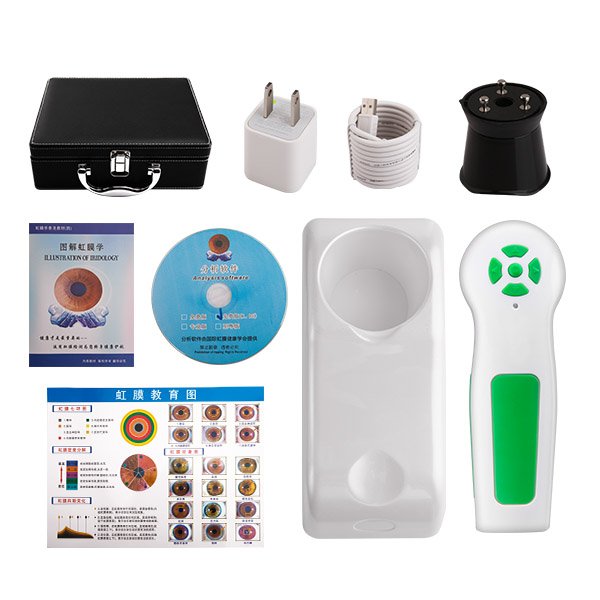
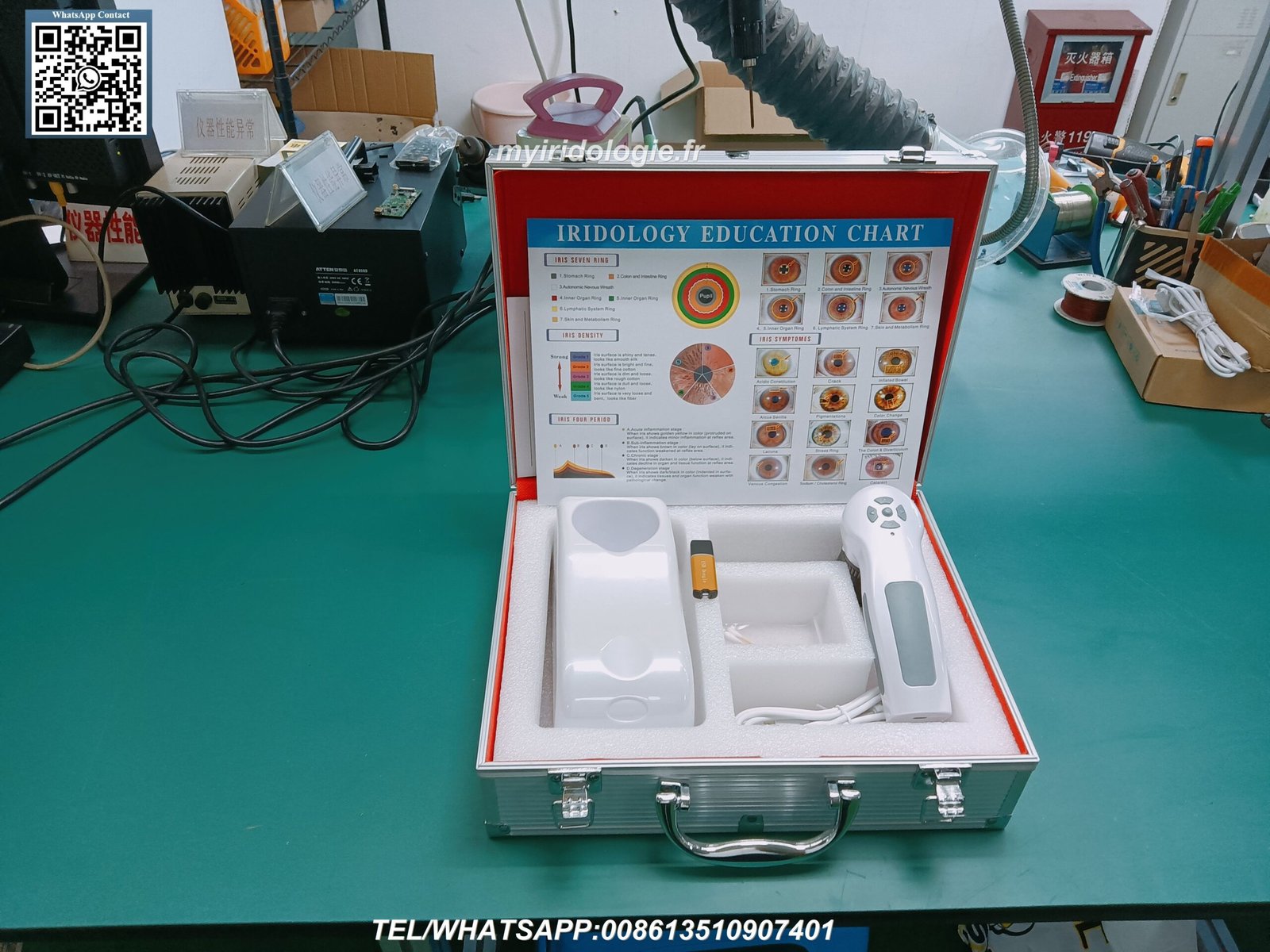
Lorsque vous recevez votre MAIKONG caméra d'iridologie, déballez soigneusement tous les composants et vérifiez le contenu complet de l'emballage. Nos modèles professionnels 12MP incluent tout le nécessaire pour une configuration immédiate.
Contenu du paquet standard
Composants matériels
- Combiné (1 pièce)
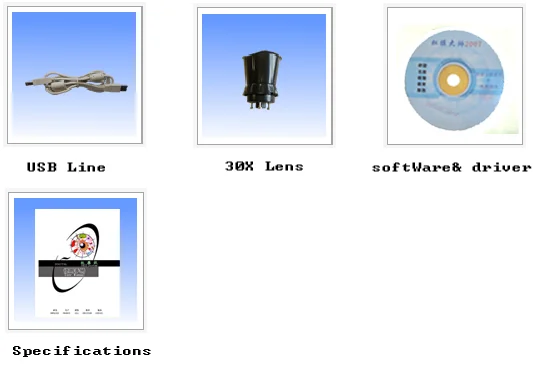
- Lentille à iris 30X (1 pièce)
- Câble USB de 1,5 mètre (1 pièce)
- Couvercle de protection d'objectif (1 pièce)
- Étui de transport en cuir PU (1 pièce)
Documentation
- Tableau d'iridologie (1 pièce)
- Manuel d'instructions (1 pièce)
- Carte de garantie (1 pièce)
- Guide de démarrage rapide (1 pièce)
- Certificat d'authenticité (1pc)
Logiciel
- CD de pilotes (1 pièce)
- CD du logiciel d'analyse (1 pièce)
- Clé d'activation du logiciel (1 pièce)
- Instructions de téléchargement (1 pièce)
- Manuel du logiciel (1 pièce)
Composants manquants ?
Si des articles manquent dans votre colis, veuillez contacter immédiatement notre équipe d'assistance pour obtenir de l'aide.
Contacter l'assistance via WhatsApp
Processus de configuration du matériel
Configurer votre MAIKONG caméra d'iridologie le matériel correctement est crucial pour des performances optimales. Suivez attentivement ces étapes pour garantir une configuration correcte.
- Inspectez le combiné de la caméra – Vérifiez tout dommage visible ou tout composant desserré
- Fixez la lentille à iris – Vissez soigneusement l'objectif à iris 30X sur le combiné de la caméra.
- Connectez le câble USB – Connectez le câble USB au combiné de l'appareil photo
- Se connecter à l'ordinateur – Insérez le connecteur USB dans un port USB disponible sur votre ordinateur
- Positionnez la caméra – Placez la caméra sur une surface stable ou montez
- Ajuster l'éclairage – Assurez-vous que les lumières LED intégrées fonctionnent correctement
- Tester la mobilité – Vérifiez que la caméra se déplace correctement pour le positionnement
Important: Manipulez toujours l'objectif avec précaution et évitez de toucher la surface en verre. Les empreintes digitales et les taches peuvent réduire considérablement la qualité de l'image. Utilisez le cache d'objectif fourni lorsque l'appareil photo n'est pas utilisé.
Ajustement des paramètres de la caméra
Ajustement de mise au point
Le MAIKONG caméra d'iridologie dispose d'une mise au point réglable pour s'adapter à différentes caractéristiques oculaires. Pour obtenir une mise au point optimale :
- Positionnez la caméra à environ 1 à 2 pouces de l'œil
- Faites pivoter la bague de mise au point jusqu'à ce que le motif de l'iris apparaisse net
- Ajuster au besoin pour chaque client
- Verrouillez le réglage de la mise au point une fois la clarté optimale obtenue
Configuration d'éclairage
Un éclairage approprié est essentiel pour une analyse précise de l’iris. Nos caméras incluent plusieurs options d'éclairage :
- LED lumière du jour pour une imagerie standard de l'iris
- Lumières latérales blanc chaud pour les yeux foncés
- Éclairage combiné pour les cas difficiles
- Luminosité réglable pour éviter l'inconfort du client
Installation et configuration du logiciel
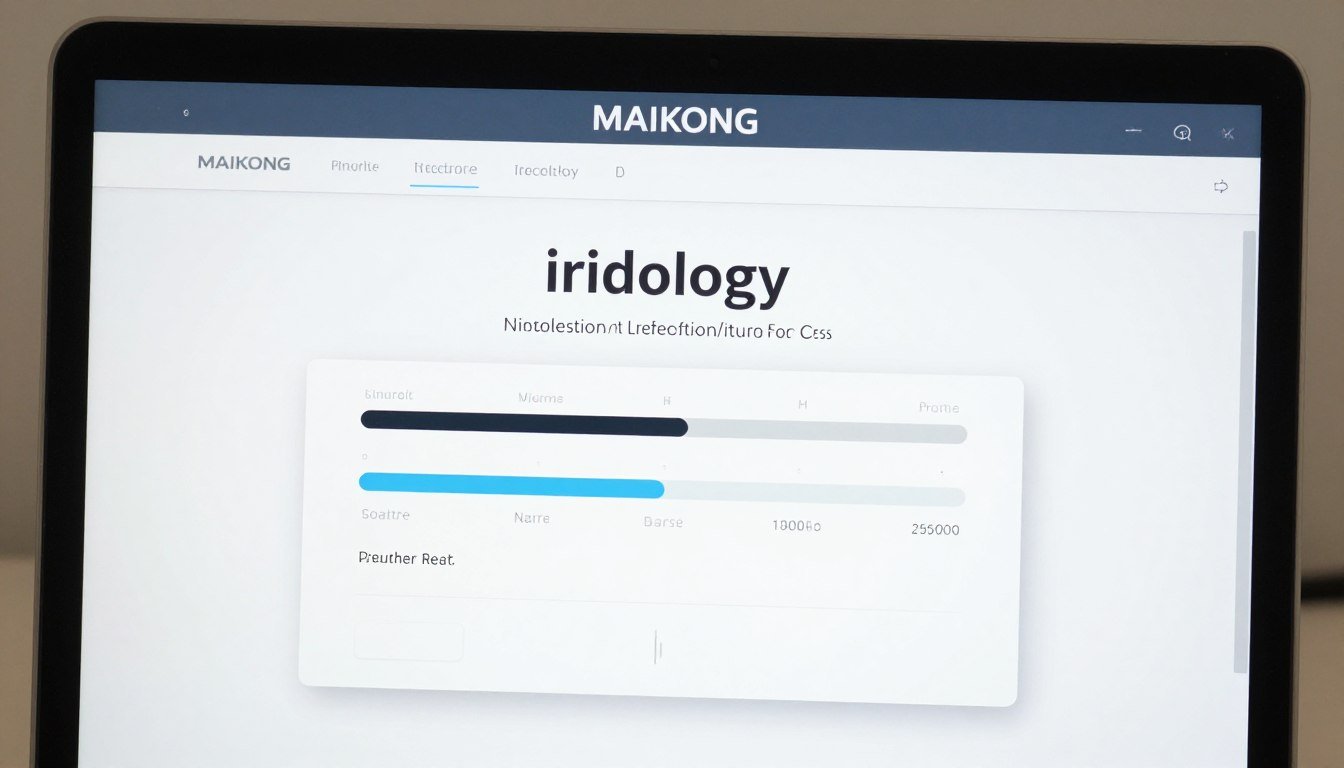
Le logiciel d'iridologie MAIKONG est un outil puissant qui complète votre caméra d'iridologie matériel. Suivez ces étapes pour installer et configurer correctement le logiciel.
Étapes d'installation
- Insérer la clé USB – Insérez la clé USB de 4 Go fournie dans un port USB disponible
- Exécuter le fichier d'installation – Double-cliquez sur le fichier d'installation .exe et suivez les invites à l'écran
- Désactiver la caméra intégrée – Certains ordinateurs peuvent nécessiter la désactivation de la caméra intégrée via le Gestionnaire de périphériques
- Connecter la caméra d'iridologie – Déconnectez la clé USB et connectez votre caméra d'iridologie
- Insérer le dongle de cryptage – Insérez le dongle de cryptage USB en métal pour l'activation du logiciel
- Lancer le logiciel – Double-cliquez sur le raccourci du bureau pour démarrer le logiciel
- Vérifier la connexion – Confirmez que le logiciel reconnaît votre appareil photo
Note: Le logiciel d'iridologie MAIKONG prend en charge Windows XP/7/8/Vista/10/11 et Apple Mac OS. Il ne prend pas en charge les systèmes Android, Linux ou Unix. Vérifiez toujours la configuration système requise avant l'installation.
Présentation des fonctionnalités du logiciel
| Fonctionnalité |
Description |
| Analyse automatique |
Analyse iridologique automatique basée sur l'IA avec rapports de santé détaillés |
| Gestion des clients |
Base de données complète pour stocker les informations et les images des clients |
| Support multi-langues |
Disponible en 17 langues, dont l'anglais, l'espagnol, le français et plus encore |
| Visualisation 3D |
Visualisation 3D améliorée des motifs de l'iris pour une analyse détaillée |
| Sauvegarde & Restaurer |
Gestion sécurisée des données avec options de sauvegarde automatique |
Capturer votre première image d'iris
Maintenant que ton caméra d'iridologie et le logiciel sont correctement configurés, il est temps de capturer votre première image de l'iris. Suivez ces étapes pour des résultats optimaux.
Préparation des clients
Avant la séance
- Expliquer la procédure pour assurer le confort du client
- Demander aux clients de retirer leurs lentilles de contact, le cas échéant
- Assurez-vous que le client est bien hydraté pour des images claires
- Créer un environnement calme pour minimiser la dilatation des pupilles
Positionner le client
- Asseyez le client confortablement au niveau des yeux avec la caméra
- Stabiliser la tête du client pour minimiser les mouvements
- Ajustez l’éclairage pour éviter de plisser les yeux
- Assurez une distance appropriée entre l’œil et la caméra (1 à 2 pouces)
Processus de capture d'images
- Lancez le logiciel – Ouvrez le logiciel d'iridologie MAIKONG et sélectionnez “Nouveau client” ou “Nouvelle séance”
- Saisir les informations du client – Enregistrer les détails de base et les informations de santé pertinentes
- Sélectionnez le mode de capture – Choisissez entre une capture d'image unique ou plusieurs images
- Positionnez la caméra – Alignez-vous d’abord avec l’œil droit du client
- Ajuster la mise au point – Faites pivoter la bague de mise au point jusqu'à ce que le motif de l'iris soit net
- Optimiser l'éclairage – Ajustez la luminosité des LED en fonction de la couleur des yeux (plus lumineuse pour les yeux foncés)
- Capturer l'image – Appuyez sur le bouton de capture lorsque l'image est claire
- Qualité des avis – Vérifiez la clarté, l’exposition appropriée et la visibilité complète de l’iris
- Répétez pour l'œil gauche – Suivez le même processus pour l'œil gauche
- Enregistrer la séance – Stocker les images dans le profil du client


Problèmes courants : Si les images semblent floues, vérifiez les paramètres de mise au point et assurez-vous que l'appareil photo est à la distance optimale. Pour les images sombres ou mal éclairées, réglez la luminosité des LED. Si le logiciel ne reconnaît pas la caméra, vérifiez les connexions USB et l'installation du pilote.
Dépannage commun Caméra iridologique Problèmes
Même avec une configuration appropriée, vous pouvez rencontrer des difficultés occasionnelles avec votre caméra d'iridologie. Voici des solutions aux problèmes courants.
Appareil photo non reconnu par l'ordinateur
Il s'agit généralement d'un problème de pilote. Essayez ces solutions :
- Débranchez et rebranchez le câble USB
- Essayez un autre port USB (de préférence USB 2.0)
- Réinstallez les pilotes de l'appareil photo à partir du CD fourni
- Vérifiez le Gestionnaire de périphériques pour les périphériques inconnus et mettez à jour les pilotes
- Redémarrez votre ordinateur après l'installation du pilote
Images floues ou floues
Les problèmes de clarté de l'image peuvent être résolus avec ces ajustements :
- Nettoyer la lentille avec un chiffon en microfibre
- Ajustez la bague de mise au point jusqu'à ce que le motif de l'iris soit net
- Maintenir une distance optimale (1 à 2 pouces de l'œil)
- Stabilisez à la fois la caméra et la tête du client
- Assurer un éclairage adéquat pour une exposition appropriée
Problèmes d'activation du logiciel
Si vous rencontrez des difficultés pour activer le logiciel :
- Vérifiez que le dongle de cryptage est correctement inséré
- Exécutez le logiciel en tant qu'administrateur
- Désactiver temporairement le logiciel antivirus
- Recherchez les mises à jour Windows susceptibles d'affecter la compatibilité
- Contactez le support MAIKONG pour obtenir de l'aide à l'activation
Mauvais éclairage ou précision des couleurs
Pour une reproduction des couleurs et un éclairage optimaux :
- Utilisez des LED lumière du jour pour les yeux clairs
- Passez aux lumières latérales blanc chaud pour les yeux foncés
- Ajustez la luminosité pour éviter la surexposition
- Calibrer la balance des blancs dans les paramètres du logiciel
- Minimisez les sources de lumière externes qui peuvent affecter la précision des couleurs
Entretenir votre Caméra iridologique pour la longévité
Un bon entretien garantit votre MAIKONG iridologue
Soins quotidiens
- Nettoyer la lentille avec un chiffon en microfibre après chaque utilisation
- Remplacez le capuchon de l'objectif lorsqu'il n'est pas utilisé
- Conserver dans un environnement sans poussière
- Débranchez le câble USB lorsque vous avez terminé
- Tenir à l'écart de la lumière directe du soleil
Entretien hebdomadaire
- Vérifiez et nettoyez les connexions USB
- Inspecter les lumières LED pour leur bon fonctionnement
- Vérifiez que le mécanisme de mise au point se déplace correctement
- Sauvegarder les données et les images des clients
- Nettoyez le boîtier de l'appareil photo avec un chiffon doux
Contrôles mensuels
- Testez minutieusement toutes les fonctions de la caméra
- Mettre à jour le logiciel si de nouvelles versions sont disponibles
- Vérifiez les composants ou les connexions desserrés
- Vérifier la cohérence de la qualité de l'image
- Mallette de transport et accessoires propres
“Un bon entretien ne consiste pas seulement à prolonger la durée de vie de l’équipement : il s’agit également de garantir des résultats cohérents et fiables pour vos clients. Une caméra bien entretenue produit de meilleures images, conduisant à une analyse plus précise.”
— Équipe d'assistance technique MAIKONG
Fonctionnalités et techniques avancées
Une fois que vous maîtrisez les bases, explorez ces fonctionnalités avancées de votre MAIKONG caméra d'iridologie et des logiciels pour améliorer votre pratique.
Techniques d'imagerie avancées
- Capture multi-angle – Documentez l'iris sous différentes perspectives
- Imagerie de la sclère – Capturez le blanc de l'œil pour une analyse supplémentaire
- Enregistrement des réponses des élèves – Documenter les réactions pupillaires à la lumière
- Capture de détails macro – Zoomez sur des régions spécifiques de l'iris
- Documentation accélérée – Suivre les modifications sur plusieurs sessions
Outils d'analyse de logiciels
- Visualisation 3D – Visualiser la topographie de l'iris en trois dimensions
- Analyse comparative – Comparaison côte à côte des sessions
- Marqueurs de santé automatisés – Identification de modèles assistée par l'IA
- Rapports personnalisés – Créez des rapports clients personnalisés
- Intégration avec les recommandations de produits – Relier les résultats aux solutions
Intégration du flux de travail professionnel
Maximisez l’efficacité en intégrant votre caméra d'iridologie système dans votre flux de travail professionnel :
- Préparation avant la séance – Examiner l'historique du client et les images précédentes
- Processus de capture rationalisé – Développer une routine d’imagerie cohérente
- Analyse immédiate – Effectuer une évaluation en temps réel en présence du client
- Présentation pédagogique – Utiliser des images pour expliquer les résultats aux clients
- Intégration des recommandations – Relier les observations à des protocoles spécifiques
- Documentation de suivi – Suivre les changements et les progrès au fil du temps
- Sécurité des données – Mettre en œuvre des sauvegardes régulières et des mesures de confidentialité
Conclusion : maximiser votre Caméra iridologique Investissement
Votre MAIKONG caméra d'iridologie est plus qu’un simple équipement : c’est un outil puissant pour l’évaluation de la santé et l’éducation des clients. En suivant ce guide de configuration, vous avez fait les premiers pas vers la maîtrise de la technologie de l'iridologie et l'amélioration de votre pratique.
Avec plus de 20 ans d'expérience dans le développement et la fabrication d'équipements professionnels d'iridologie, MAIKONG reste déterminé à soutenir les praticiens du monde entier avec une technologie de pointe, une formation complète et un service client réactif.
Prêt à améliorer votre pratique de l'iridologie ?
Contactez MAIKONG dès aujourd'hui pour en savoir plus sur nos caméras d'iridologie professionnelles, nos solutions logicielles et nos opportunités de partenariat.