In today’s digital healthcare landscape, the integration of specialized diagnostic tools with patient management systems is no longer optional—it’s essential for practice efficiency and growth. For iridology practitioners, connecting your software de câmera iridologia with patient records creates a seamless workflow that enhances diagnostic accuracy, improves patient experience, and saves valuable time. This comprehensive guide will walk you through the process of integrating MAIKONG câmera de iridologia systems with your existing patient records, transforming your practice into a model of technological efficiency.
Essential Components of Iridology Integration
Before diving into the integration process, it’s crucial to understand the key components that make up a complete câmera de iridologia system and how they interact with patient record software.
Componentes de hardware
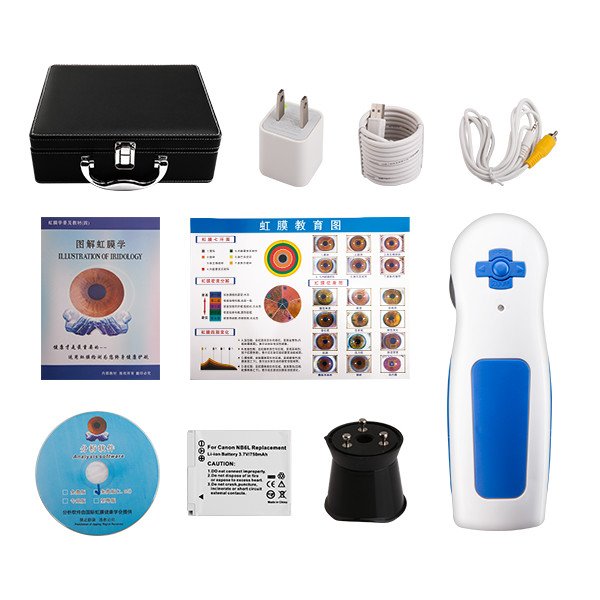
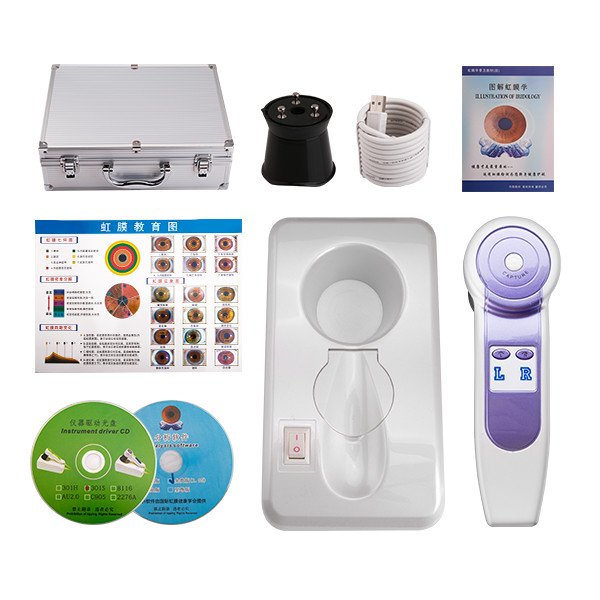
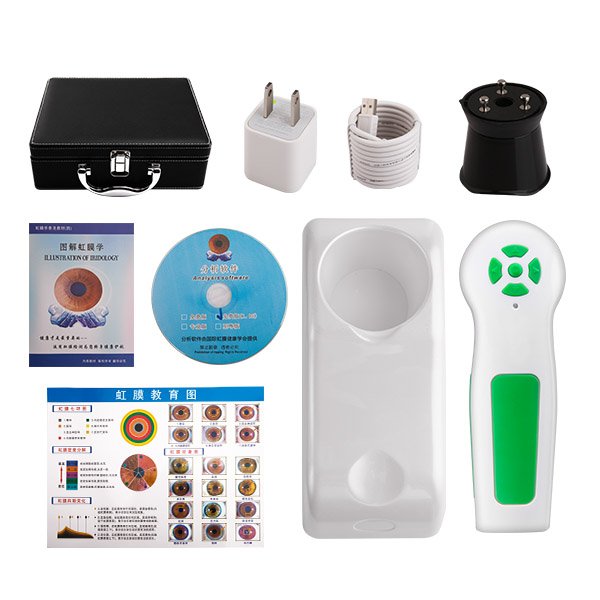
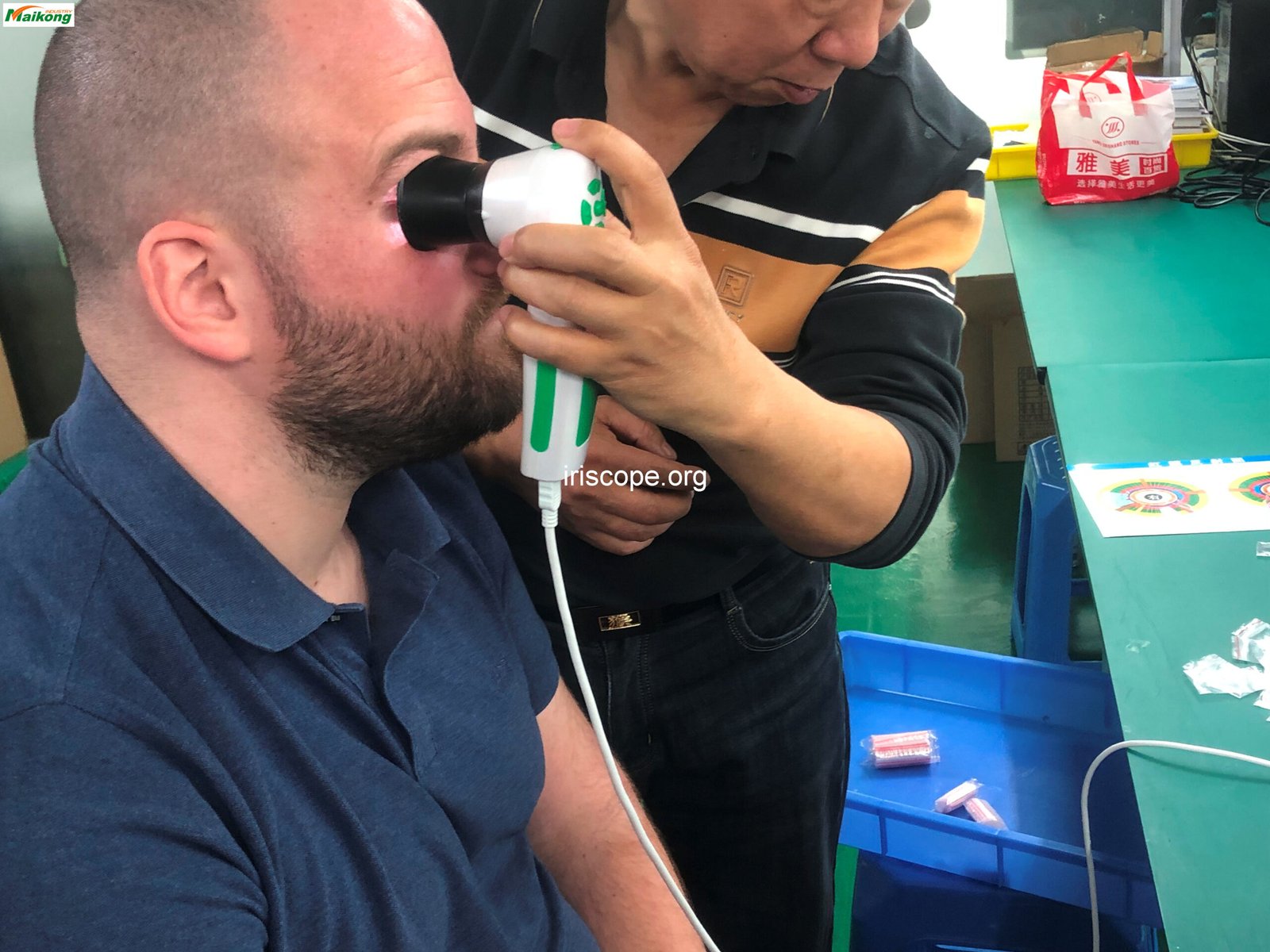
The foundation of any iridology system is the camera itself. MAIKONG’s 5.0MP USB Câmera de iridologia represents the pinnacle of iris imaging technology with its high-resolution sensor, specialized illumination system, and ergonomic design. The hardware captures detailed iris images that serve as the basis for analysis and diagnosis.
Key Hardware Features
- 5.0 Megapixel high-resolution sensor
- 200 LED illuminator system with dual lamp control
- Adjustable focus mechanism
- Design ergonômico para conforto do praticante
- Direct USB connectivity
- Compatible with various lens attachments
Software Components
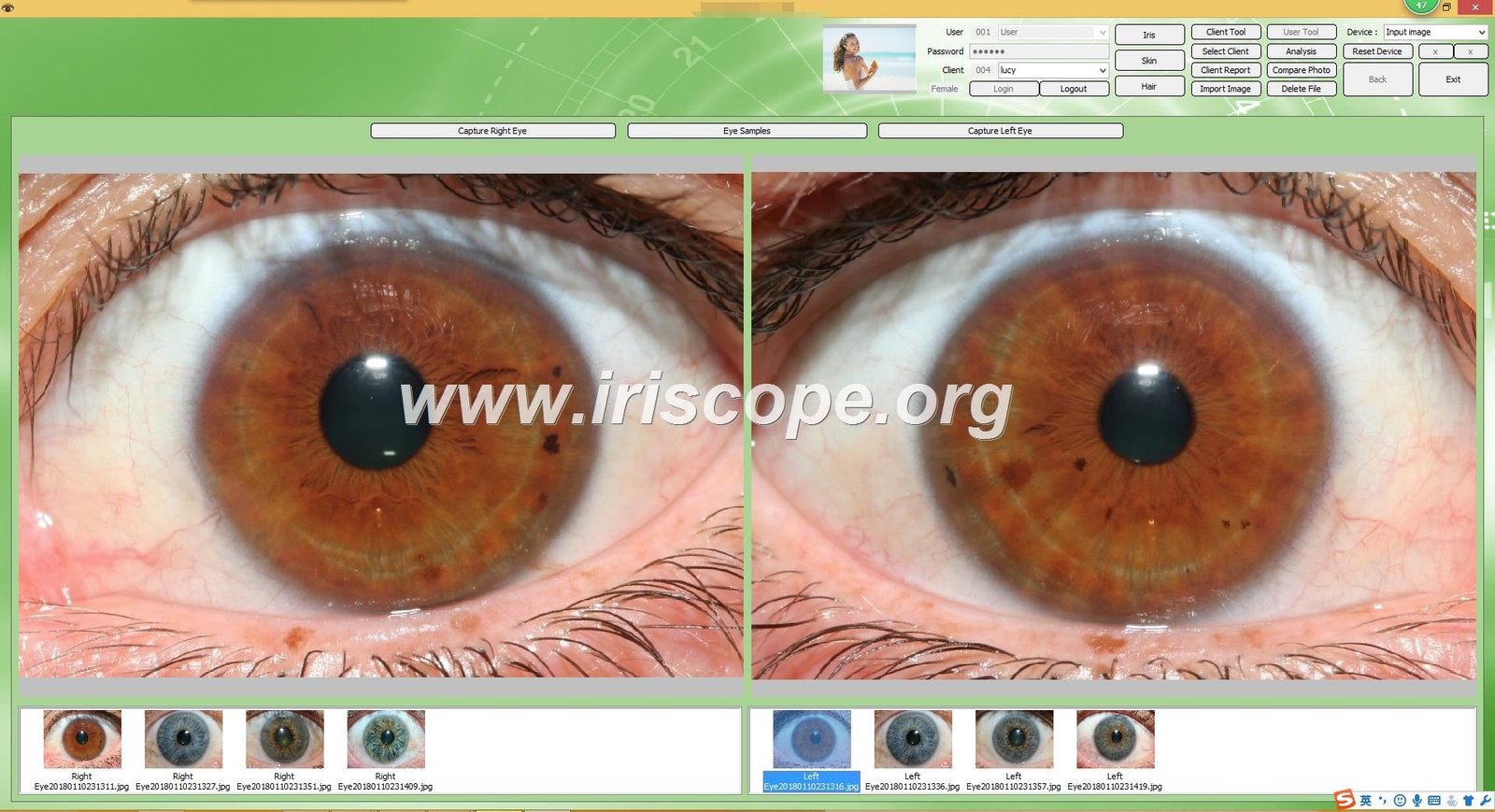
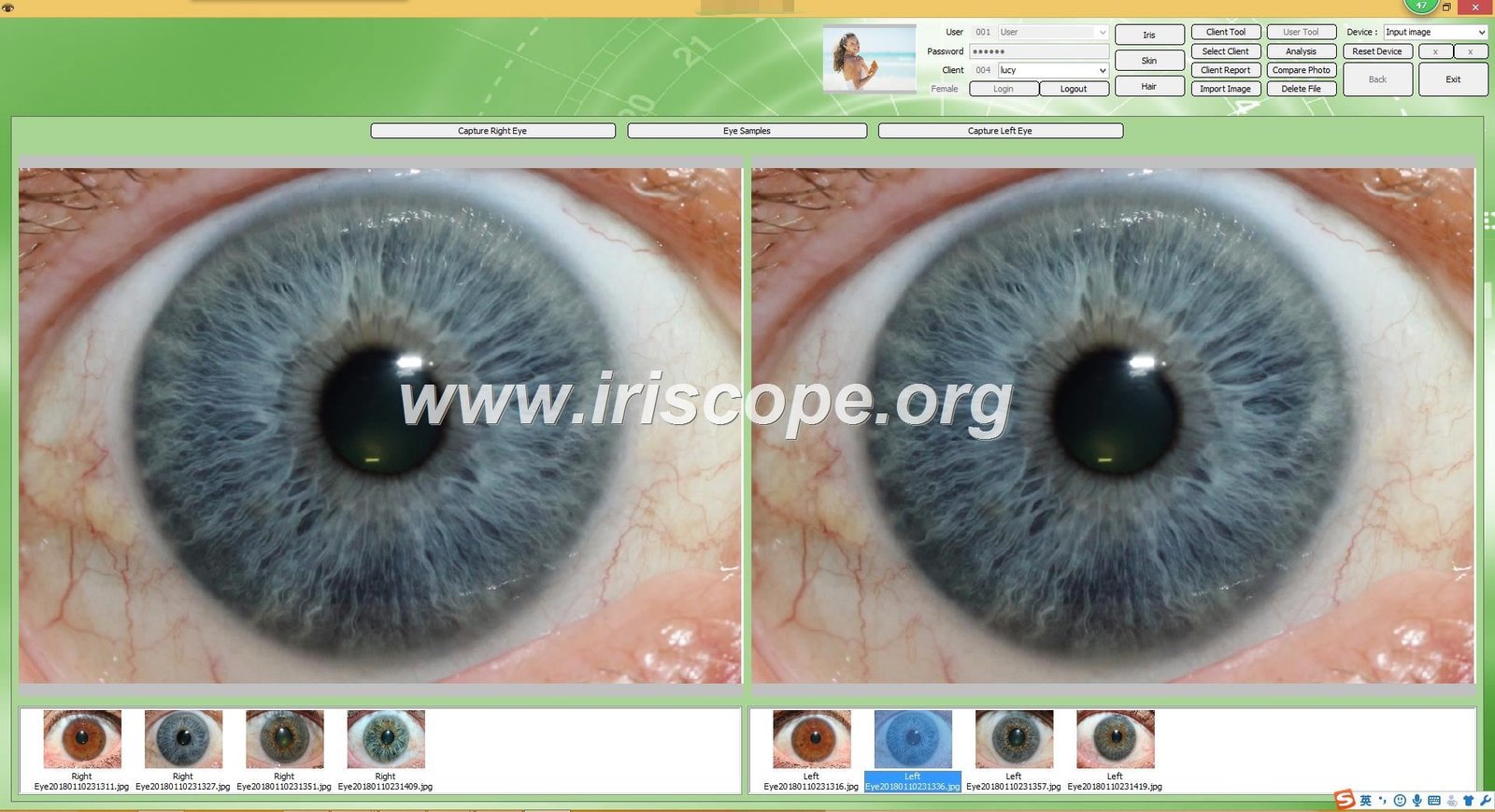
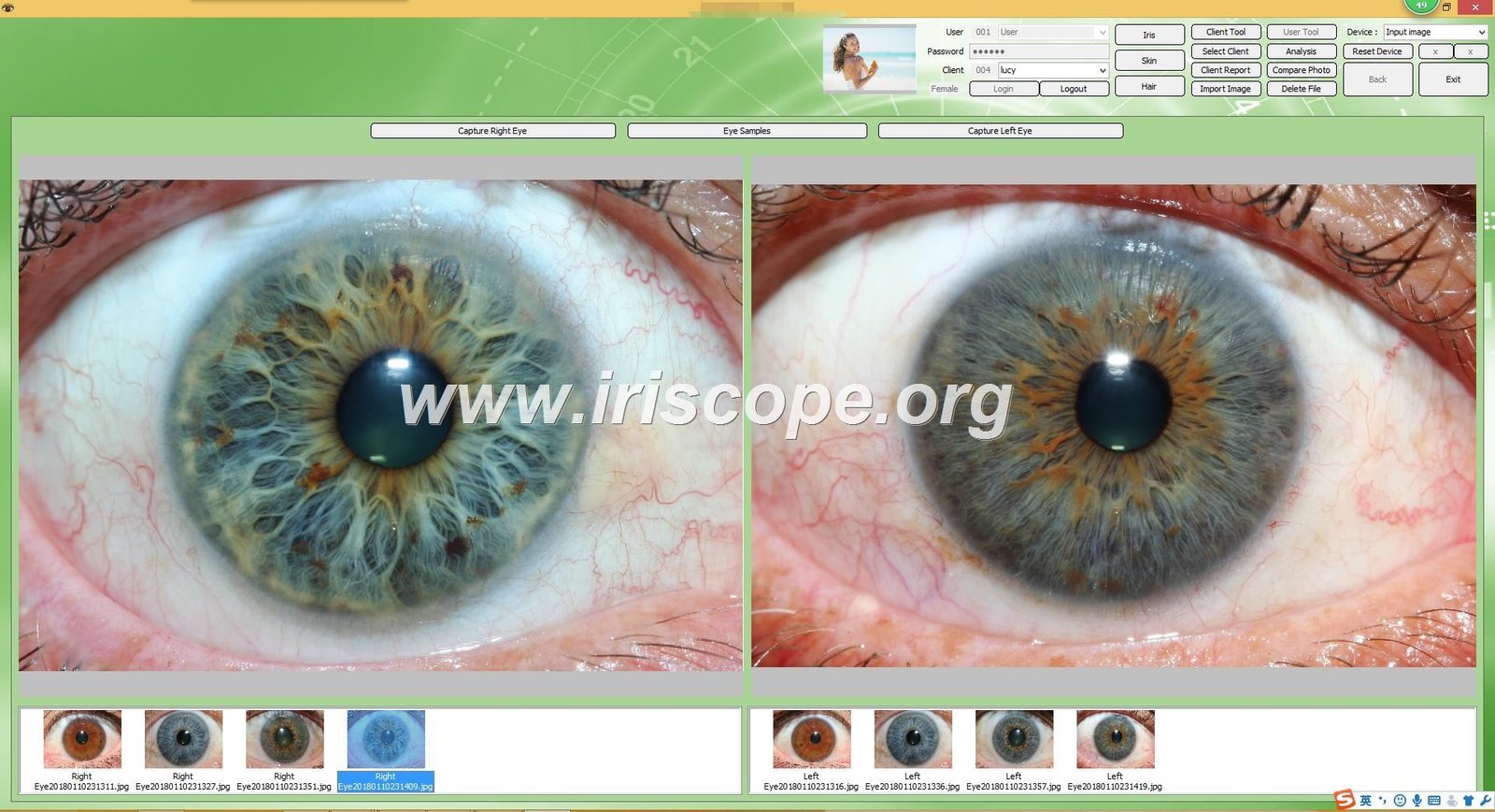
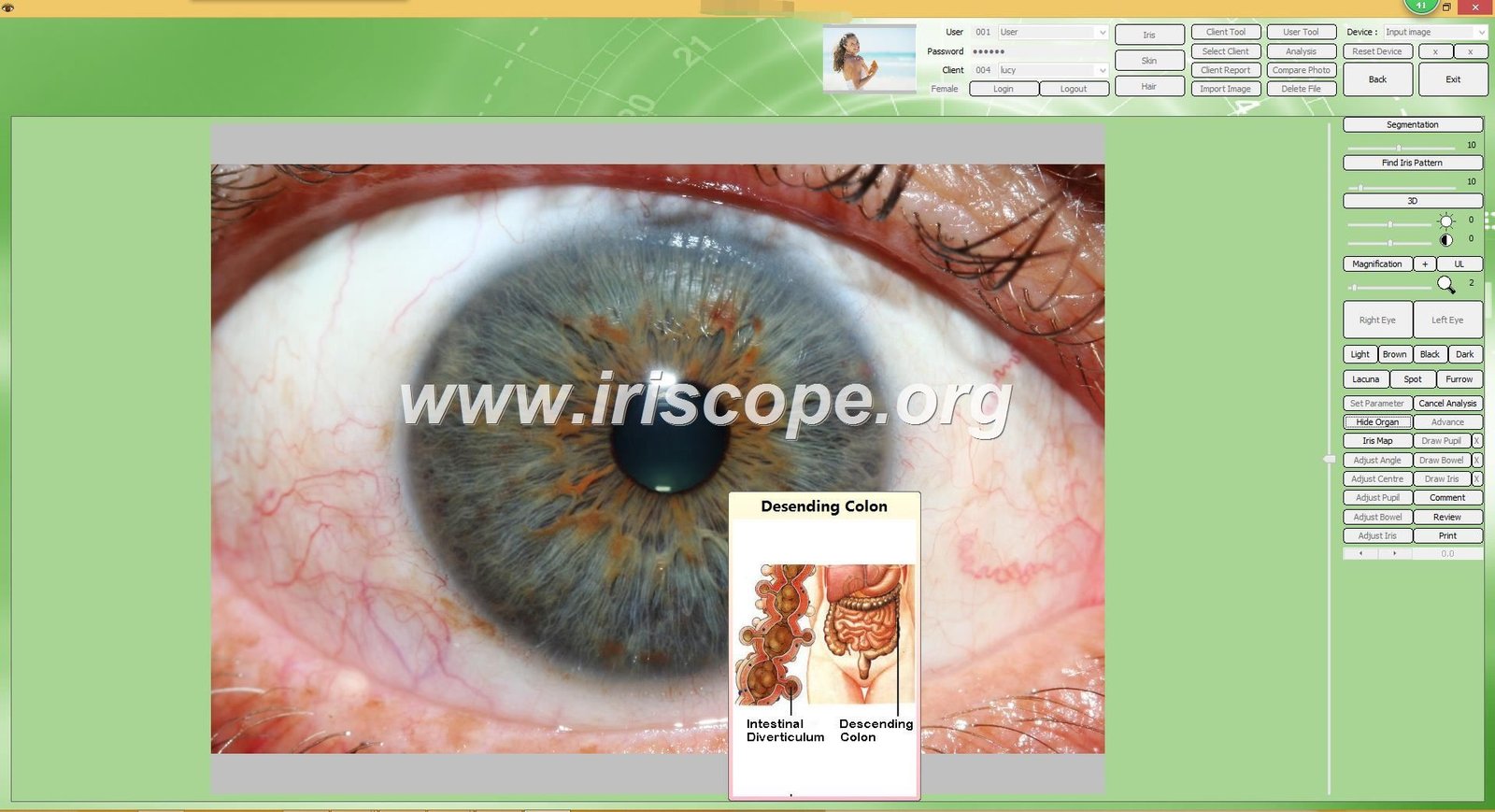
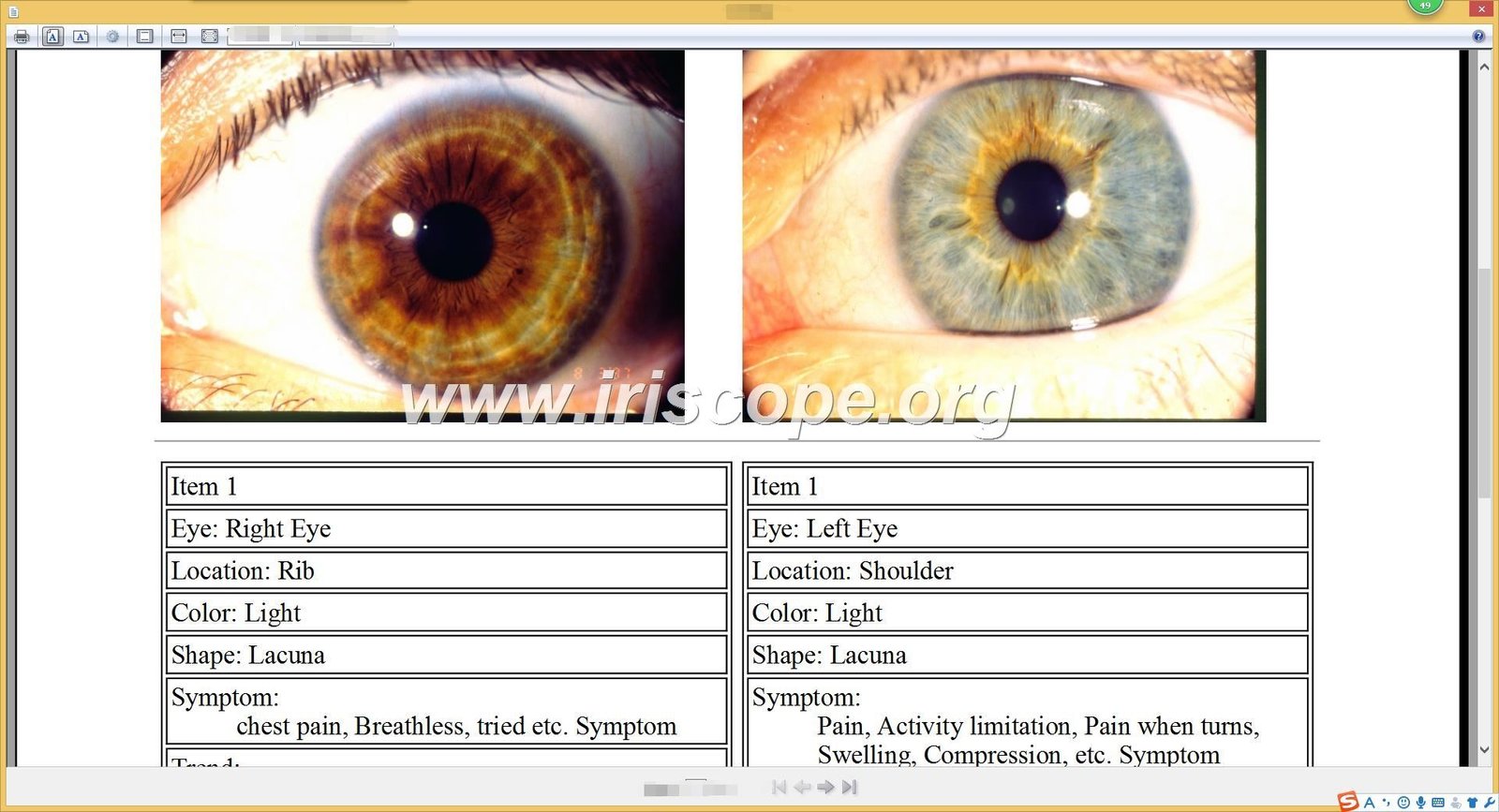
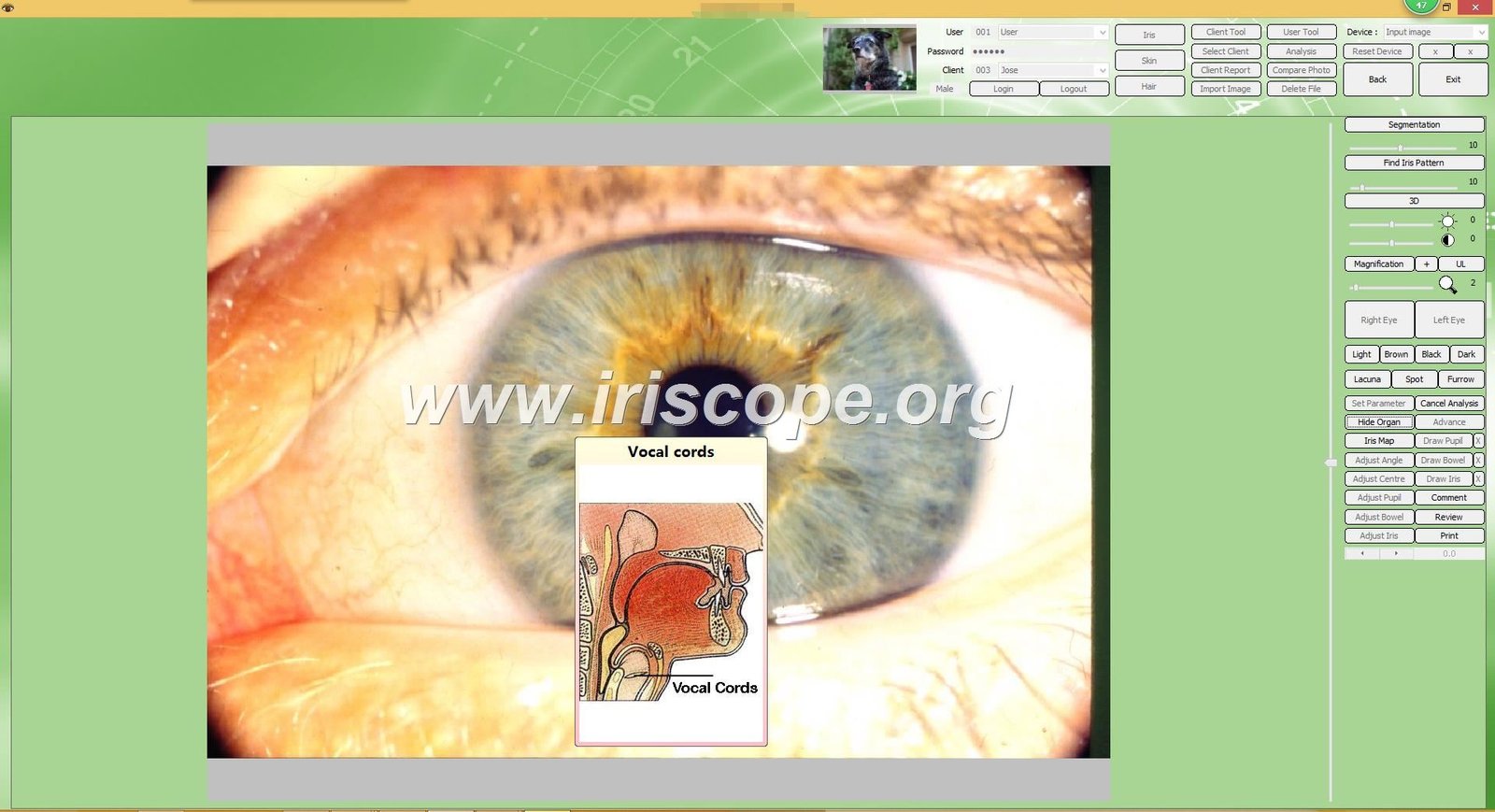
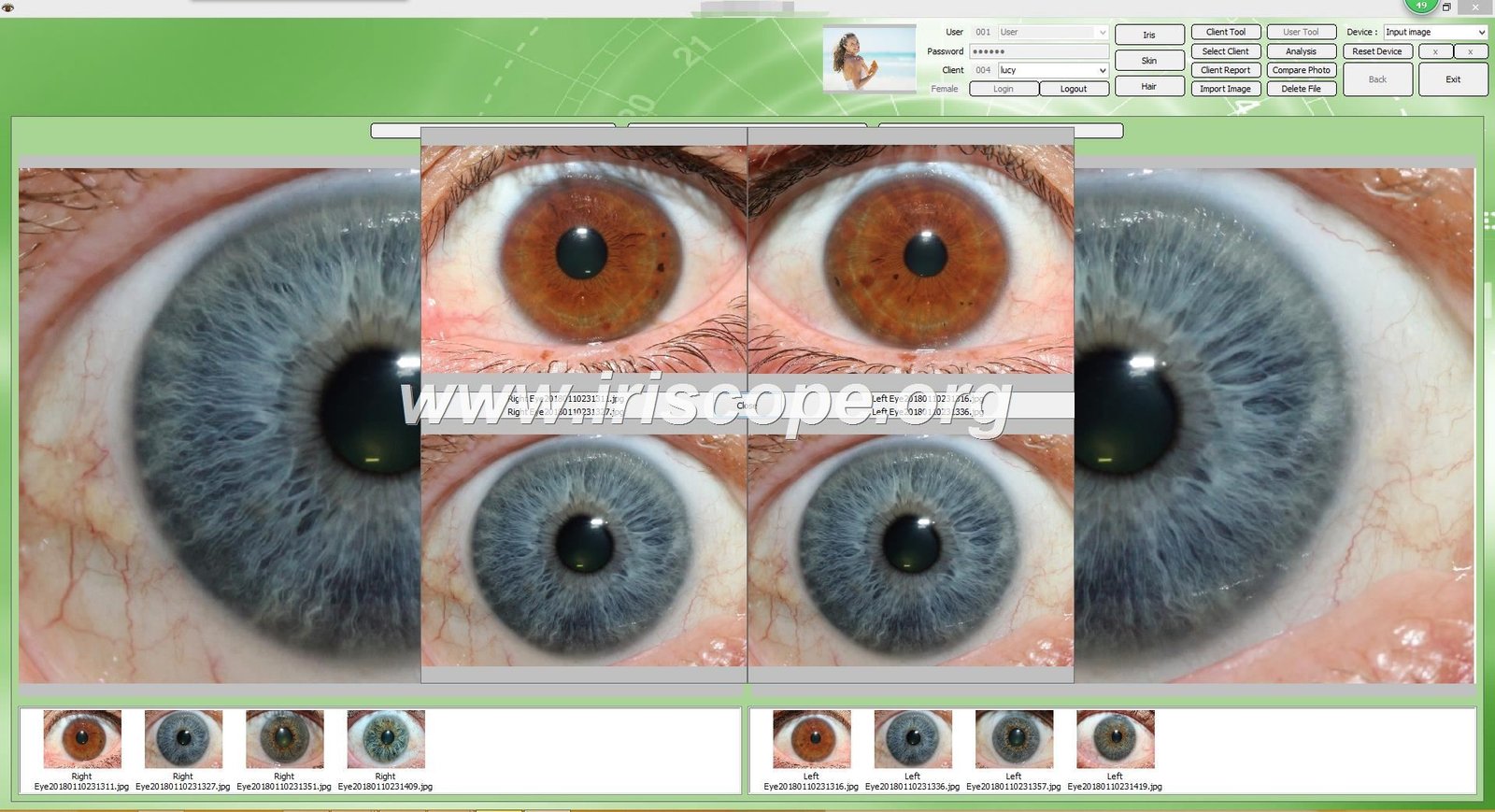
MAIKONG’s proprietary analysis software works in tandem with the camera hardware to process, analyze, and store iris images. This software includes sophisticated diagnostic tools that identify patterns and anomalies in the iris, correlating them with potential health conditions according to iridology principles.
Principais recursos de software
- Driver-free installation for immediate use
- Gerenciamento de banco de dados de pacientes
- Automated iris analysis tools
- Customizable iridology charts
- Comparison functionality for tracking changes
- Capacidades de geração de relatórios
The integration challenge lies in connecting these specialized components with your existing patient management system, creating a unified workflow that eliminates redundant data entry and ensures consistent patient records across all platforms.
Pre-Integration Checklist: Preparing Your Practice
Successful integration begins with thorough preparation. This checklist will help you assess your current systems and identify the best approach for your practice.
1. Assess Current Software
Evaluate your existing patient management system to determine its compatibility with external applications. Key questions to answer include:
- Does your current system have API capabilities?
- Can it import/export data in standard formats?
- Does the vendor offer integration support?
- What security protocols are in place?
2. Select the Right Equipment
Choose an câmera de iridologia system that offers integration-friendly features. MAIKONG’s 5.0MP USB model provides:
- Driver-free operation for easy setup
- Compatible with Windows 10, 8, 7, XP, Vista
- Exportable data in standard formats
- Software with customizable fields
3. Ensure Compliance
Verify that your integration approach meets all relevant data protection regulations:
- HIPAA compliance for patient data security
- Secure data transmission protocols
- Proper consent mechanisms for image storage
- Audit trail capabilities for all data access
Dica profissional: Before purchasing any new equipment, request a compatibility demonstration with your specific patient management software. MAIKONG offers free consultation services to assess integration possibilities with your existing systems.
Integration Methods: Choosing the Right Approach
There are several ways to connect your câmera de iridologia software with patient records, each with different levels of complexity and automation. The right choice depends on your technical resources, budget, and specific workflow needs.

Manual Data Transfer
Complexity: Low
This approach involves manually exporting data from your câmera de iridologia software and importing it into your patient management system.
- No programming required
- Works with any system that accepts imports
- No additional software costs
- Complete control over what data is transferred
Best for: Small practices with limited technical resources or low patient volume.
Limitações
Efficiency: Low
- Time-consuming manual process
- Potential for human error during transfer
- Requires consistent naming conventions
- No real-time data synchronization
- Difficult to maintain with high patient volumes
API Integration
Complexity: High
Direct communication between MAIKONG software and your patient management system through programming interfaces.
- Fully automated data transfer
- Real-time synchronization
- Reduced risk of data entry errors
- Seamless user experience
Best for: Larger practices with IT support and modern patient management systems.
Limitações
Efficiency: High
- Requires technical expertise or developer support
- May involve additional costs for API access
- Dependent on available API capabilities
- Potential compatibility issues with updates
Middleware Solutions
Complexity: Medium
Using third-party software to bridge the gap between your câmera de iridologia system and patient records.
- Automated data transfer without complex programming
- Works with systems that don’t have direct API support
- Customizable integration rules
- Can integrate multiple systems simultaneously
Best for: Mid-sized practices seeking automation without extensive technical requirements.
Limitações
Efficiency: Medium
- Additional software costs
- Potential for configuration complexity
- Another system to maintain and update
- May introduce slight delays in data synchronization
MAIKONG Integration Support: Our technical team can assist in evaluating which integration method best suits your practice needs. With over 20 years of experience in câmera de iridologia systems, we’ve helped hundreds of practitioners achieve seamless workflow integration.
Step-by-Step Setup Guide for MAIKONG Systems
Follow this practical tutorial to set up and integrate your MAIKONG câmera de iridologia with patient records. This guide uses MAIKONG’s driver-free software as an example.

Initial Hardware Setup
- Unpack your MAIKONG 5.0MP USB Câmera de iridologia sistema
- Connect the USB cable to your computer
- Position the camera on a stable surface or mount
- Adjust the LED illumination settings using the controls on the handle
Software Installation and Configuration
- Insert the provided software CD or download the latest version from iriscope.org
- Run the installation wizard and follow the prompts
- Launch the software and complete the initial setup
- Configure your default save location for patient images
- Set up your practitioner profile and clinic details
Patient Data Field Configuration
- Navigate to Settings > Patient Fields in the MAIKONG software
- Customize the patient information fields to match your existing records
- Enable the unique patient ID field for cross-referencing
- Set up required fields to ensure consistent data collection
- Configure automatic file naming conventions based on patient IDs
Integration Configuration
| Integration Method |
Configuration Steps |
Required Tools |
Verification Process |
| Manual Export/Import |
1. Set up export templates
2. Configure file formats
3. Establish file naming conventions |
Nenhum |
Test export and import with sample patient |
| API Integration |
1. Obtain API credentials
2. Configure connection settings
3. Map data fields
4. Set synchronization frequency |
API documentation, Developer access |
Run test synchronization and verify data transfer |
| Middleware Solution |
1. Install middleware software
2. Configure source and destination
3. Set up data mapping rules
4. Establish trigger events |
Middleware software, Configuration guide |
Test complete workflow with sample patient |
Importante: Always create a backup of your patient data before implementing any integration solution. Test the integration thoroughly with sample data before using it with actual patient records.
Optimizing Your Clinical Workflow with Integrated Systems
A properly integrated câmera de iridologia system transforms your practice workflow, creating efficiencies at every stage of the patient journey.
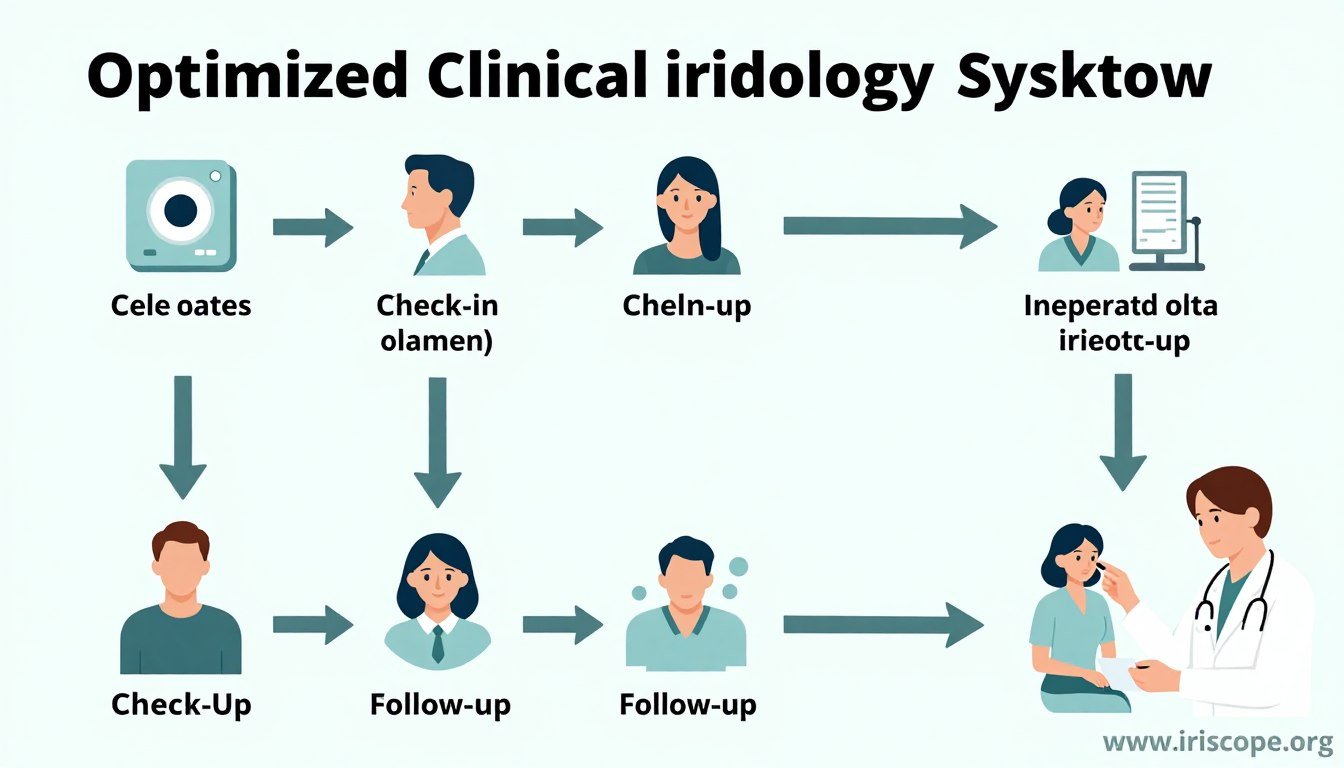
Patient Intake Transformation
With integrated systems, patient registration becomes streamlined and error-free:
Before Integration
- Duplicate data entry in multiple systems
- Transcription errors between systems
- Time-consuming manual processes
- Inconsistent patient records
After Integration
- Single-point data entry
- Automatic population of patient details
- Reduced administrative time
- Consistent records across all systems
Enhanced Analysis and Diagnosis
Integration improves the diagnostic process by providing comprehensive patient context:
- Access to complete patient history during analysis
- Side-by-side comparison with previous iris images
- Correlation of iris findings with reported symptoms
- Integrated notes from other practitioners
- Comprehensive view of patient health journey
Streamlined Reporting and Follow-up
Integrated systems revolutionize how you communicate findings and track progress:
- Automated report generation with iris images and analysis
- Direct addition of findings to patient records
- Simplified tracking of treatment effectiveness
- Automated follow-up scheduling based on findings
- Easy sharing of reports with patients or referral sources
“Since integrating our MAIKONG câmera de iridologia system with our patient management software, we’ve reduced administrative time by 35% and increased our capacity to see patients by nearly 20%. The seamless workflow has transformed our practice efficiency.”
— Dr. Sarah Johnson, Holistic Health Practitioner
Troubleshooting Common Integration Issues
Even the best integration systems occasionally encounter challenges. Here’s how to address the most common issues:
Camera Not Recognized by Software
Possible Causes:
- USB connection issues
- Driver conflicts
- Software compatibility problems
Solutions:
- Try a different USB port, preferably directly on the computer (not through a hub)
- Restart both the camera and computer
- Verify your operating system is compatible with the MAIKONG software
- Check for Windows updates that might affect USB device recognition
Images Not Saving to Patient Records
Possible Causes:
- Incorrect file path configuration
- Permission issues with folders
- Disconnected integration
Solutions:
- Verify the save location path in settings
- Check folder permissions and ensure write access
- Test the save function with a sample patient
- Confirm that patient ID fields match between systems
Data Synchronization Failures
Possible Causes:
- Network connectivity issues
- API authentication failures
- Data format mismatches
Solutions:
- Check your internet connection and firewall settings
- Verify API credentials and refresh tokens if necessary
- Review data mapping configurations
- Check for recent updates to either system that might affect compatibility
MAIKONG Technical Support: Our dedicated support team is available to help resolve any integration issues. Contact us at Lucy@iriscope.org ou pelo WhatsApp em +86 13 5109 07401 for prompt assistance.
Future-Proofing Your Integrated Iridology Practice
Technology evolves rapidly, and maintaining an effective integrated system requires planning for the future. Here’s how to ensure your câmera de iridologia integration remains effective for years to come.
Regular Software Updates
Keep all components of your integrated system current:
- Enable automatic updates when available
- Schedule quarterly system reviews
- Subscribe to MAIKONG update notifications
- Test integration after major updates
Comprehensive Data Backup
Protect your valuable patient data and analysis:
- Implement automated daily backups
- Store backups in multiple locations
- Test restoration procedures regularly
- Include iris images in backup protocols
Scaling Your System
Prepare for practice growth and technological advancement:
- Choose systems with expandable capabilities
- Consider cloud-based solutions for flexibility
- Plan for multi-practitioner access
- Evaluate AI-enhanced analysis options
MAIKONG continues to innovate in câmera de iridologia technology, with regular updates to both hardware and software. Our product roadmap includes enhanced integration capabilities, AI-assisted analysis, and cloud-based patient management solutions designed specifically for iridology practitioners.
Conclusion: Transform Your Practice with Integrated Iridology Systems
Integrating your câmera de iridologia software with patient records is more than a technical upgrade—it’s a practice transformation that enhances every aspect of patient care. From streamlined intake to comprehensive analysis and efficient follow-up, integration creates a seamless workflow that benefits both practitioners and patients.
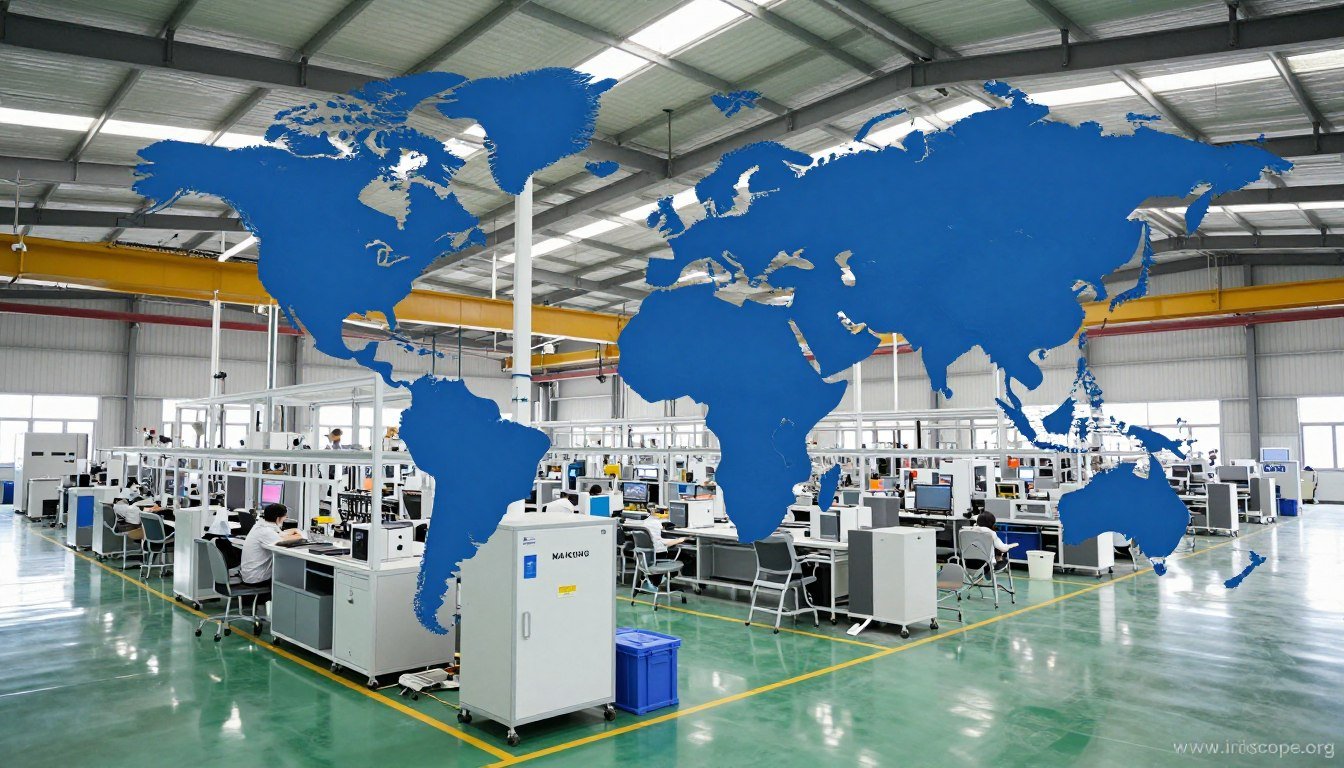
With over 20 years of experience in developing cutting-edge iridology equipment, MAIKONG stands ready to support your practice with state-of-the-art technology and integration expertise. Our commitment to innovation and practitioner success has made us the preferred choice for iridology professionals in more than 50 countries worldwide.
Ready to Transform Your Iridology Practice?
Contact MAIKONG today to discuss your integration needs and discover how our advanced câmera de iridologia systems can enhance your practice efficiency and diagnostic capabilities.
Explore MAIKONG Products
Ligue ou WhatsApp: +86 13 5109 07401
E-mail: Lucy@iriscope.org
Become a MAIKONG Distributor in the USA
Join our growing network of successful distributors and bring MAIKONG’s premium câmera de iridologia systems to practitioners in your region. We offer comprehensive support, competitive pricing, and exclusive territories for qualified partners.
Oportunidades de Distribuidor
Contact our partnership team at Lucy@iriscope.org to discuss distributor requirements and benefits.